Git commands
How to continue a Git rebase after resolving a conflict
git rebase --continue: picking up where the conflict stopped you
How to use this page
- sliderDrag it to move the graph from before the command to after it.
- ▶ / ❚❚Play or pause the command, start to finish, on a loop.
- Before · AfterJump straight to either end.
- ← → · spaceStep through a multi-step command; space toggles Before / After.
- APlay or pause from the keyboard (the page opens playing). Any manual input takes over.
- hoverA commit shows its message, author, date and parents, with its history highlighted.
- clickCopies the commit sha.
- ctrl + wheelZoom around the cursor (pinch on a trackpad). Double-click resets the view.
- EscStop playback, reset the view, close this menu.
- shareThe Share button copies a link to this graph, copies it as an image, downloads PNG/SVG/page, or posts it. #before, #after or #step=N in the link pins the state.
The Animated Git Cheat SheetFree · Customize it · Download it · Print it
git-sim visually simulates any Git command in your own repos - from your terminal, IDE, or AI.
Table of Contents
- Introduction
- What is git rebase --continue?
- Watch it happen
- Before and after
- The resolve, add, continue loop
- Is it safe?
- How to undo it
- Useful forms
- Try it on your repository
- Common questions
- Summary
- Next steps
- Related commands
Introduction
If you've rebased a branch that touches the same lines as main, you've seen Git stop halfway with "could not apply" and a file full of conflict markers. Fixing the file is your job. Telling Git you're done, so it can make the commit and carry on with the rest of the branch, is what git rebase --continue is for.
In this article, we'll:
- Watch
git rebase --continuecommit a resolved conflict and finish a rebase - See what happens to
feature,HEADand the four original commits - Cover the resolve, add, continue loop, rerere, and how to undo the whole rebase afterwards
What is git rebase --continue?
git rebase --continue restarts a rebase that stopped on a conflict. It takes whatever you've staged for the conflicting commit, commits it with that commit's original message and author, and then goes on replaying the commits still left in the rebase's to-do list. When the list is empty, it moves your branch onto the last new commit and checks the branch out again.
It only runs in the middle of a rebase. Git knows one is in progress because it keeps the to-do list and the original branch name in a folder inside .git until the rebase is over. The --continue entry in the git rebase documentation is a single line, "Restart the rebasing process after having resolved a merge conflict", so let's look at what that means in practice.
Watch it happen
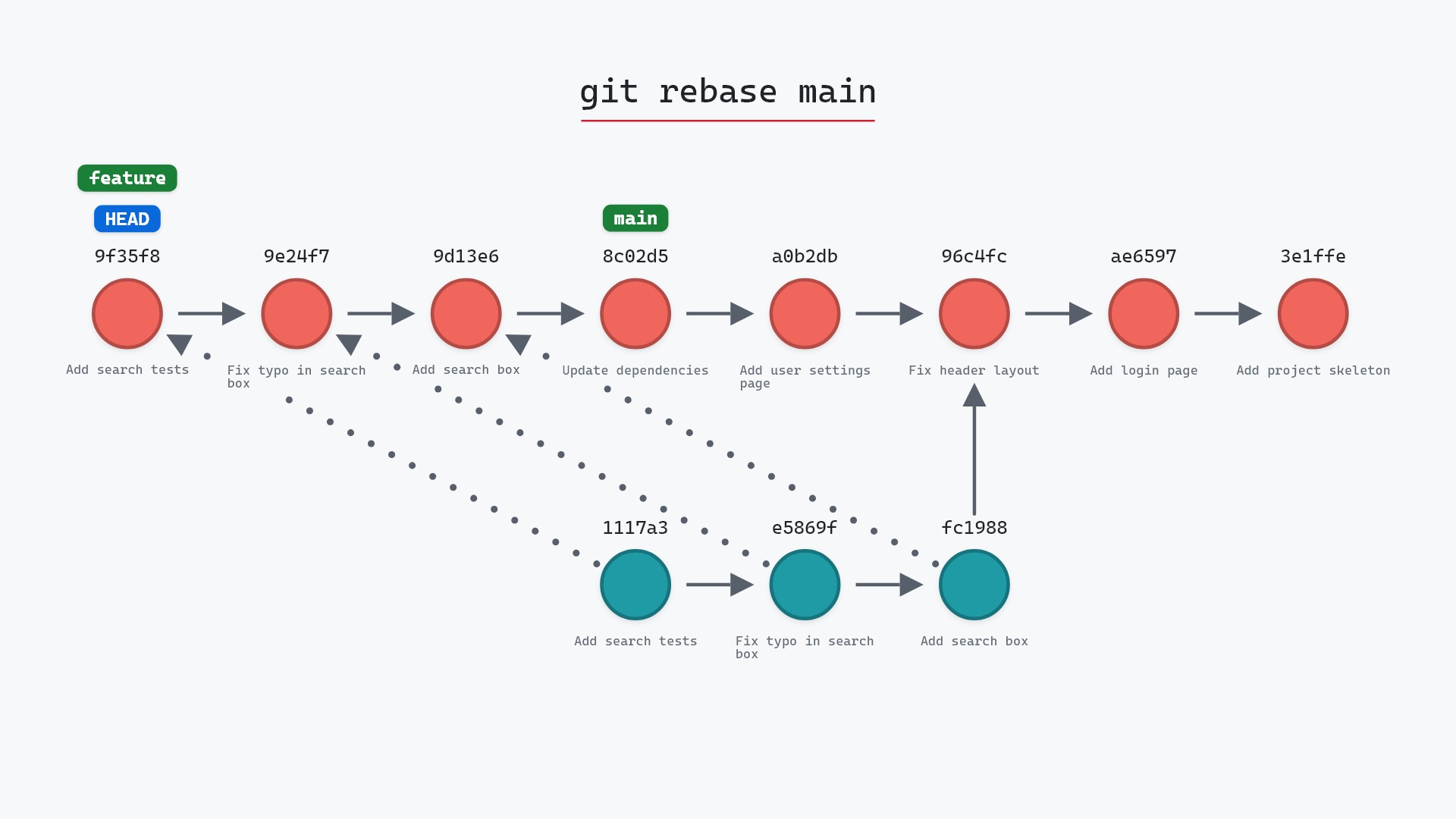
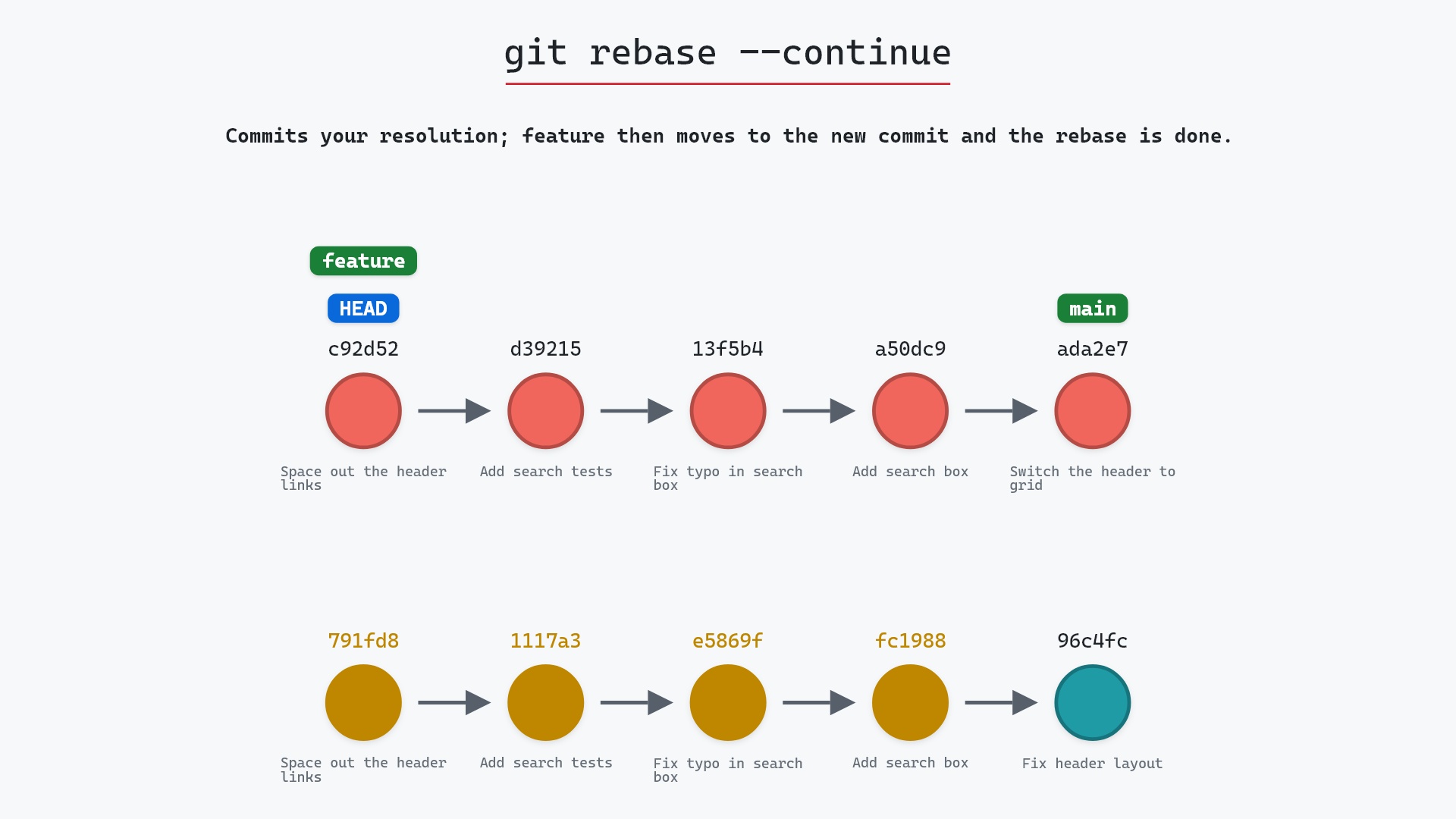
Our sample repo has a rebase of feature onto main that stopped on a conflict in styles.css, now resolved and staged. Here is how it got there: we ran git rebase main on feature. Git reapplied "Add search box", "Fix typo in search box" and "Add search tests" onto main's "Switch the header to grid" (ada2e79) without trouble, then stopped on the fourth commit, "Space out the header links", because it and main both changed the same line of styles.css. We edited the file to header { display: grid; gap: 12px; }, keeping main's grid and the branch's gap, and staged it. Here's git rebase --continue:
- Before:
HEADis detached ond392153, the rebase's new "Add search tests" commit, as it is for the whole rebase.featurestill points at its original tip791fd8e, the last of four original commits that branch off96c4fc2"Fix header layout". - Git creates a new "Space out the header links" commit on top of
d392153, holding the resolution we staged under the original commit's message. HEADmoves to the new commit,featuremoves there too, andHEADis attached tofeatureagain. The four originals,fc19889to791fd8e, are now reachable only from the reflog.mainstays where it was, onada2e79.
Before and after
Before, git log --all shows two lines of work: the three new commits on top of main with HEAD on them, and the untouched original feature below. After, there's one straight line from "Initial commit" to "Space out the header links", and the originals are gone from the log. Here are the raw logs and what Git printed:
The raw git output, if you want to read along in text
git log --oneline --graph --all
before
* d392153 (HEAD) Add search tests
* 13f5b4f Fix typo in search box
* a50dc9c Add search box
* ada2e79 (main) Switch the header to grid
* 8c02d5b Update dependencies
* a0b2db3 Add user settings page
| * 791fd8e (feature) Space out the header links
| * 1117a34 Add search tests
| * e5869f0 Fix typo in search box
| * fc19889 Add search box
|/
* 96c4fc2 Fix header layout
* ae65976 Add login page
* 3e1ffe4 Add project skeleton
* 4114b2c Initial commit
after
* c92d520 (HEAD -> feature) Space out the header links
* d392153 Add search tests
* 13f5b4f Fix typo in search box
* a50dc9c Add search box
* ada2e79 (main) Switch the header to grid
* 8c02d5b Update dependencies
* a0b2db3 Add user settings page
* 96c4fc2 Fix header layout
* ae65976 Add login page
* 3e1ffe4 Add project skeleton
* 4114b2c Initial commit
what git printed
[detached HEAD c92d520] Space out the header links
 1 file changed, 1 insertion(+), 1 deletion(-)
Successfully rebased and updated refs/heads/feature.
The first line of the output, [detached HEAD c92d520] Space out the header links, is Git making the commit while HEAD is still detached. The last line is the moment it moved feature there. git status goes from ## HEAD (no branch) with M styles.css staged to a clean ## feature.
The resolve, add, continue loop
A rebase can stop more than once. Each time a commit conflicts, the routine is the same:
- Open the conflicting files and edit them into the version you want, removing the
<<<<<<<,=======and>>>>>>>markers. - Stage each fixed file with git add. That's how Git knows a file is resolved.
- Run
git rebase --continue.
Git then commits the resolution and replays the next commit. If that one conflicts too, it stops again and you go round the loop once more. In our sample, "Space out the header links" was the last of the four, so one pass finished the job.
A couple of things can trip you up here. If you run --continue with a file still unmerged, Git refuses with styles.css: needs merge. Recent versions of Git also open your editor on the commit's original message when you continue after a conflict, so you can adjust it. Save and close it to keep the message as it was. And if your resolution ends up identical to what's already on the new base (say you kept main's line exactly), there's nothing left for that commit to change, and Git drops it instead of making an empty commit.
If you resolve the same conflicts over and over, for example when you rebase a long-lived branch every week, look at rerere ("reuse recorded resolution"). With git config rerere.enabled true, Git records how you resolved each conflict and applies the same fix automatically the next time that exact conflict comes up. The git rerere documentation explains the details, and it still leaves the result for you to check and stage unless you ask for --rerere-autoupdate.
git rebase --continue I run git diff --staged and read the resolution one more time. More than once I've staged a file with a stray ======= still in it, and a rebase commits that just as happily as good code.
Is it safe?
Safe git-sim pre-flight
Creates the commit with your resolution for 791fd8e Space out the header links, then replays the rest of the rebase; feature moves to the result at the end.
The way back
Undo the new commit afterwards with: git reset --hard ORIG_HEAD
--continue rewrites your branch, which is exactly what you asked for when you started the rebase. feature now points at c92d520 instead of 791fd8e. The originals aren't deleted, though. They're unreachable from any branch, which is why they're drawn gold, but they stay in the object database, and the reflog remembers where feature was before the rebase. Git only prunes objects like these during garbage collection, and by default only once the reflog entries pointing at them have expired, which takes weeks.
The usual rebase caution applies. If you had already pushed feature and someone else built on it, they're now holding commits your branch no longer has.
How to undo it
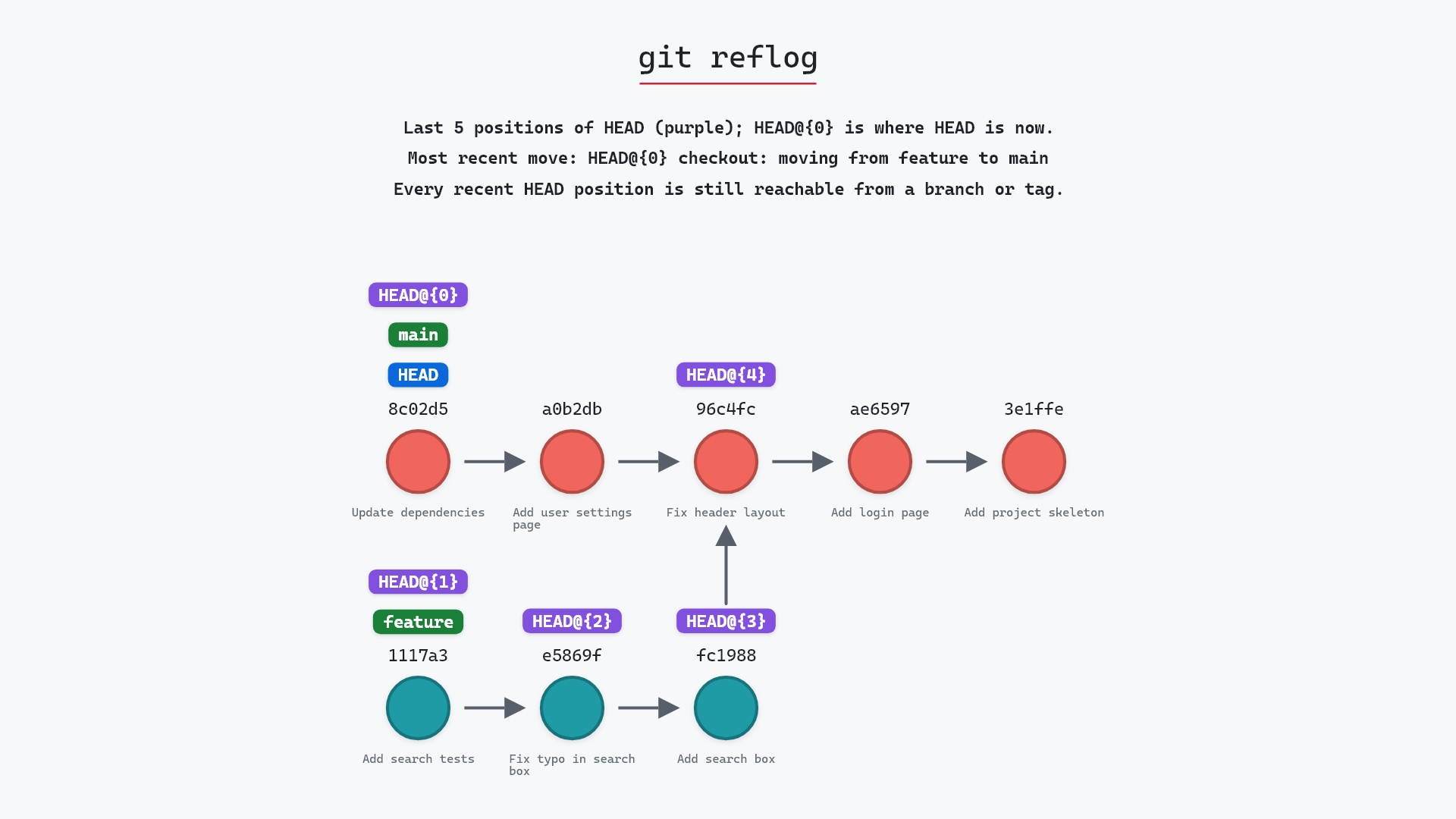
The rebase is finished, so there's nothing left to abort. To put feature back on the original four commits, reset it to where it was before the rebase. The branch's own reflog has it one entry back:
git reflog feature
git reset --hard feature@{1}
ORIG_HEAD points at the pre-rebase tip too, as long as nothing else has changed it since the rebase started, so git reset --hard ORIG_HEAD works right after a rebase. Keep in mind that git reset --hard overwrites uncommitted changes in your working directory, so commit or stash anything you want to keep first.
Useful forms
git rebase --continueaftergit addon each resolved file is the normal case.git rm <file>instead ofgit addmarks a conflict resolved by deleting the file, when that's the right outcome.git statusin the middle of a rebase lists the commits already done, the ones remaining, and which files are still unmerged.git rebase --skipandgit rebase --abortare the other two ways out of a stopped rebase.
Try it on your repository
pip install git-sim
git-sim rebase --continue
git-sim runs the continue in a copy of your repository, so yours isn't touched, and draws the commit it would make and where your branch would land.
Common questions
What does git rebase --continue do?
It commits the resolution you've staged for the commit that conflicted, then carries on replaying the remaining commits. When they're all done, it moves your branch to the last new commit and checks it out.
Why does git rebase --continue say "needs merge"?
At least one file still has unresolved conflicts, or you fixed it but didn't stage it. Stage each resolved file with git add and run --continue again.
Do I need to run git commit before git rebase --continue?
No. --continue makes the commit for you, reusing the original message. If you do commit by hand, --continue just moves on to the next commit.
How many times will I have to run git rebase --continue?
Once for every commit that conflicts. A rebase that replays ten commits might stop on none of them or on several.
Can I undo a rebase after --continue finishes it?
Yes. git reset --hard feature@{1} (or ORIG_HEAD right after the rebase) puts the branch back on its original commits, which are still in the repository.
Summary
In this article, we watched git rebase --continue commit a resolved styles.css conflict, move feature onto the new commit and reattach HEAD, and saw the four original commits turn gold. We also covered the resolve, add, continue loop, rerere, and how to reset a finished rebase from the reflog.
Next steps
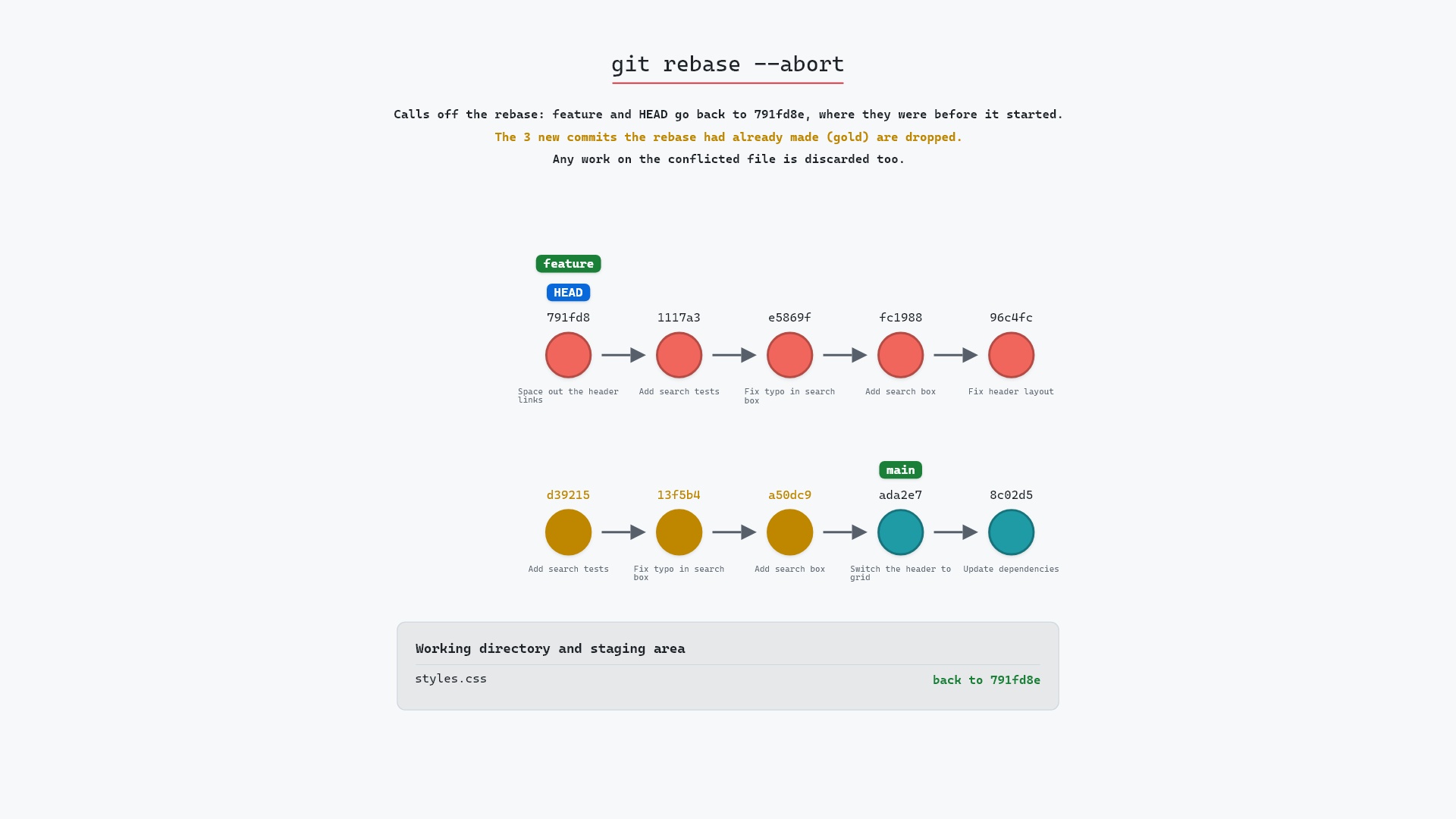
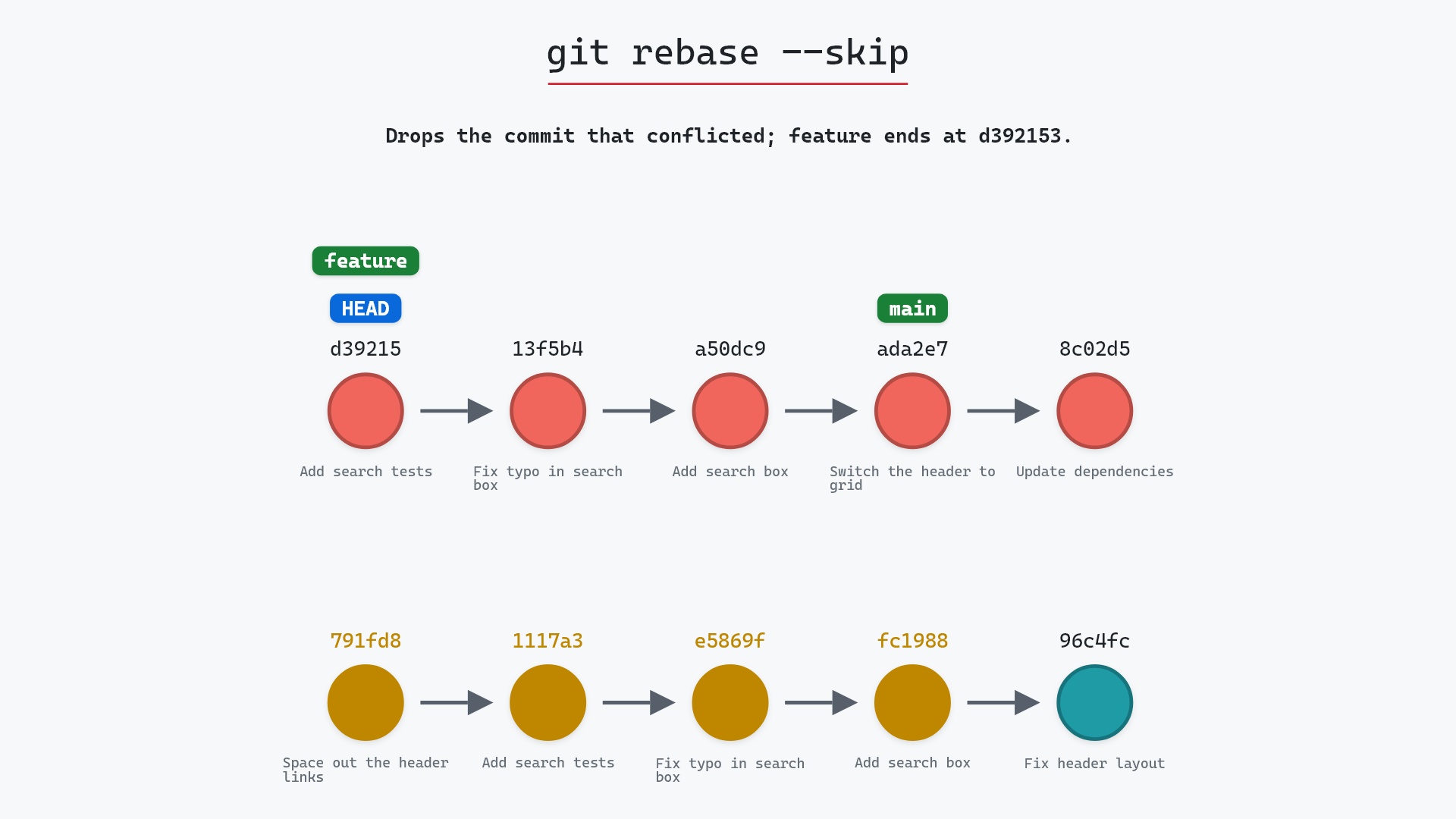
git rebase --abort is the way out when you'd rather not resolve anything. git rebase --skip drops the conflicting commit instead of committing it.
Related commands
- git rebase, the command that stops on the conflict in the first place
- git rebase --abort, to call the rebase off and go back to where you started
- git rebase --skip, to drop the commit that conflicts and carry on
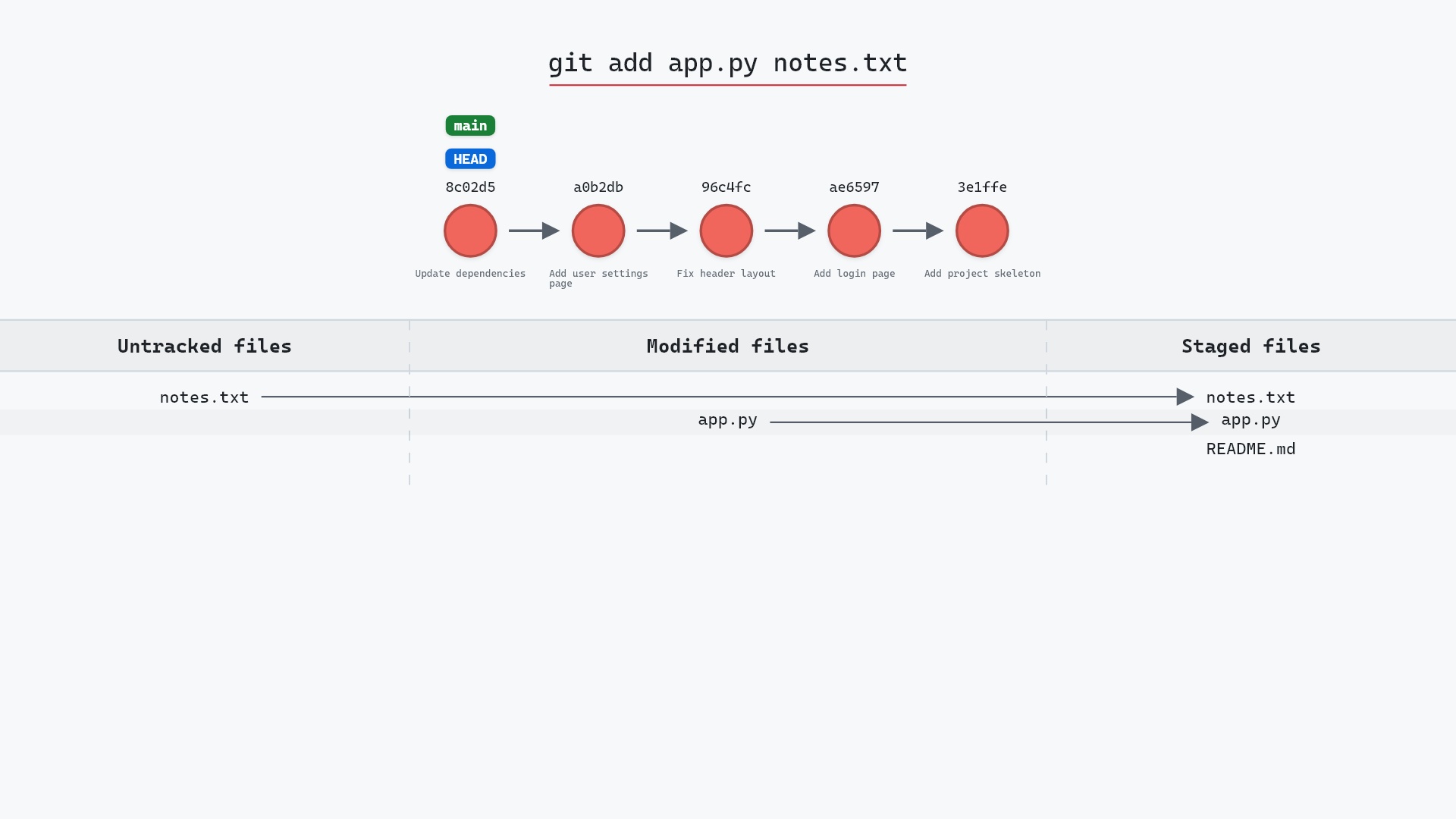
- git add, how you mark a conflict as resolved
- git reflog, where the pre-rebase branch tip is recorded
- git reset --hard, to move the branch back after a rebase you regret
Get Git command tips by email, starting with git rebase --continue.