Git commands
How to cancel a Git cherry-pick that stopped on a conflict
git cherry-pick --abort: calling off a pick that conflicted
How to use this page
- sliderDrag it to move the graph from before the command to after it.
- ▶ / ❚❚Play or pause the command, start to finish, on a loop.
- Before · AfterJump straight to either end.
- ← → · spaceStep through a multi-step command; space toggles Before / After.
- APlay or pause from the keyboard (the page opens playing). Any manual input takes over.
- hoverA commit shows its message, author, date and parents, with its history highlighted.
- clickCopies the commit sha.
- ctrl + wheelZoom around the cursor (pinch on a trackpad). Double-click resets the view.
- EscStop playback, reset the view, close this menu.
- shareThe Share button copies a link to this graph, copies it as an image, downloads PNG/SVG/page, or posts it. #before, #after or #step=N in the link pins the state.
The Animated Git Cheat SheetFree · Customize it · Download it · Print it
git-sim visually simulates any Git command in your own repos - from your terminal, IDE, or AI.
Table of Contents
- Introduction
- What is git cherry-pick --abort?
- How the pick stopped
- Watch it happen
- Before and after
- Is it safe?
- How to undo it
- --abort versus --quit
- Useful forms
- Try it on your repository
- Common questions
- Summary
- Next steps
- Related commands
Introduction
If you've cherry-picked a commit only to have Git stop with "could not apply" and a conflict you weren't expecting, you have two choices: resolve it, or back out. git cherry-pick --abort is backing out. It cancels the pick and returns your branch, your staging area and your files to the state they were in before you ran git cherry-pick.
In this article, we'll:
- Watch
git cherry-pick --abortcall off a pick of "Space out the header links" ontomain - See what it throws away, and why the graph doesn't change
- Cover
--quit, which stops a range of picks but keeps the ones already done
What is git cherry-pick --abort?
git cherry-pick --abort cancels a cherry-pick that is in progress. Git remembers the commit it was picking in .git/CHERRY_PICK_HEAD, and for a range of commits it keeps its to-do list in .git/sequencer. --abort resets your branch, the staging area and the working directory to where they were before the pick started, and removes that state. Your branch doesn't gain a commit, and the commit you were picking is left alone on its own branch.
How the pick stopped
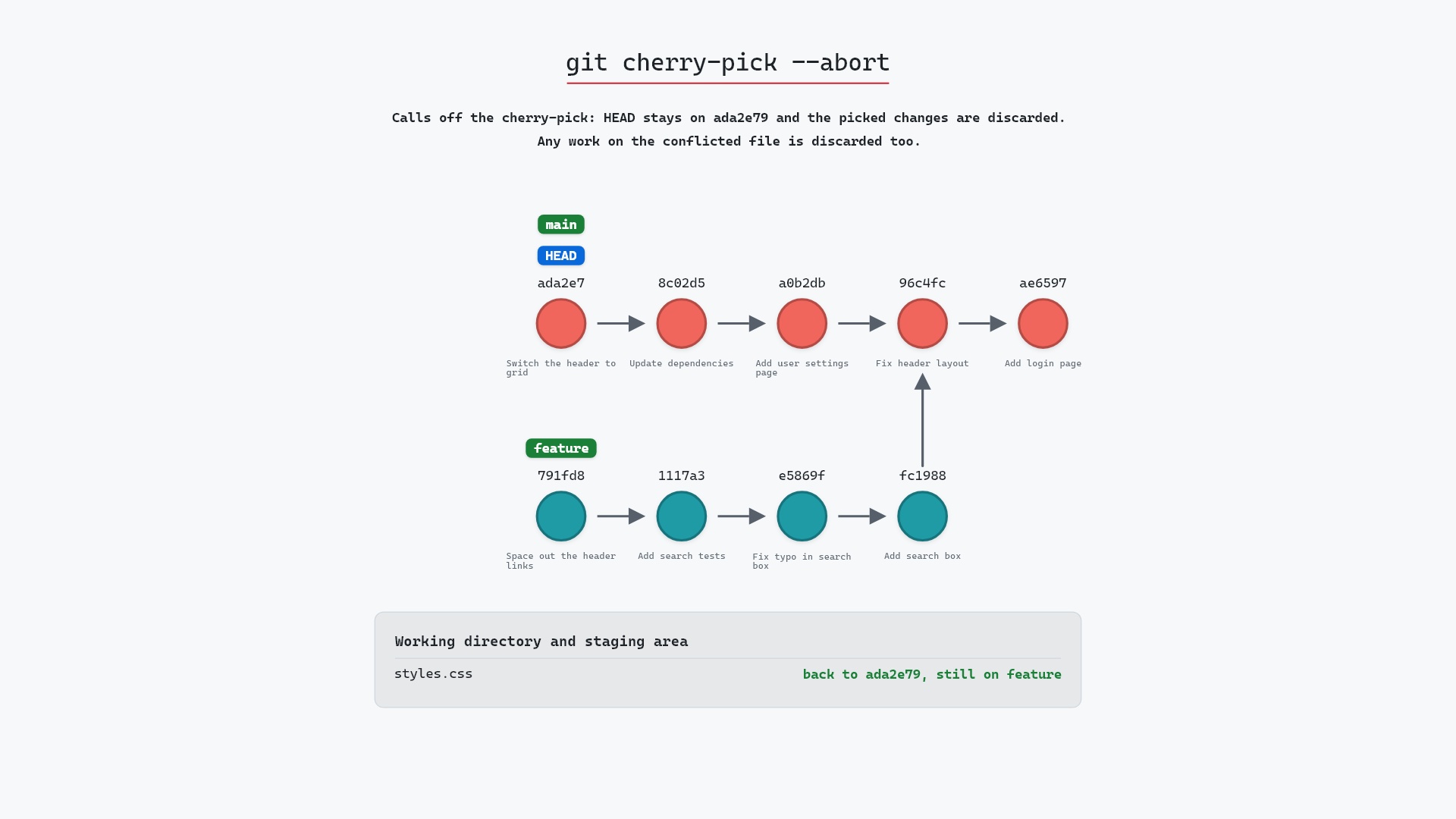
Our sample repo has a cherry-pick of feature's last commit onto main stopped on a conflict in styles.css. main is on "Switch the header to grid" (ada2e79), which set styles.css to header { display: grid; }. The last commit on feature, "Space out the header links" (791fd8e), changed the same line to header { display: flex; gap: 12px; }. So git cherry-pick 791fd8e on main stopped with both versions in styles.css between conflict markers, and git status says:
You are currently cherry-picking commit 791fd8e.
  (fix conflicts and run "git cherry-pick --continue")
  (use "git cherry-pick --skip" to skip this patch)
  (use "git cherry-pick --abort" to cancel the cherry-pick operation)
Watch it happen
Here's git cherry-pick --abort, with the conflict still unresolved:
- Before:
HEADis attached tomainatada2e79"Switch the header to grid", andfeaturepoints at791fd8e"Space out the header links".CHERRY_PICK_HEADalso points at791fd8e, so Git remembers what it was picking. The pick stopped before creating a commit, andstyles.cssis unmerged. - Git deletes
CHERRY_PICK_HEADand clears the conflict from the index. - Git resets
styles.cssto its version inada2e79, and the pick is over. No commit is created onmain, andfeaturestill points at "Space out the header links".
Before and after
The before and after pictures match, because a stopped cherry-pick lives in the staging area and working directory, not in the commit graph. The change is in git status --short --branch, which goes from
## main
UU styles.css
to
## main
styles.css is back to header { display: grid; }, without the markers. The abort prints nothing:
The raw git output, if you want to read along in text
git log --oneline --graph --all
before
* 791fd8e (feature) Space out the header links
* 1117a34 Add search tests
* e5869f0 Fix typo in search box
* fc19889 Add search box
| * ada2e79 (HEAD -> main) Switch the header to grid
| * 8c02d5b Update dependencies
| * a0b2db3 Add user settings page
|/
* 96c4fc2 Fix header layout
* ae65976 Add login page
* 3e1ffe4 Add project skeleton
* 4114b2c Initial commit
after
* 791fd8e (feature) Space out the header links
* 1117a34 Add search tests
* e5869f0 Fix typo in search box
* fc19889 Add search box
| * ada2e79 (HEAD -> main) Switch the header to grid
| * 8c02d5b Update dependencies
| * a0b2db3 Add user settings page
|/
* 96c4fc2 Fix header layout
* ae65976 Add login page
* 3e1ffe4 Add project skeleton
* 4114b2c Initial commit
Is it safe?
Caution git-sim pre-flight
Calls off the cherry-pick: HEAD stays on ada2e79, and the staging area and working directory are reset to it. Nothing is committed.
What you would lose
- your edits to styles.css since the cherry-pick stopped (not recoverable)
The way back
Run the same cherry-pick again to get the conflict back; the edits themselves can't be recovered.
Your commits are safe: nothing is committed, removed or moved. What goes is anything you did to styles.css after the pick stopped. If you'd half-resolved the conflict, that work was never stored anywhere, so it's gone. The commit you were picking is still on feature, so you can always try again.
git show on the commit before trying again. More than once that showed me the commit depended on an earlier one on the same branch, and what I really wanted was to pick both.
How to undo it
Nothing was committed, so undoing an abort means starting the pick again:
git cherry-pick 791fd8e
Git stops on styles.css exactly as before. This time you can resolve it, git add the file and finish:
Before trying again, git show 791fd8e is a quick way to see exactly what the commit changes, and whether it expects something main doesn't have.
--abort versus --quit
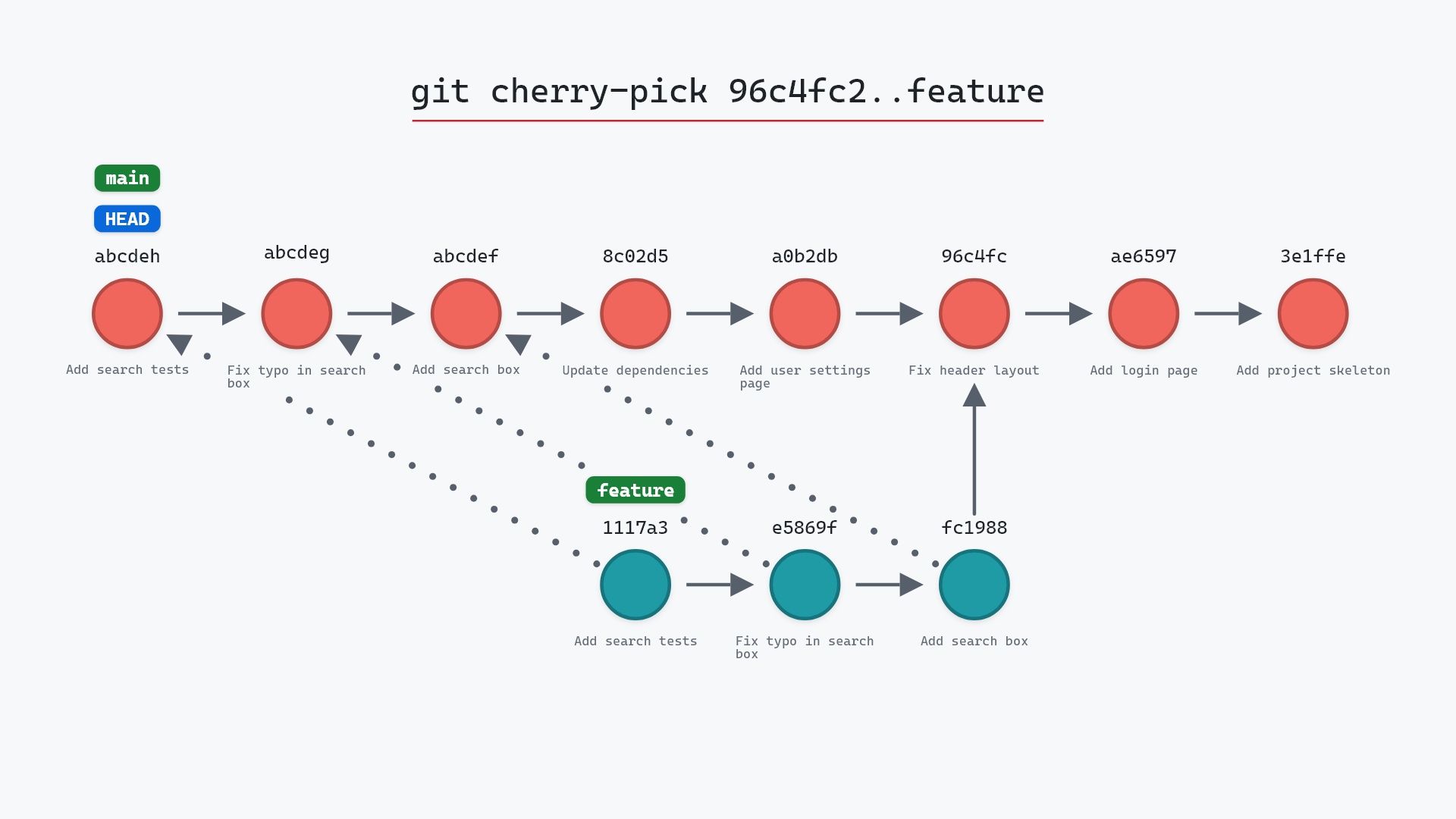
With a single commit, --abort and --quit end up close. The difference matters when you're picking a range of commits. Say you run git cherry-pick 96c4fc2..feature to apply all four of feature's commits to main, and the first three apply cleanly. main now has three new commits. Then "Space out the header links" conflicts.
git cherry-pick --aborttakes you back to before the whole range.mainreturns toada2e79, and the three new commits that had already gone through are dropped along with the one that conflicted.git cherry-pick --quitjust stops.mainkeeps the three new commits, Git forgets the rest of the range, and the conflictedstyles.cssis left as it is for you to resolve or clean up yourself.
Reach for --quit when the first part of a range was what you wanted and the rest can wait. The git cherry-pick documentation describes --abort as returning "to the pre-sequence state", which is the whole range, not just the last commit. If you abort and then wish you hadn't, git reflog still has the commits that were picked before the conflict.
Useful forms
git cherry-pick --skipdrops only the commit that conflicted and carries on with the rest of a range.git cherry-pick --quitstops the sequence and keeps everything picked so far.git revert --abortdoes the same job for a revert that stopped on a conflict. Revert and cherry-pick share the same machinery in Git.
Try it on your repository
pip install git-sim
git-sim cherry-pick --abort
git-sim runs the abort in a copy of your repository and draws the result, so your own stopped pick is not touched.
Common questions
What does git cherry-pick --abort do?
It cancels a cherry-pick that stopped on a conflict. Your branch stays on the commit it was on before the pick, and the staging area and working directory go back to match it.
Will git cherry-pick --abort lose my changes?
It discards the picked change and anything you did to the conflicted files after the pick stopped. Your commits, and the commit you were picking, are not affected.
What is the difference between git cherry-pick --abort and --quit?
--abort goes back to before the whole cherry-pick, dropping any commits a range had already picked. --quit stops where you are and keeps those commits.
Can I cherry-pick again after aborting?
Yes. The original commit is still on its branch. Run the same git cherry-pick and Git will stop on the same conflict.
Summary
In this article, we watched git cherry-pick --abort cancel a pick of "Space out the header links" onto main, leaving main and HEAD on ada2e79 with nothing moved, and covered how it differs from --quit when you're picking a range.
Next steps
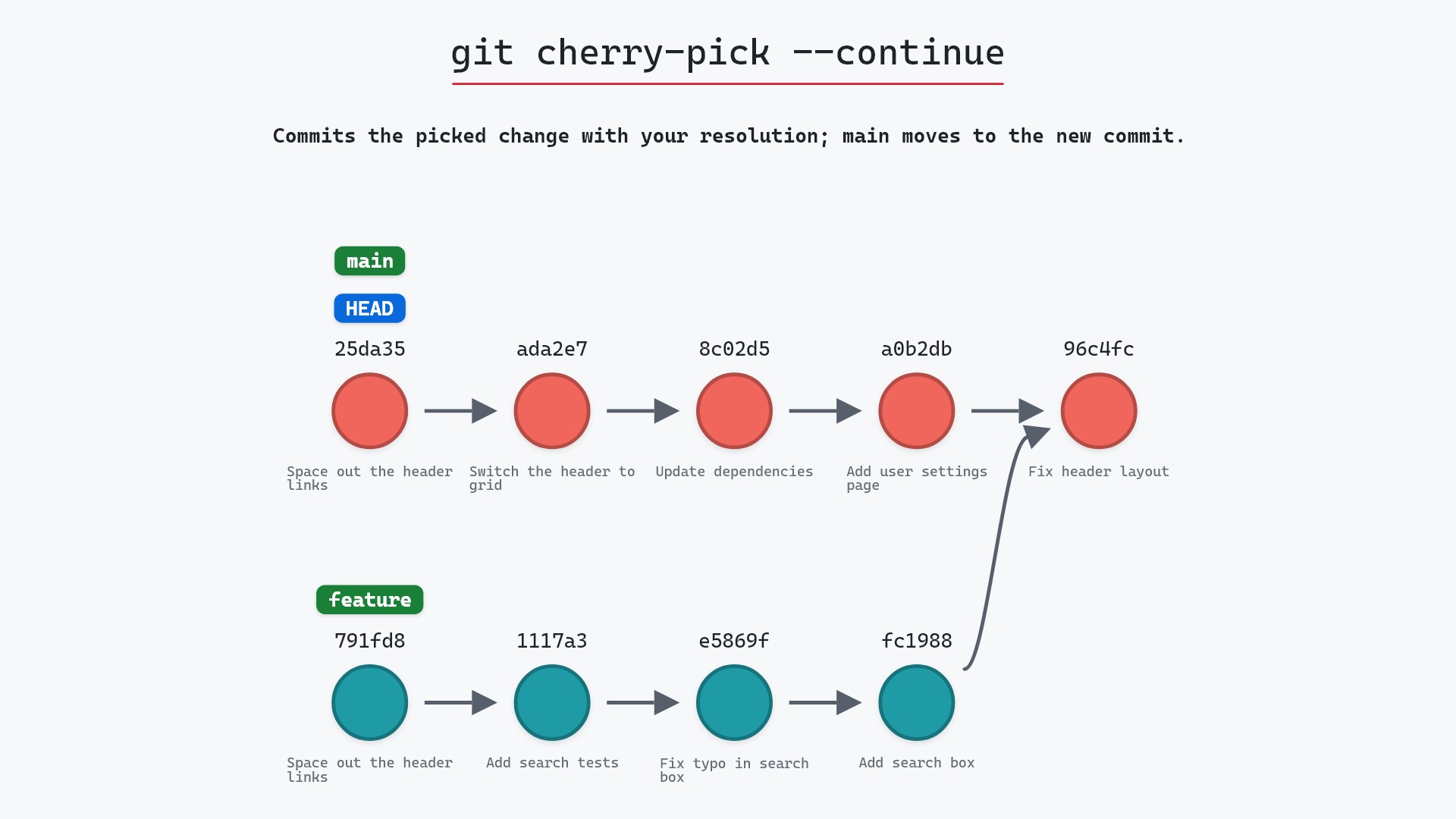
git cherry-pick --continue finishes the pick instead, once you've resolved the conflict. git cherry-pick A..B covers picking several commits at once.
Related commands
- git cherry-pick --continue, to finish the pick instead
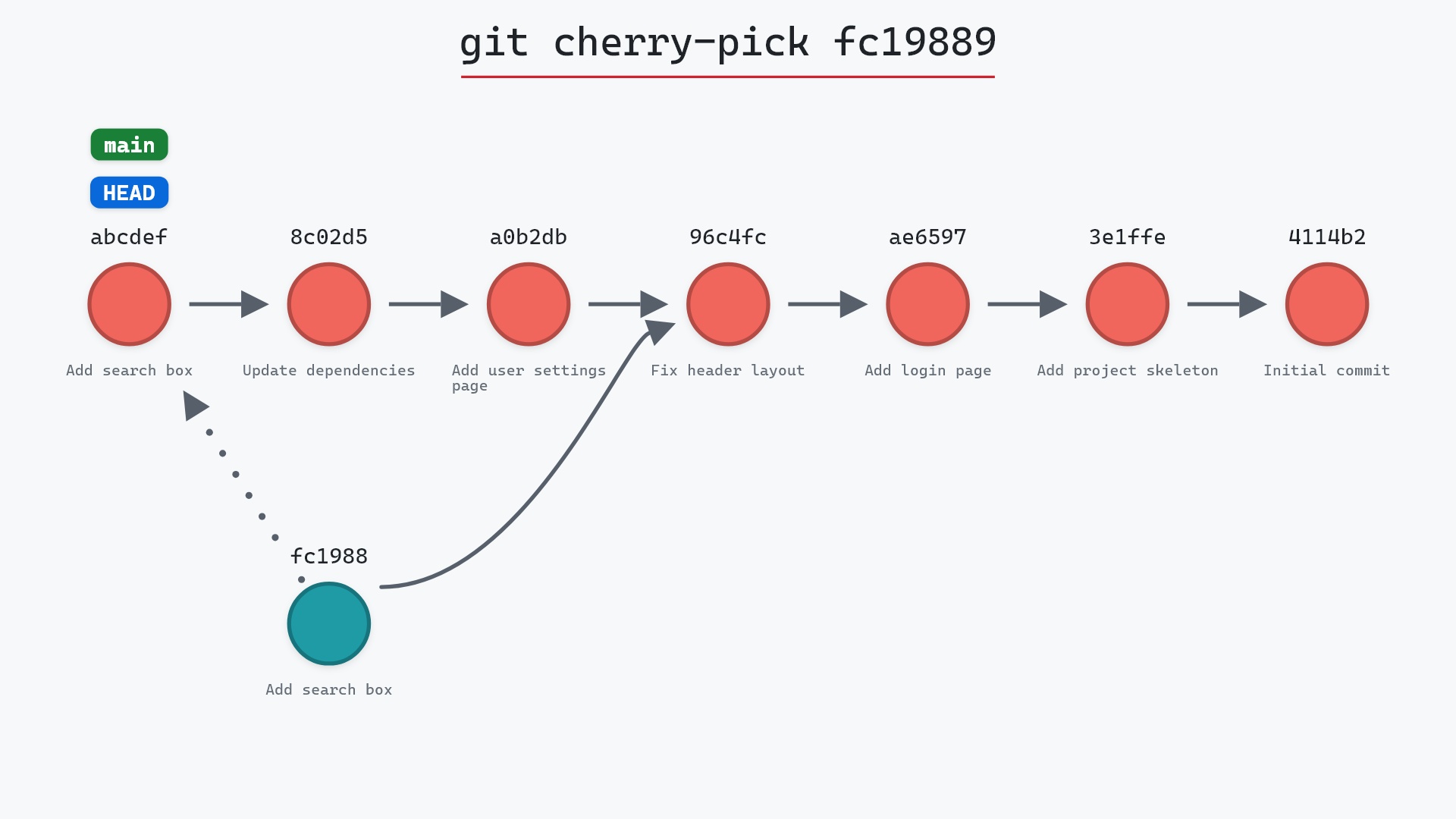
- git cherry-pick, the command that stopped
- git cherry-pick A..B, where --abort and --quit differ
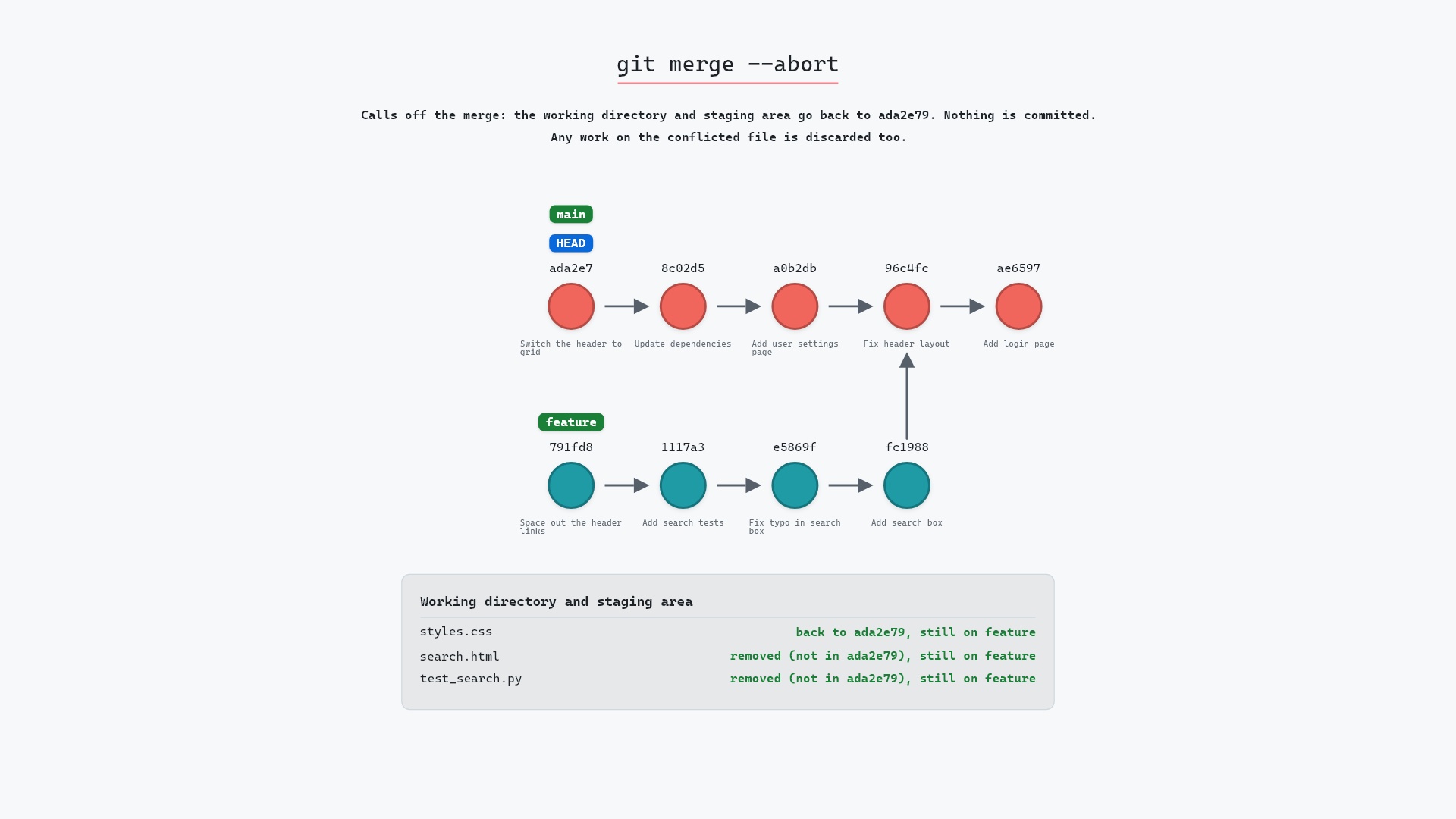
- git merge --abort, the same way out for a merge
- git status, to see whether a pick is in progress
- git show, to look at a commit before picking it again
Get Git command tips by email, starting with git cherry-pick --abort.