Git commands
What plain git reset does to HEAD, the index and your files
git reset: the default that keeps your edits
How to use this page
- sliderDrag it to move the graph from before the command to after it.
- ▶ / ❚❚Play or pause the command, start to finish, on a loop.
- Before · AfterJump straight to either end.
- ← → · spaceStep through a multi-step command; space toggles Before / After.
- APlay or pause from the keyboard (the page opens playing). Any manual input takes over.
- hoverA commit shows its message, author, date and parents, with its history highlighted.
- clickCopies the commit sha.
- ctrl + wheelZoom around the cursor (pinch on a trackpad). Double-click resets the view.
- EscStop playback, reset the view, close this menu.
- shareThe Share button copies a link to this graph, copies it as an image, downloads PNG/SVG/page, or posts it. #before, #after or #step=N in the link pins the state.
The Animated Git Cheat SheetFree · Customize it · Download it · Print it
git-sim visually simulates any Git command in your own repos - from your terminal, IDE, or AI.
Table of Contents
- Introduction
- What is git reset (mixed)?
- Watch it happen
- Before and after
- Where mixed sits
- Is it safe?
- How to undo it
- Try it on your repository
- Common questions
- Summary
- Next steps
- Related commands
Introduction
When you type git reset HEAD~1 with no --soft or --hard, you get --mixed, and it's the version most people actually want when they say "undo my last commit". The commit goes, your files stay, and the changes are back in your working directory as if you'd never run git add.
In this article, we'll:
- Watch
git reset HEAD~1movemainback one commit - See what happens to the staging area and the working directory
- Place
--mixedbetween--softand--hard
What is git reset (mixed)?
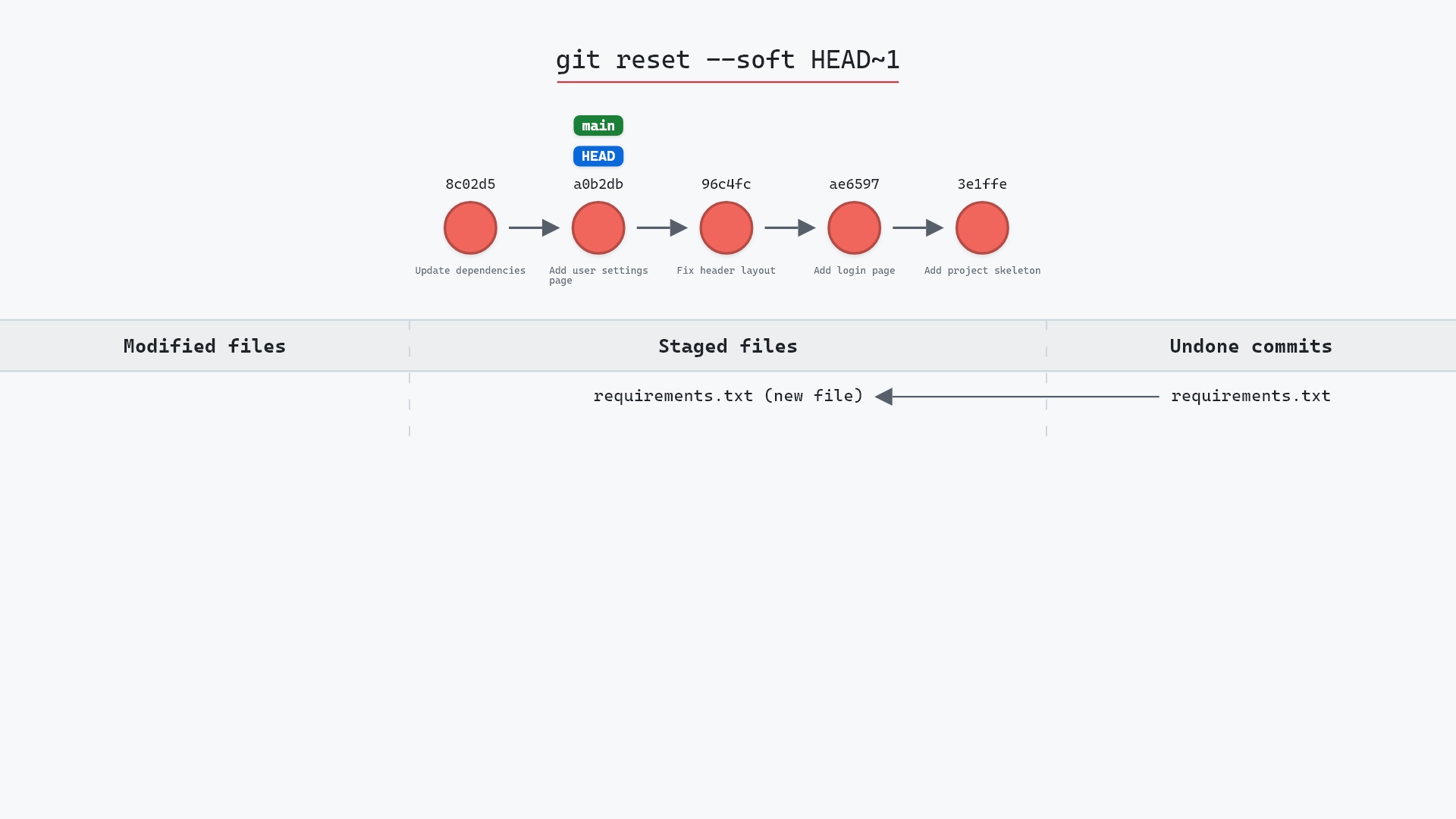
git reset <commit> does two things: it moves the current branch to <commit>, and it resets the staging area to match that commit's tree. Your working directory is left as it is. The result is that changes from the undone commits, plus anything you had staged, are all sitting in your working directory as unstaged edits.
Watch it happen
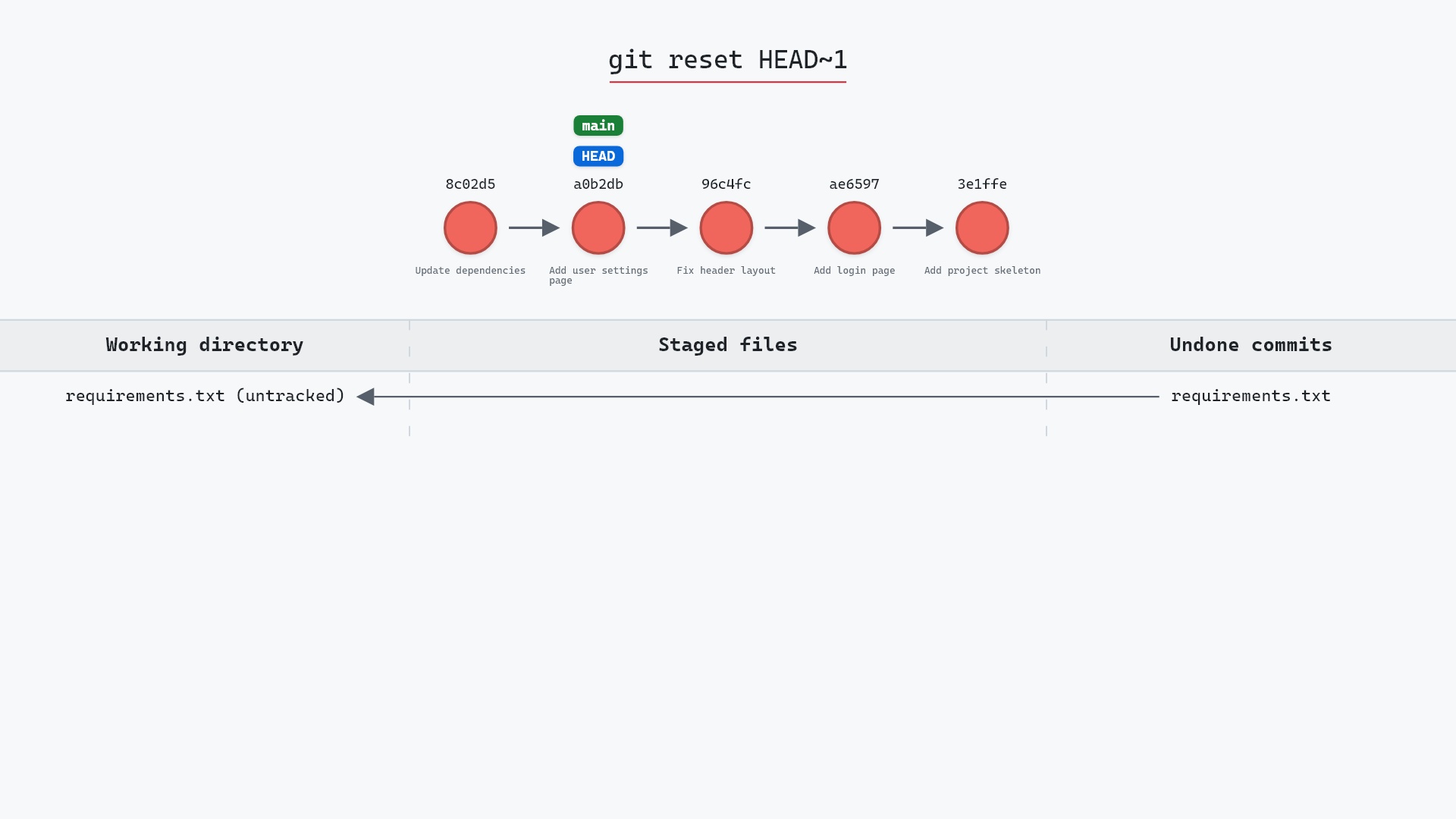
Our sample repo has a clean working tree on main. Here's git reset HEAD~1:
- Before:
HEADis attached tomainat8c02d5b, "Update dependencies", the commit that addedrequirements.txt. mainmoves back one commit to "Add user settings page", andHEADmoves with it.- Git resets the index to match that commit, so
requirements.txtis no longer tracked. It's still in the working tree as an untracked file, andfeaturestays put.
Before and after
The graph looks the same as after a --soft reset. The difference is in git status, which reads:
?? requirements.txt
"Update dependencies" added requirements.txt. After a mixed reset, that file is still on disk but is no longer in the staging area, and since it isn't in a0b2db3 either, Git now sees it as untracked. Compare the --soft version, where the same file shows as a staged addition.
The raw git output, if you want to read along in text
git log --oneline --graph --all
before
* 1117a34 (feature) Add search tests
* e5869f0 Fix typo in search box
* fc19889 Add search box
| * 8c02d5b (HEAD -> main) Update dependencies
| * a0b2db3 Add user settings page
|/
* 96c4fc2 Fix header layout
* ae65976 Add login page
* 3e1ffe4 Add project skeleton
* 4114b2c Initial commit
after
* 1117a34 (feature) Add search tests
* e5869f0 Fix typo in search box
* fc19889 Add search box
| * a0b2db3 (HEAD -> main) Add user settings page
|/
* 96c4fc2 Fix header layout
* ae65976 Add login page
* 3e1ffe4 Add project skeleton
* 4114b2c Initial commit
Where mixed sits
| branch | staging area | working directory | |
|---|---|---|---|
--soft | moved | kept | kept |
--mixed | moved | reset | kept |
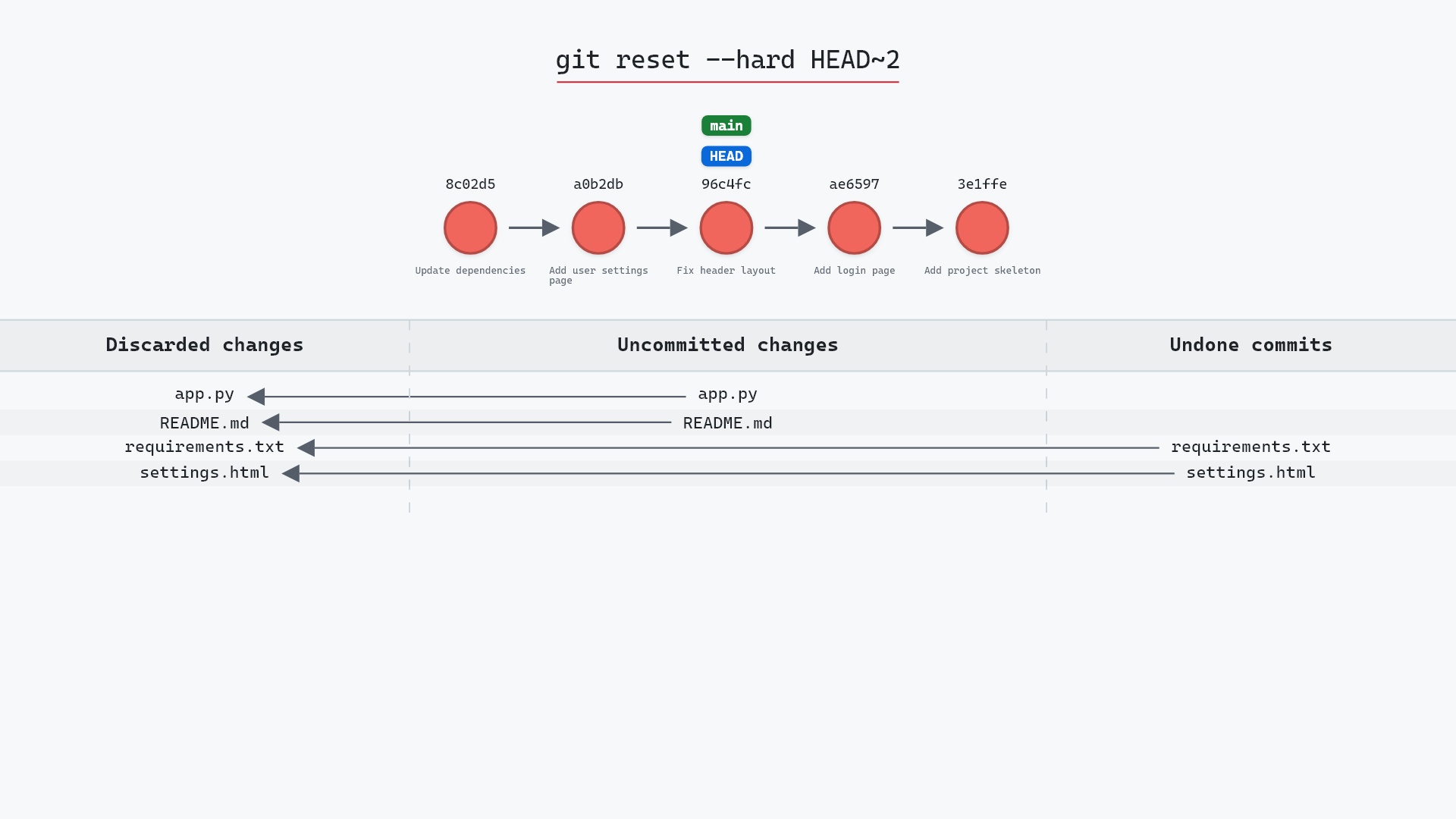
--hard | moved | reset | reset |
Mixed is the default because it's the safe middle: it undoes commits and un-stages, both of which are reversible, and it never overwrites a file.
--soft you commit. After a mixed reset you add and then commit. After --hard there's nothing left to do, which is exactly the problem with it.
Is it safe?
Caution git-sim pre-flight
Moves main from 8c02d5b to a0b2db3 (mixed reset).
What you would lose
- 1 commit(s) removed from branch main
The way back
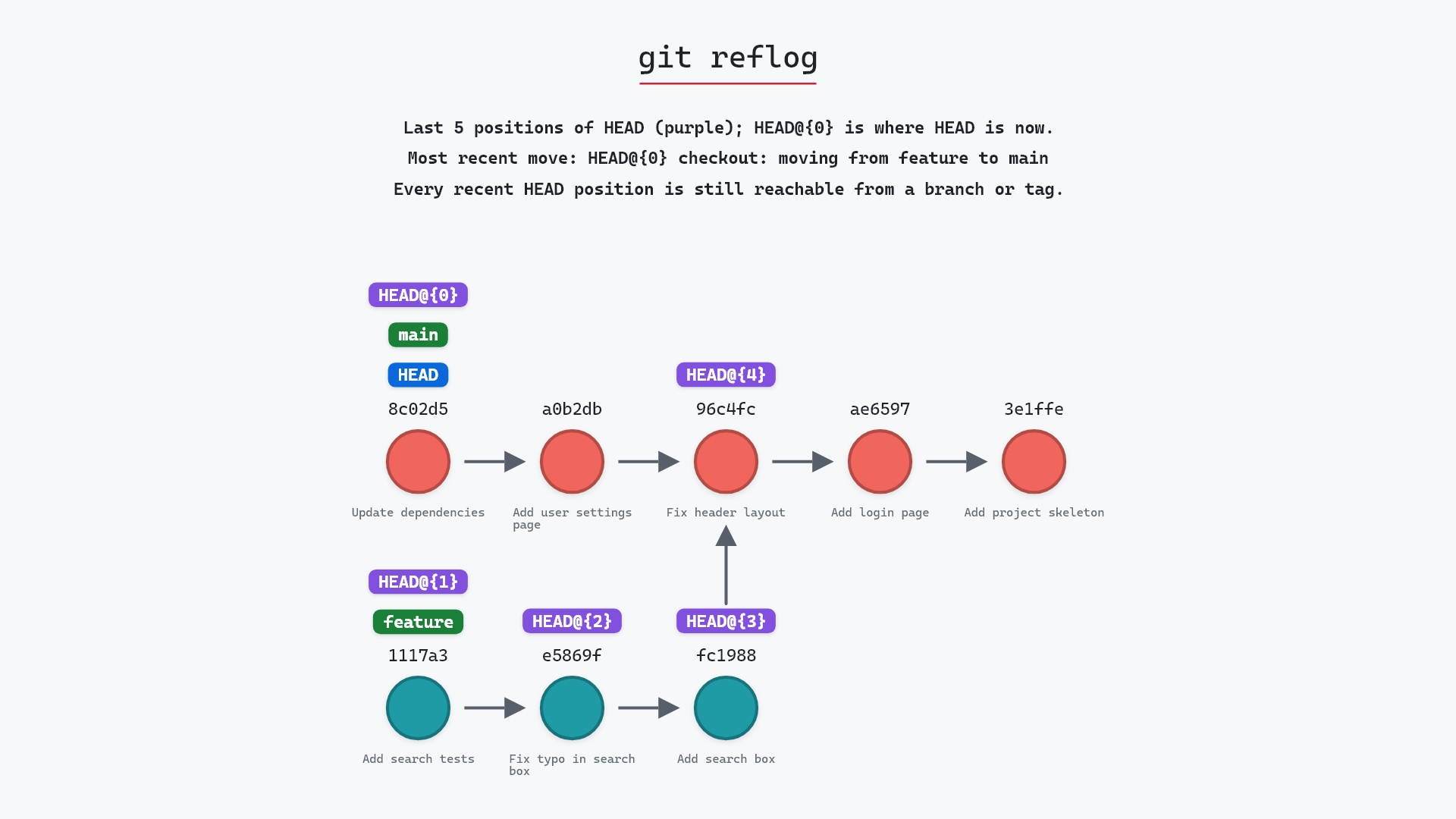
Commits stay in the reflog ~90 days: git reset --hard 8c02d5b
The undone commit stays in the reflog, and every change it contained is still in your working directory. What you lose is the record of which changes were staged.
How to undo it
git reset --hard 8c02d5b
moves main back onto the original commit and restores the staging area and files to match it. Since the working directory already has those contents, nothing is overwritten.
Try it on your repository
pip install git-sim
git-sim reset HEAD~1
git-sim shows where the branch would land, which commits would leave it, and which files would drop out of the staging area.
Common questions
What does git reset do without any flags?
A mixed reset: it moves the branch to the given commit and resets the staging area to match, leaving your working directory untouched.
What is the difference between git reset --mixed and --soft?
Both move the branch. --soft keeps the staging area as it was, so undone changes stay staged. --mixed clears it, so they become unstaged edits.
Does git reset delete my changes?
Not in mixed or soft mode. Only --hard overwrites working directory files.
How do I unstage everything?
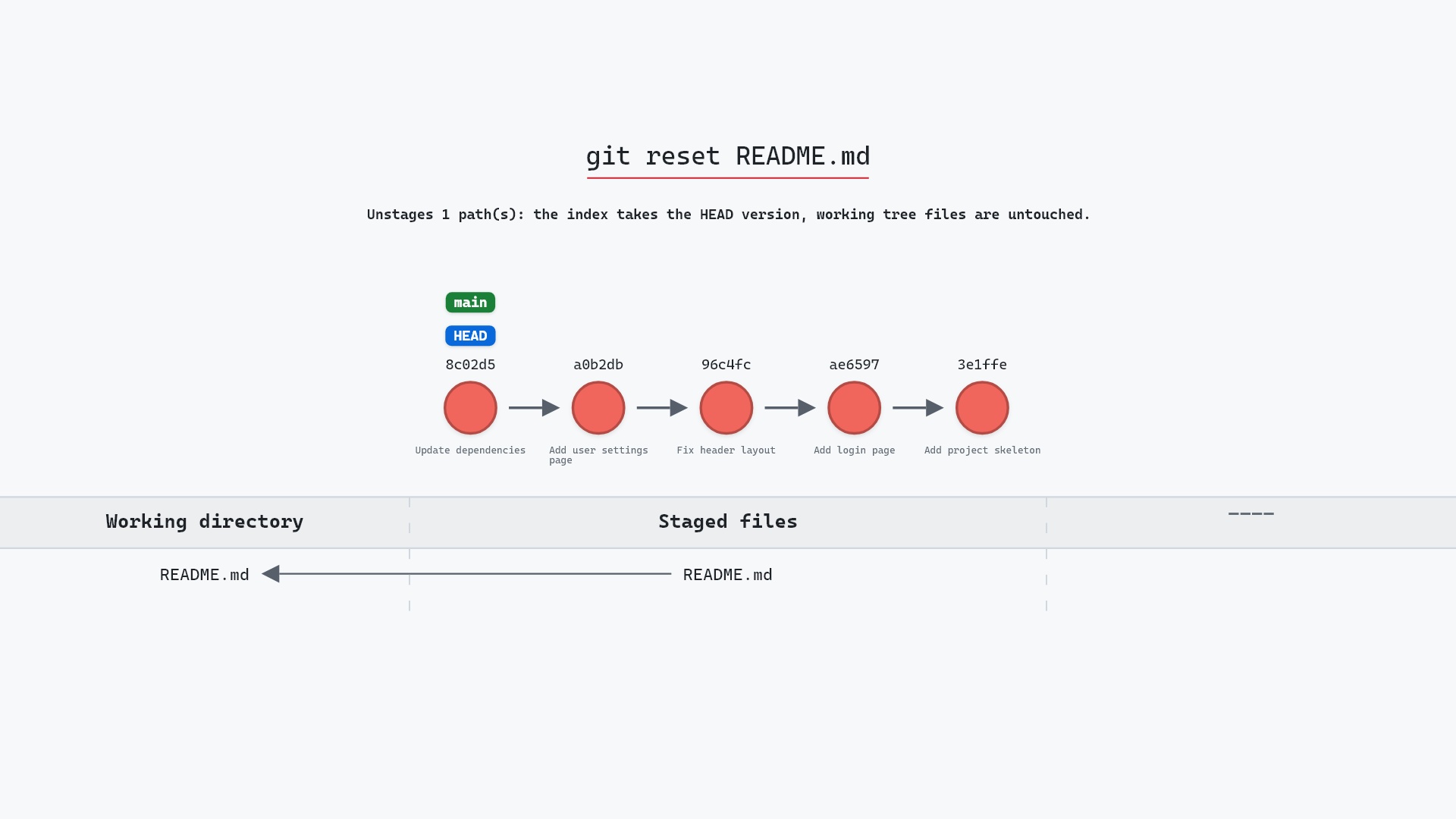
git reset with no arguments resets the staging area to HEAD without moving the branch, which unstages every file and keeps the edits.
Summary
In this article, we watched a mixed git reset move main back one commit and clear the staging area, saw the undone commit's file turn up as an untracked file on disk, and placed the default between --soft and --hard.
Next steps
git reset --soft is the same move with the staging area preserved, and git reset --hard is the one that also rewrites your files.
Related commands
- git reset --soft, keeps the changes staged
- git reset --hard, also resets your files
- git reset HEAD file, a mixed reset of one file
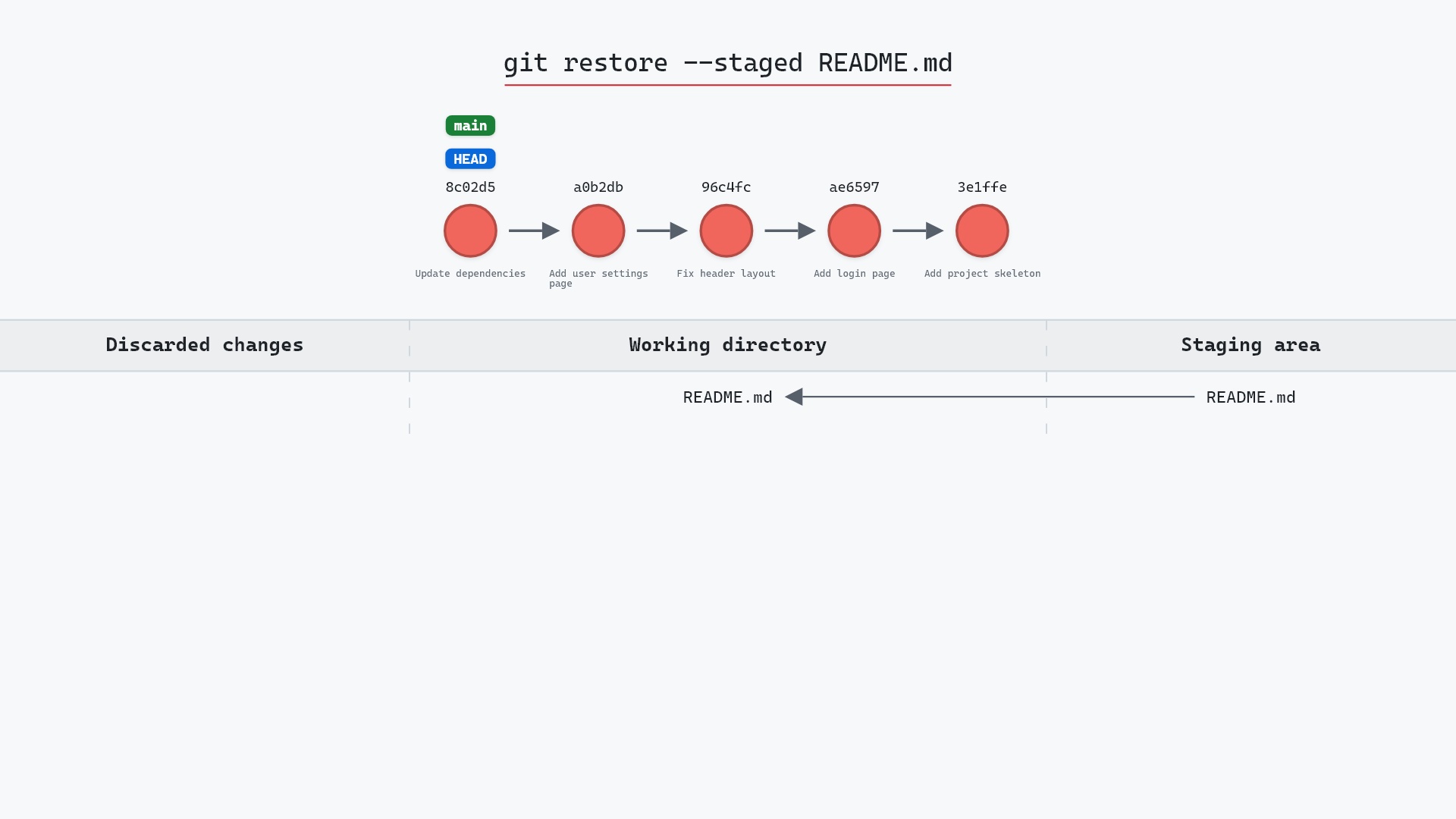
- git restore --staged, the modern way to unstage
- git reflog, to find the undone commit
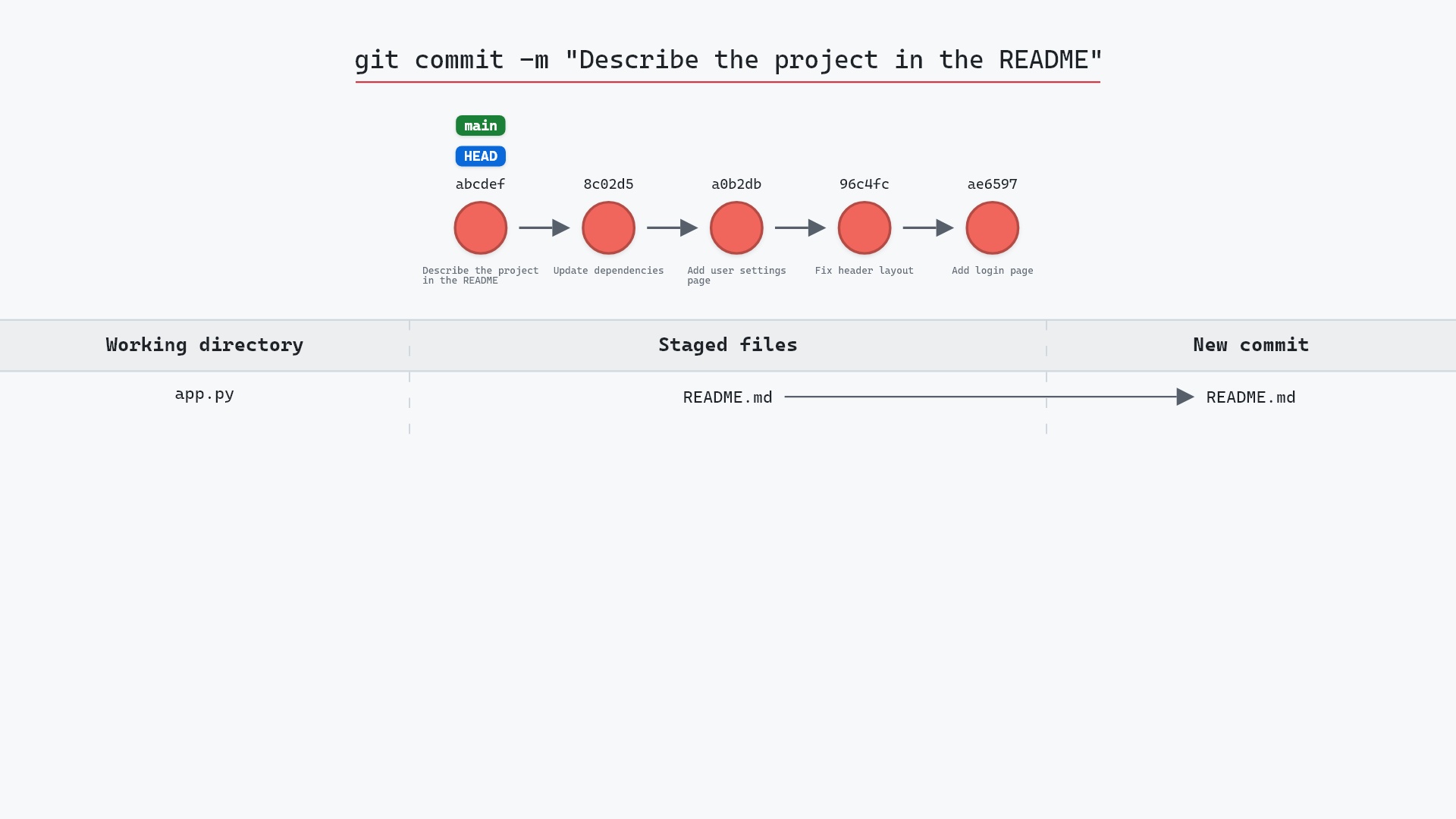
- git commit, to recommit after re-adding
Get Git command tips by email, starting with git reset.