Git commands
How git reset takes a single file back out of the staging area
git reset HEAD file: unstaging one file
How to use this page
- sliderDrag it to move the graph from before the command to after it.
- ▶ / ❚❚Play or pause the command, start to finish, on a loop.
- Before · AfterJump straight to either end.
- ← → · spaceStep through a multi-step command; space toggles Before / After.
- APlay or pause from the keyboard (the page opens playing). Any manual input takes over.
- hoverA commit shows its message, author, date and parents, with its history highlighted.
- clickCopies the commit sha.
- ctrl + wheelZoom around the cursor (pinch on a trackpad). Double-click resets the view.
- EscStop playback, reset the view, close this menu.
- shareThe Share button copies a link to this graph, copies it as an image, downloads PNG/SVG/page, or posts it. #before, #after or #step=N in the link pins the state.
The Animated Git Cheat SheetFree · Customize it · Download it · Print it
git-sim visually simulates any Git command in your own repos - from your terminal, IDE, or AI.
Table of Contents
- Introduction
- What is git reset HEAD file?
- Watch it happen
- Before and after
- The modern spelling
- Is it safe?
- How to undo it
- Try it on your repository
- Common questions
- Summary
- Next steps
- Related commands
Introduction
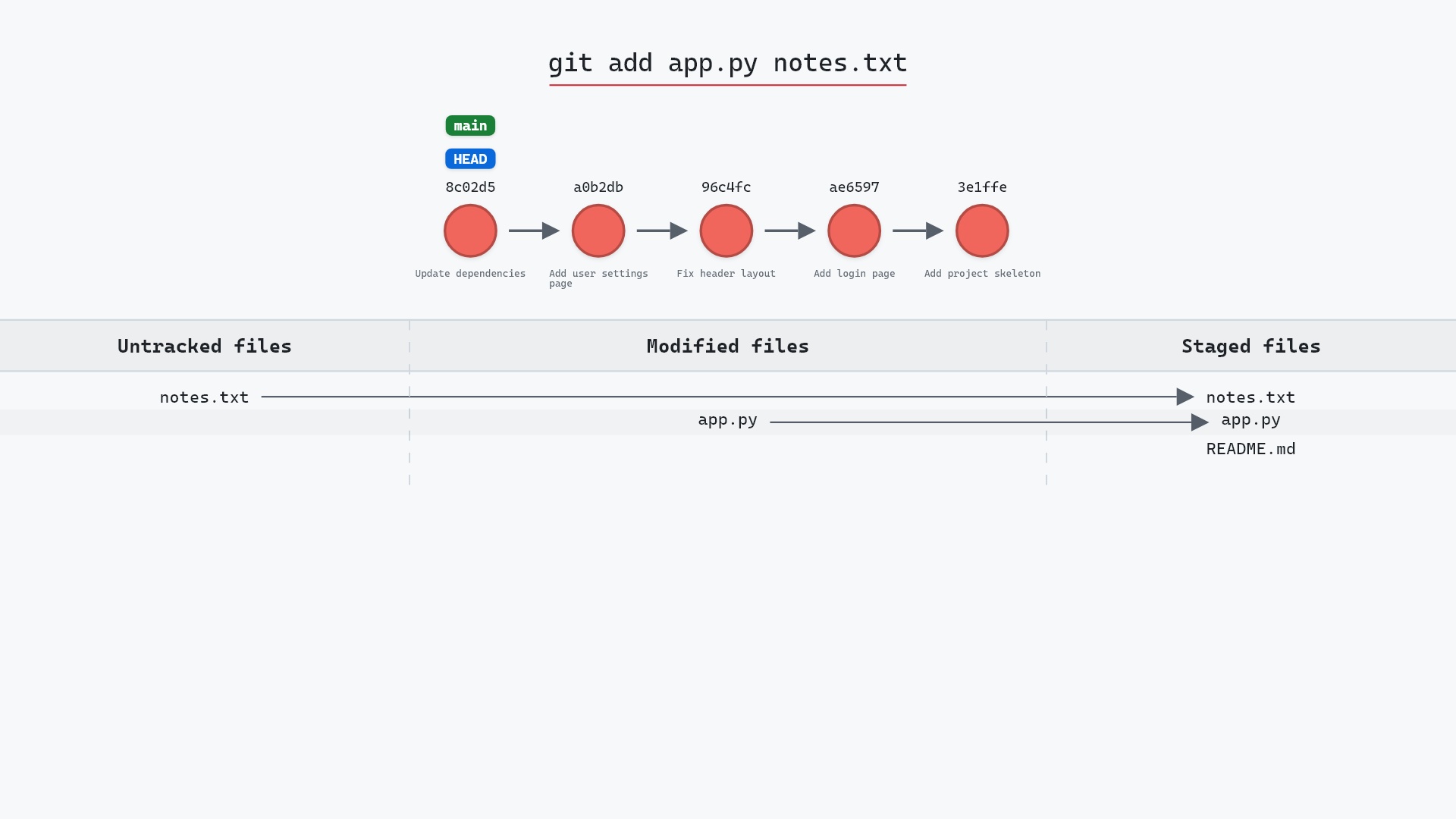
git add . is convenient and occasionally over-eager. When a file lands in the staging area that shouldn't be in the next commit, git reset HEAD <file> takes it back out. For years this was the standard way to unstage, and git status still suggests it on older versions of Git.
In this article, we'll:
- Watch
git reset HEAD README.mdunstage a single file - See that the edit itself is untouched
- Compare it with
git restore --staged, which now does the same job
What is git reset HEAD file?
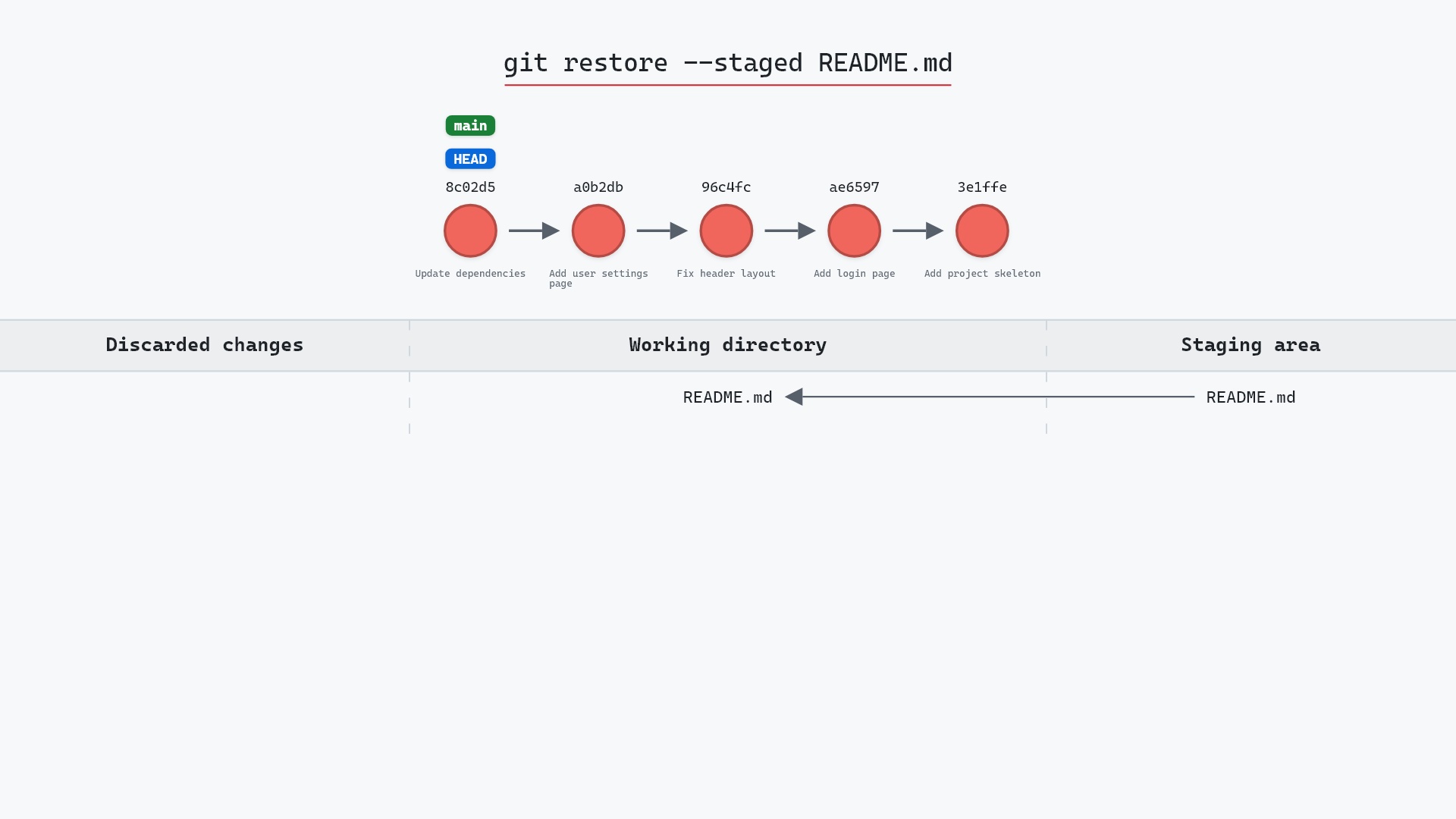
git reset HEAD <file> is a mixed reset limited to one path. It copies <file>'s entry from the HEAD commit into the staging area, replacing whatever was staged. The branch doesn't move, because a reset with a path never moves the branch. The working directory isn't touched either, so your edit is still there, just no longer staged.
Watch it happen
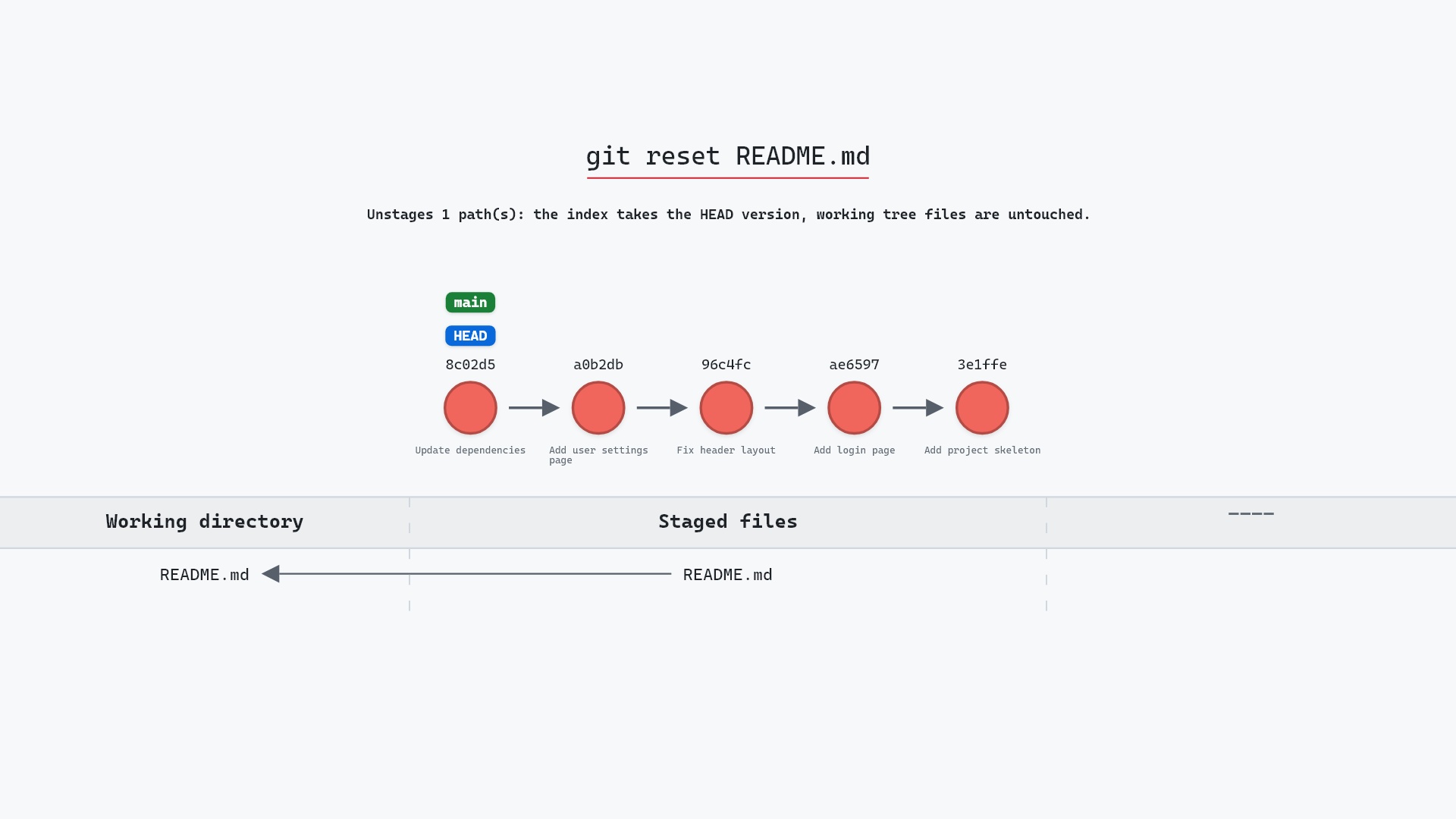
Our sample repo has one file staged by mistake. Here's git reset HEAD README.md:
- Before:
README.mdis staged, its edit added to the staging area and waiting for the next commit. - Git resets
README.mdin the index to its version inHEAD, so the edit is now an unstaged change. - No commit is created and no ref moves. The file's contents in the working tree are exactly as they were.
Before and after
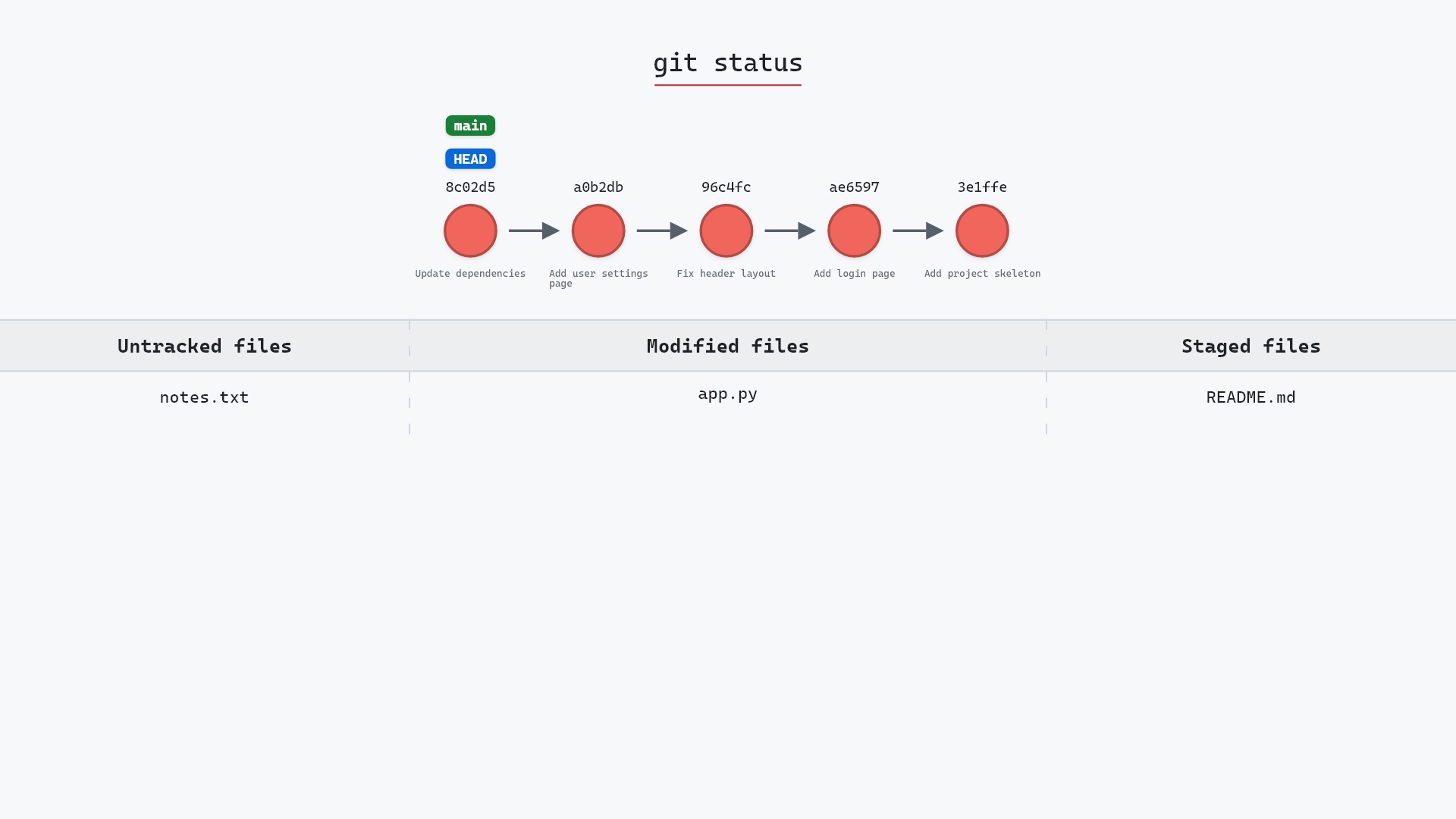
git status --short before:
M README.md
and after:
M README.md
The M moved from the first column (staged) to the second (modified, unstaged), as the git status page explains. Git says the same thing in words:
The raw git output, if you want to read along in text
git log --oneline --graph --all
before
* 1117a34 (feature) Add search tests
* e5869f0 Fix typo in search box
* fc19889 Add search box
| * 8c02d5b (HEAD -> main) Update dependencies
| * a0b2db3 Add user settings page
|/
* 96c4fc2 Fix header layout
* ae65976 Add login page
* 3e1ffe4 Add project skeleton
* 4114b2c Initial commit
after
* 1117a34 (feature) Add search tests
* e5869f0 Fix typo in search box
* fc19889 Add search box
| * 8c02d5b (HEAD -> main) Update dependencies
| * a0b2db3 Add user settings page
|/
* 96c4fc2 Fix header layout
* ae65976 Add login page
* 3e1ffe4 Add project skeleton
* 4114b2c Initial commit
what git printed
Unstaged changes after reset:
M	README.md
The modern spelling
Git 2.23 added git restore --staged <file>, which does exactly this and has its own page. The reset form still works and always will. restore exists because reset with and without a path do rather different things (one moves the branch, one doesn't), and a command that only ever unstages is easier to teach. Same repo, same file, newer name:
git status told me to use for the first decade I used Git. I've made a point of typing git restore --staged instead when someone's watching, since it's the one they'll see in current documentation.
Is it safe?
Safe git-sim pre-flight
Moves main from 8c02d5b to 8c02d5b (mixed reset).
The staged version of the file is replaced by the committed one, but your working copy still has the edit. Nothing is lost.
How to undo it
git add README.md
stages the file again.
Try it on your repository
pip install git-sim
git-sim reset HEAD README.md
git-sim shows the file moving out of the staging area, with the branch and the other staged files unchanged.
Common questions
What does git reset HEAD file do?
It unstages the file, copying the HEAD version into the staging area while leaving your working copy alone. The branch does not move.
What is the difference between git reset HEAD file and git restore --staged file?
Nothing in effect. restore --staged is the newer command added in Git 2.23 to give unstaging its own verb.
Does git reset HEAD file delete my changes?
No. The edit stays in your working directory. Only the staging area changes.
How do I unstage all files?
git reset with no path, or git restore --staged ..
Summary
In this article, we watched git reset HEAD move one file out of the staging area while the branch stayed put and the edit stayed on disk, and compared it with the newer git restore --staged.
Next steps
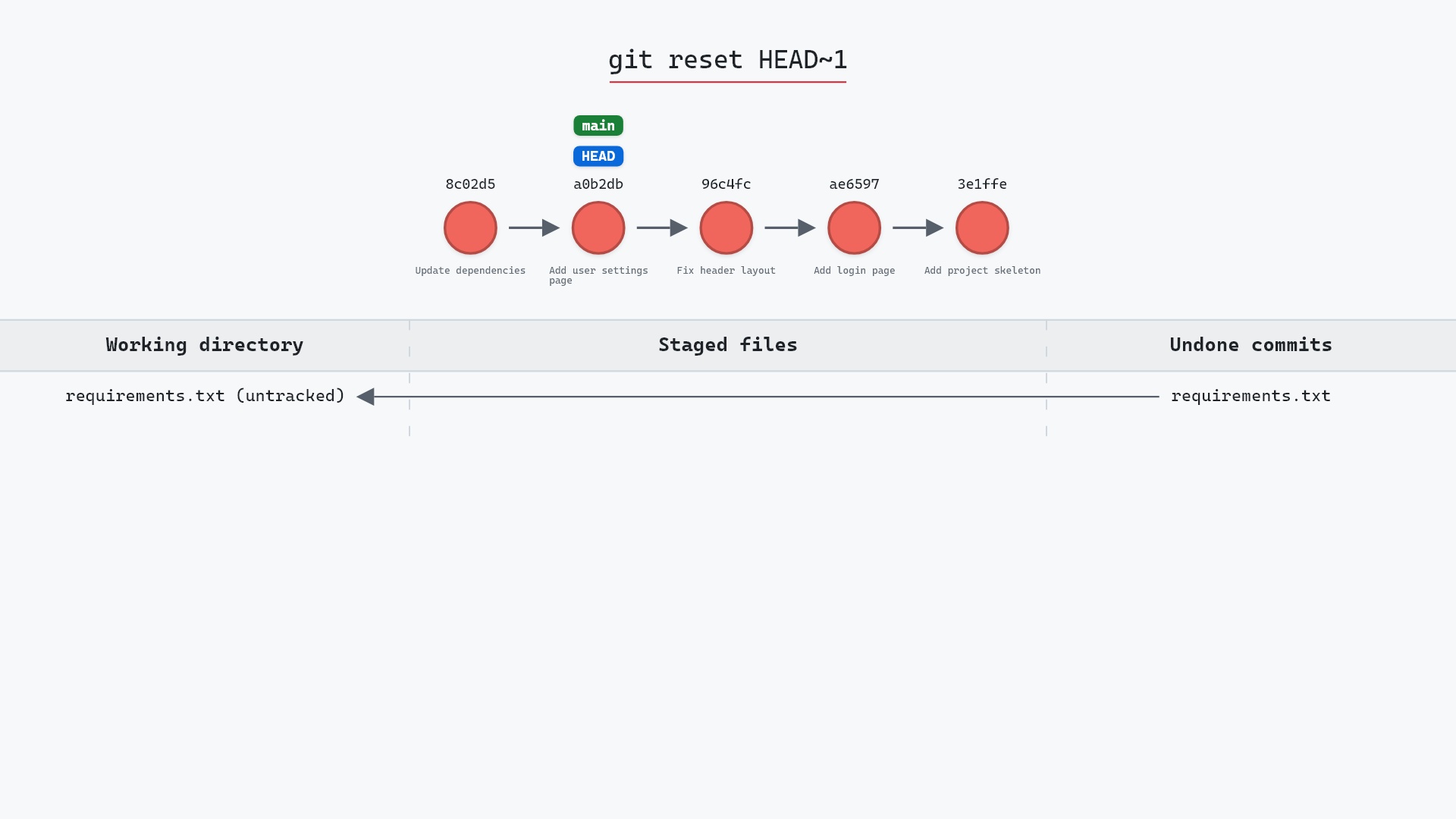
git restore --staged is the same operation with its modern name. git reset explains what happens when you reset without a path.
Related commands
- git restore --staged, the modern spelling
- git add, the operation being undone
- git status, to see what's staged
- git reset, reset without a path
- git restore, to discard the edit itself
- git commit, what the staging area feeds
Get Git command tips by email, starting with git reset HEAD file.