Git commands
Why git mv is really a delete plus an add
git mv: how Git renames a file
How to use this page
- sliderDrag it to move the graph from before the command to after it.
- ▶ / ❚❚Play or pause the command, start to finish, on a loop.
- Before · AfterJump straight to either end.
- ← → · spaceStep through a multi-step command; space toggles Before / After.
- APlay or pause from the keyboard (the page opens playing). Any manual input takes over.
- hoverA commit shows its message, author, date and parents, with its history highlighted.
- clickCopies the commit sha.
- ctrl + wheelZoom around the cursor (pinch on a trackpad). Double-click resets the view.
- EscStop playback, reset the view, close this menu.
- shareThe Share button copies a link to this graph, copies it as an image, downloads PNG/SVG/page, or posts it. #before, #after or #step=N in the link pins the state.
The Animated Git Cheat SheetFree · Customize it · Download it · Print it
git-sim visually simulates any Git command in your own repos - from your terminal, IDE, or AI.
Table of Contents
- Introduction
- What is git mv?
- Watch it happen
- Before and after
- How Git detects renames
- Is it safe?
- How to undo it
- Try it on your repository
- Common questions
- Summary
- Next steps
- Related commands
Introduction
git mv old new looks like it does one thing, and it does, from your point of view. Inside Git there is no such thing as a rename. A file with a new name is a deletion and an addition, and Git works out afterwards that they were the same file. That's worth knowing, because it explains both what git mv is a shortcut for and why renames sometimes show up as delete-plus-add in a diff.
In this article, we'll:
- Watch
git mv app.py main.pyrename a file and stage the result - See how
git statusreports it - Look at how Git detects renames without recording them
What is git mv?
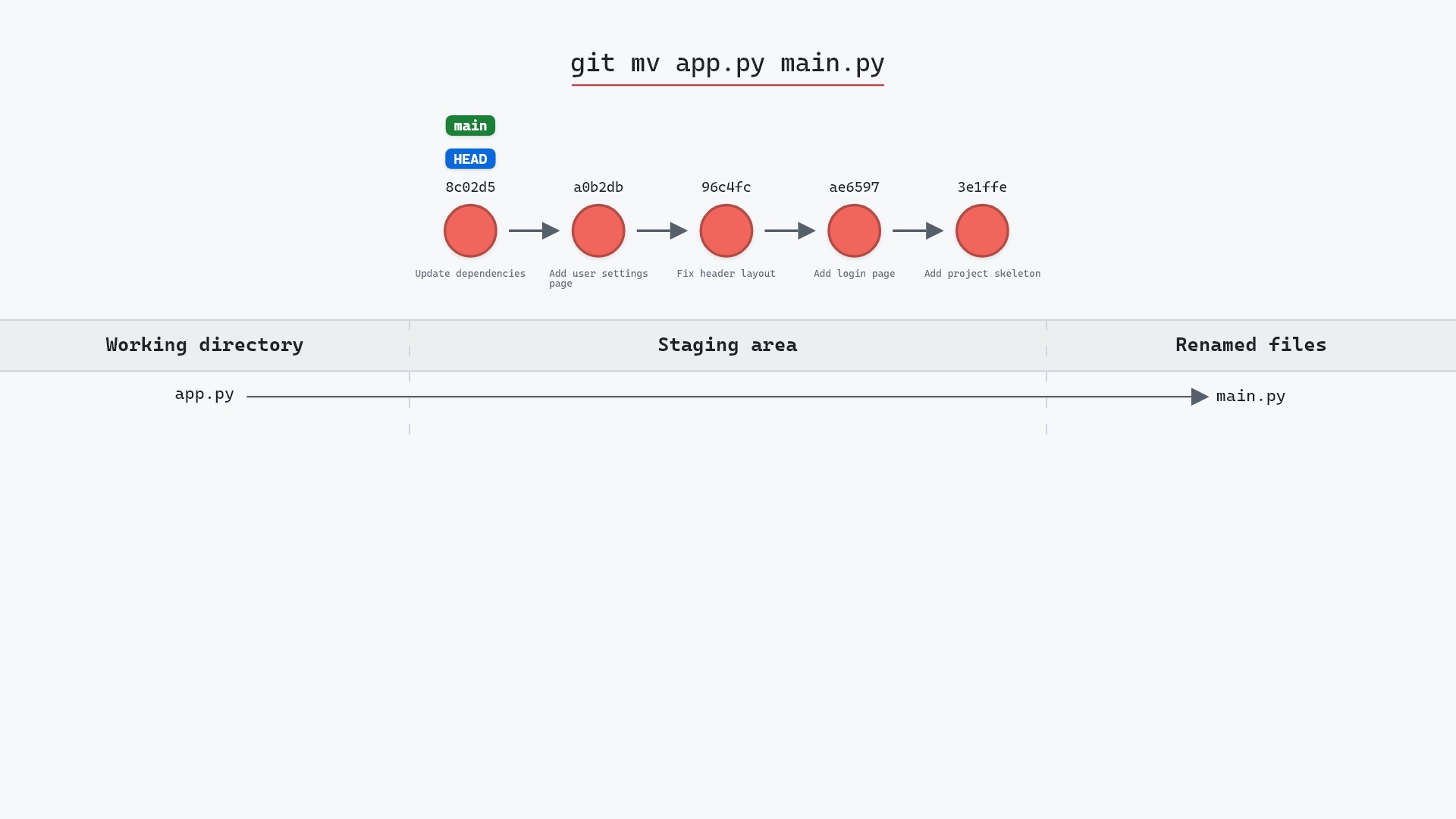
git mv <old> <new> renames the file on disk and updates the staging area: <old> is removed from it and <new> is added with the same content. That's exactly what mv old new && git rm old && git add new would do, in one command. Nothing is committed until you commit.
Watch it happen
Our sample repo has a tracked file to rename. Here's git mv app.py main.py:
- Before:
app.pyis a tracked, unmodified file. The working directory and staging area are clean. - Git renames
app.pytomain.pyin the working directory and stages the rename in the index. - No commit or branch changes. The file's contents are identical under the new name.
Before and after
git status --short was clean. After:
R app.py -> main.py
The R is Git noticing that the staged deletion and the staged addition have the same content and reporting them as one rename. Nothing else changes:
The raw git output, if you want to read along in text
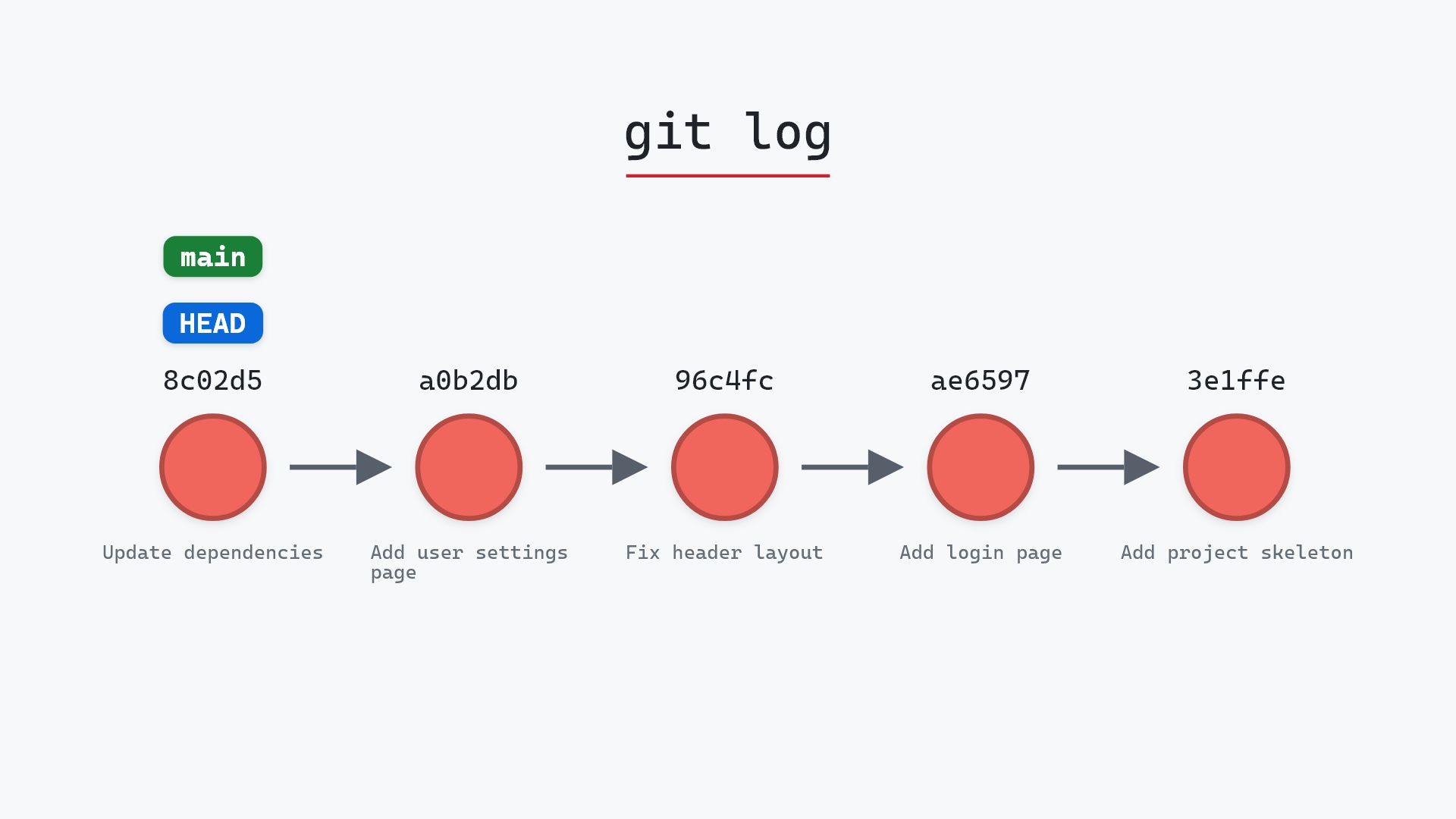
git log --oneline --graph --all
before
* 1117a34 (feature) Add search tests
* e5869f0 Fix typo in search box
* fc19889 Add search box
| * 8c02d5b (HEAD -> main) Update dependencies
| * a0b2db3 Add user settings page
|/
* 96c4fc2 Fix header layout
* ae65976 Add login page
* 3e1ffe4 Add project skeleton
* 4114b2c Initial commit
after
* 1117a34 (feature) Add search tests
* e5869f0 Fix typo in search box
* fc19889 Add search box
| * 8c02d5b (HEAD -> main) Update dependencies
| * a0b2db3 Add user settings page
|/
* 96c4fc2 Fix header layout
* ae65976 Add login page
* 3e1ffe4 Add project skeleton
* 4114b2c Initial commit
How Git detects renames
A commit stores a tree, and a tree maps names to content hashes. There's no field for "this used to be called something else". When git diff, git log --follow or git status shows a rename, it's because Git compared the deleted and added files and found their content similar enough (50% by default). Rename a file and change most of its contents in the same commit, and Git will report a delete and an add instead.
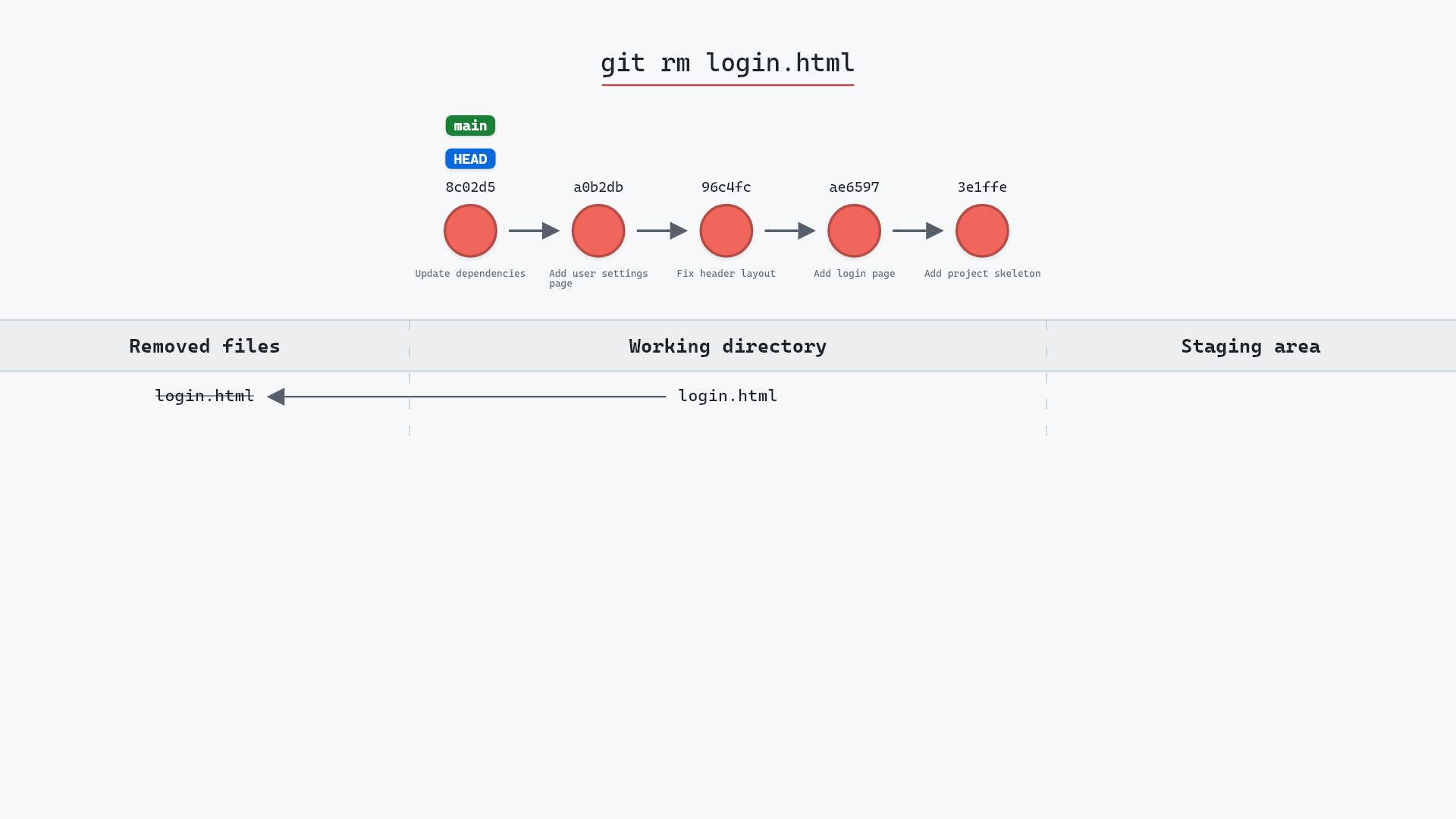
The delete half on its own is git rm, which stages the same kind of change without the matching add:
git log --follow got most of the way, but where a rename coincided with a big rewrite the trail went cold and I had to find the next file by hand. It's a direct consequence of renames being inferred rather than stored.
Is it safe?
Safe git-sim pre-flight
'mv' renames tracked files (content kept, recorded in the index).
The content is the same object under a new name. Nothing is lost, and until you commit, the rename is only in the staging area.
How to undo it
git mv main.py app.py
renames it back and updates the staging area to match, leaving nothing staged.
Try it on your repository
pip install git-sim
git-sim mv app.py main.py
git-sim shows the old name leaving and the new one arriving in the staging area.
Common questions
What does git mv do?
It renames a file on disk and stages the removal of the old name and the addition of the new one in a single step. The git mv documentation covers its few options, such as -f to overwrite a file that already has the new name.
Does Git track renames?
Not explicitly. Commits store file names and contents. Rename detection compares deleted and added files after the fact and reports them as renames when they're similar enough.
Why does git show my rename as a delete and an add?
Because the content changed too much in the same commit for rename detection to match them. The -M option in the git diff documentation lets you lower the 50% threshold when you're looking at a diff. Renaming in one commit and editing in the next keeps the history readable.
How do I rename a file and keep its history?
Just rename it, ideally in its own commit. git log --follow <new> traces the history across the rename.
Summary
In this article, we watched git mv rename a file and stage the result, saw git status report it as a rename, and looked at why Git infers renames rather than storing them.
Next steps
git rm covers removal on its own. git log has the --follow flag for tracing a file across renames.
Related commands
- git rm, the delete half
- git add, the add half
- git status, where the R shows up
- git log,
--followtraces renames - git commit, to record the rename
- git restore, to discard other edits alongside it
Get Git command tips by email, starting with git mv.