Git commands
git pull --rebase vs git pull, and how to make rebase the default
git pull --rebase: your commits on top, no merge commit
How to use this page
- sliderDrag it to move the graph from before the command to after it.
- ▶ / ❚❚Play or pause the command, start to finish, on a loop.
- Before · AfterJump straight to either end.
- ← → · spaceStep through a multi-step command; space toggles Before / After.
- APlay or pause from the keyboard (the page opens playing). Any manual input takes over.
- hoverA commit shows its message, author, date and parents, with its history highlighted.
- clickCopies the commit sha.
- ctrl + wheelZoom around the cursor (pinch on a trackpad). Double-click resets the view.
- EscStop playback, reset the view, close this menu.
- shareThe Share button copies a link to this graph, copies it as an image, downloads PNG/SVG/page, or posts it. #before, #after or #step=N in the link pins the state.
The Animated Git Cheat SheetFree · Customize it · Download it · Print it
git-sim visually simulates any Git command in your own repos - from your terminal, IDE, or AI.
Table of Contents
- Introduction
- What is git pull --rebase?
- Watch it happen
- Before and after
- Is it safe?
- When it stops on a conflict
- How to undo it
- Useful forms
- Try it on your repository
- Common questions
- Summary
- Next steps
- Related commands
Introduction
If you share a branch with anyone, you've probably seen a history full of commits like "Merge branch 'main' of github.com:..." that nobody meant to make. Most of them come from plain git pull when you and a teammate both committed since your last pull. git pull --rebase avoids them by putting your local commits on top of what you fetched, as if you'd written them after your teammate.
In this article, we'll:
- Watch
git pull --rebasebring in a teammate's two commits and replay our one local commit on top of them - See why that local commit gets a new hash, and what happens to the original
- Cover
pull.rebase,--autostash, and what to do when the rebase stops on a conflict
What is git pull --rebase?
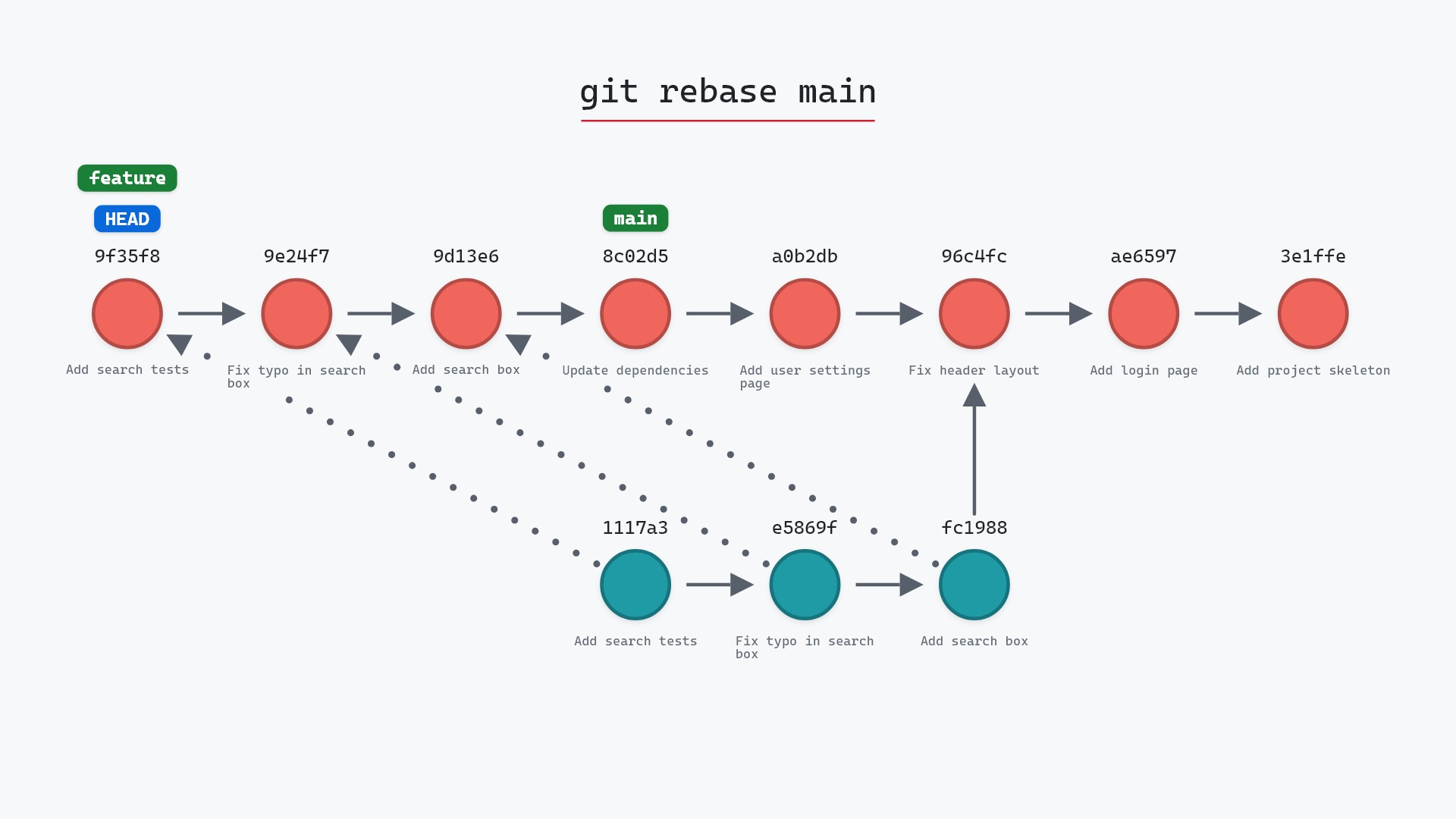
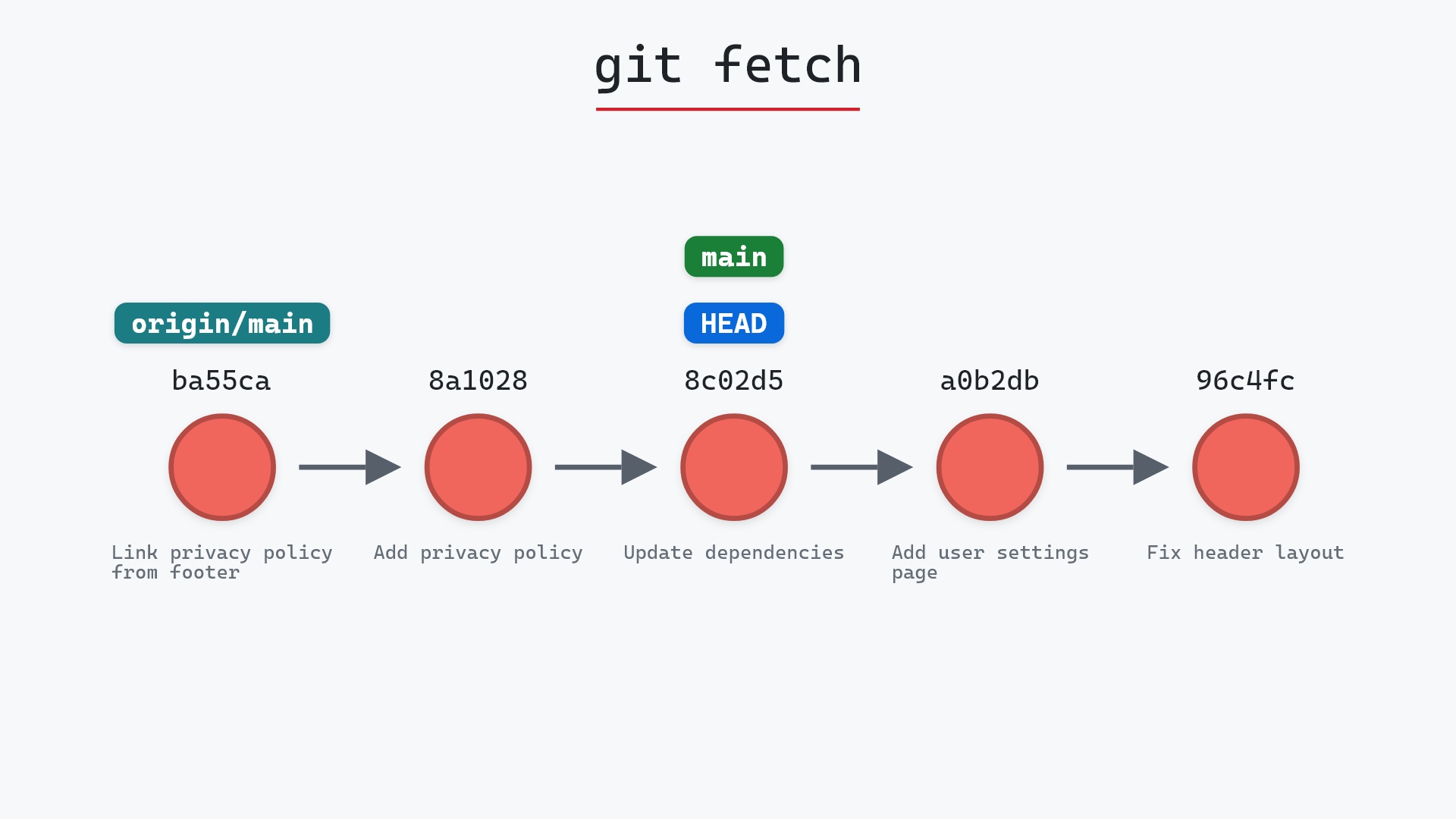
A pull is two commands in a row. The first is always git fetch, which downloads new commits and moves origin/main. The second is normally a merge. git pull --rebase swaps that second step for a rebase: Git takes the commits on your branch that origin/main doesn't have, sets them aside, moves your branch to origin/main, and re-applies them one at a time on top.
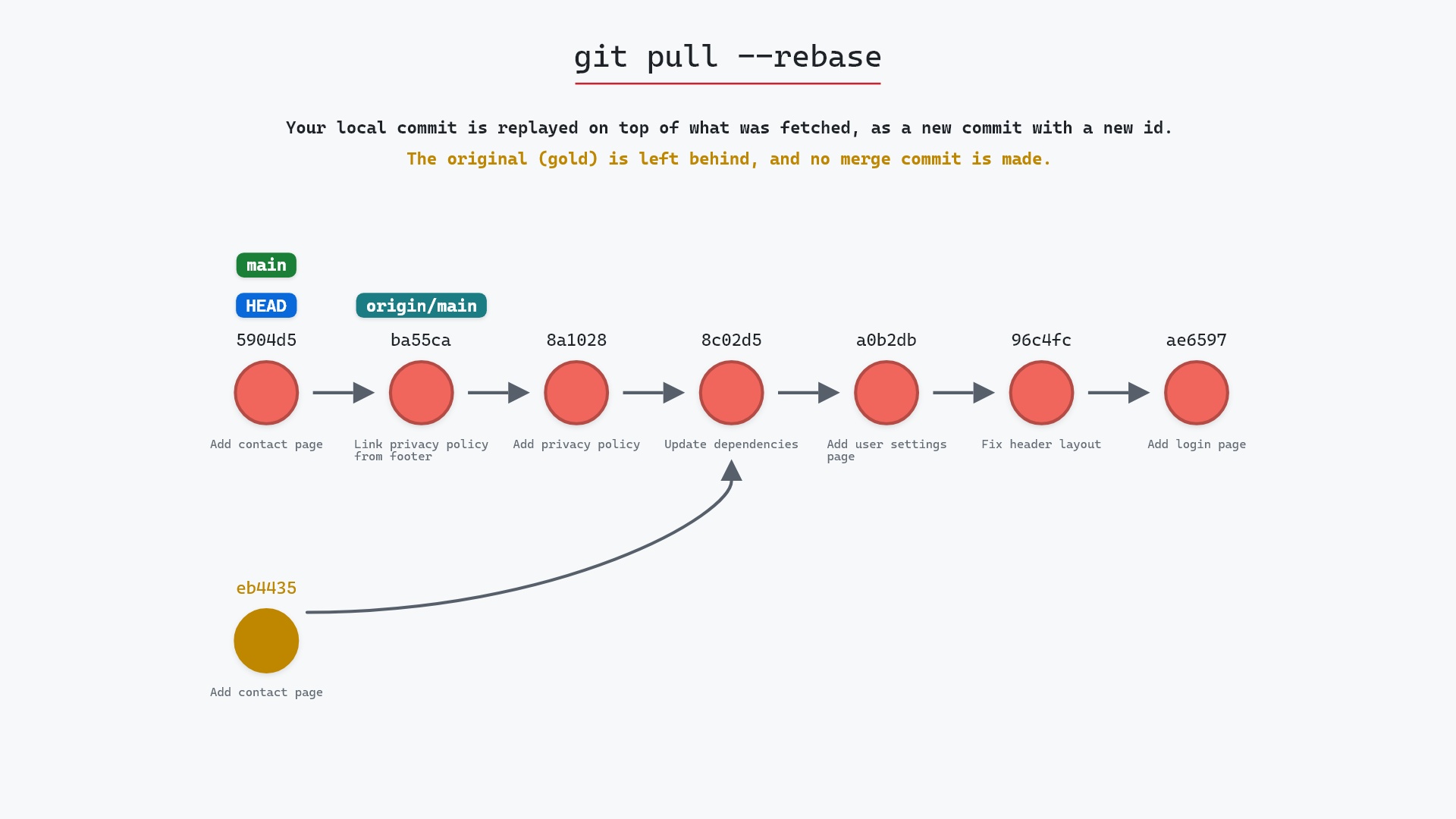
Each re-applied commit is a new commit with the same change and message but a new parent, so it gets a new hash. No merge commit is made.
Watch it happen
Our sample repo has two new commits from a teammate on origin and one local commit of its own. Locally, main is on "Add contact page" (eb4435d), one commit ahead of origin/main at 8c02d5b "Update dependencies". On the remote, a teammate has pushed "Add privacy policy" and "Link privacy policy from footer" on top of 8c02d5b. Here's git pull --rebase:
- Before:
origin/mainpoints at "Update dependencies", andmainandHEADpoint at our local "Add contact page" commit, whose parent is "Update dependencies". - Git fetches the teammate's two commits, "Add privacy policy" and "Link privacy policy from footer", then replays "Add contact page" on top of them as a new commit,
5904d55. mainmoves to5904d55,HEADmoves with it, andorigin/mainmoves to "Link privacy policy from footer". The original "Add contact page" commit (eb4435d) is no longer on any branch, and no merge commit is made.
Before and after
Before, main and origin/main have split: eb4435d on one side, the teammate's commits (not fetched yet) on the other. After, the history is one straight line. 8a10283 "Add privacy policy" and ba55ca2 "Link privacy policy from footer" sit on 8c02d5b, and "Add contact page" is on top as 5904d55. Git reports both halves as it goes:
The raw git output, if you want to read along in text
git log --oneline --graph --all
before
* eb4435d (HEAD -> main) Add contact page
* 8c02d5b (origin/main, origin/HEAD) Update dependencies
* a0b2db3 Add user settings page
| * 1117a34 (origin/feature, feature) Add search tests
| * e5869f0 Fix typo in search box
| * fc19889 Add search box
|/
* 96c4fc2 Fix header layout
* ae65976 Add login page
* 3e1ffe4 Add project skeleton
* 4114b2c Initial commit
after
* 5904d55 (HEAD -> main) Add contact page
* ba55ca2 (origin/main, origin/HEAD) Link privacy policy from footer
* 8a10283 Add privacy policy
* 8c02d5b Update dependencies
* a0b2db3 Add user settings page
| * 1117a34 (origin/feature, feature) Add search tests
| * e5869f0 Fix typo in search box
| * fc19889 Add search box
|/
* 96c4fc2 Fix header layout
* ae65976 Add login page
* 3e1ffe4 Add project skeleton
* 4114b2c Initial commit
what git printed
From ../your_project
   8c02d5b..ba55ca2  main       -> origin/main
Rebasing (1/1)
Successfully rebased and updated refs/heads/main.
The first two lines are the fetch moving origin/main from 8c02d5b to ba55ca2. "Rebasing (1/1)" is our one commit being replayed. git status still says we're ahead of origin/main by 1, which is right: 5904d55 hasn't been pushed yet, and now it can be pushed without a merge.
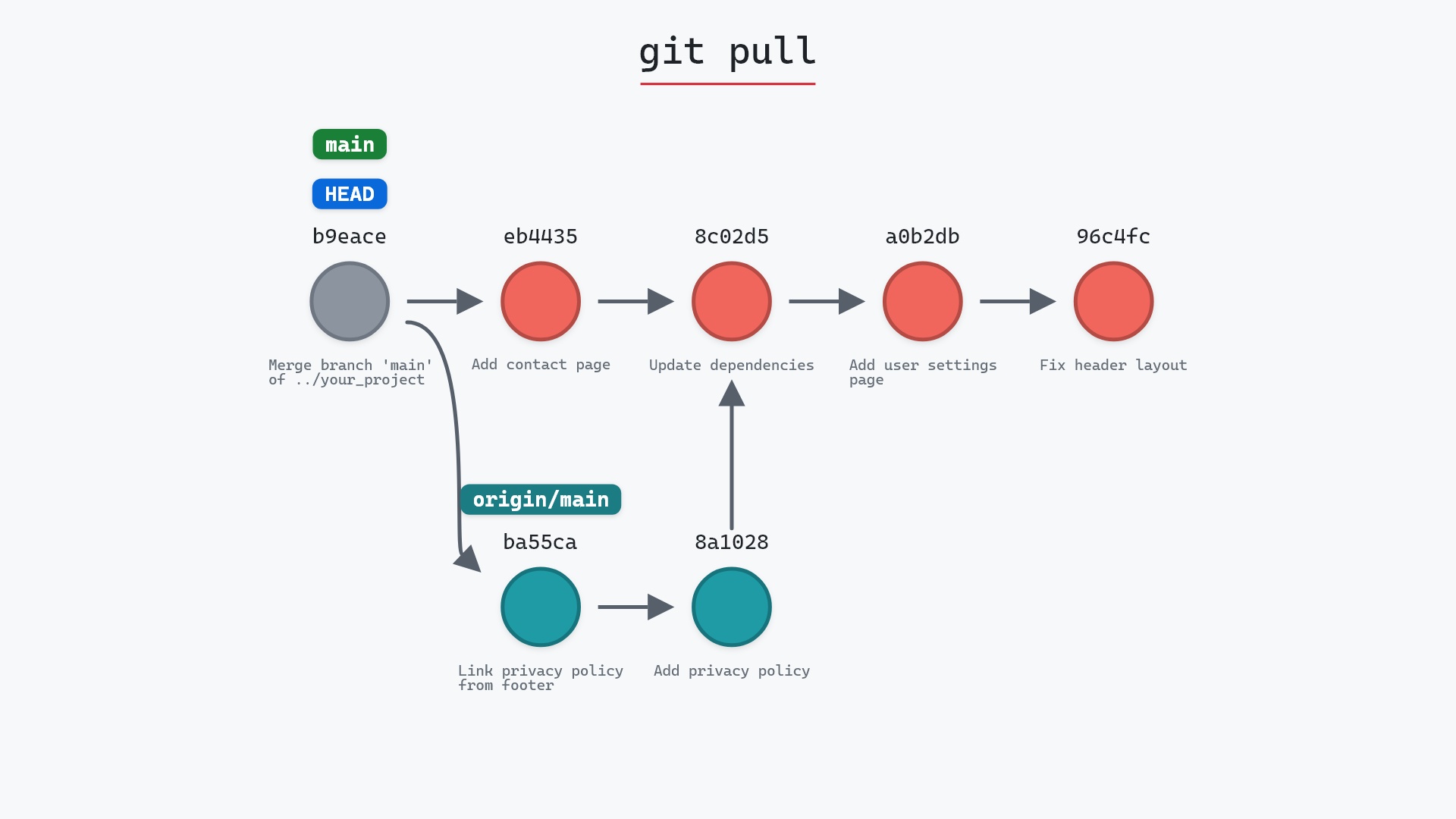
Compare that with plain git pull on the same repository, which would have kept eb4435d as it is and added a merge commit with two parents, eb4435d and ba55ca2.
Is it safe?
Caution git-sim pre-flight
Fetches, then replays your 1 local commit(s) on top of what was fetched: they get new hashes, and no merge commit is made.
The way back
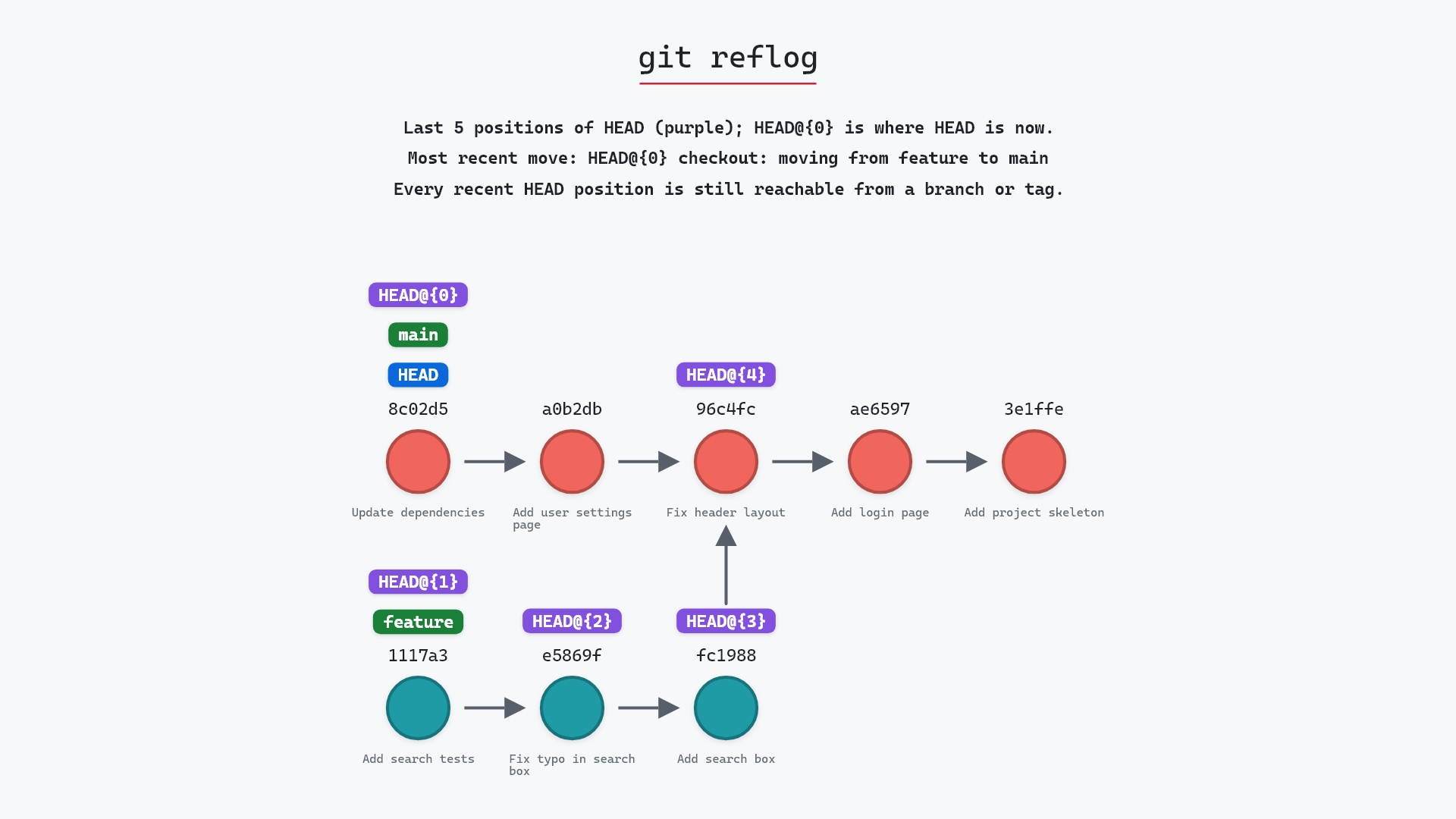
The original commits stay in the reflog: git reset --hard eb4435d
For commits you haven't pushed yet, it's safe. The original eb4435d isn't deleted. It's unreachable from main now, but the reflog remembers it, so you can get back to it (see below).
Keep in mind it's still a rebase, so the same rule applies. If you had already pushed "Add contact page" somewhere a teammate pulled it from, rewriting it would give them a commit your branch no longer has. git pull --rebase only replays commits that aren't on origin/main, which usually means commits nobody else has seen, and that's why it's such a common default. Pro Git has a section on exactly this, rebase when you rebase.
pull.rebase set to true in my global config and have for years. Most of my repositories only have me and a contributor or two pushing to main, and a merge commit every time we both committed on the same afternoon told me nothing I wanted to read later.
When it stops on a conflict
If one of your commits changes the same lines as a fetched commit, the rebase stops partway and leaves conflict markers in the file. git status names the file and tells you a rebase is in progress. From there you have two choices:
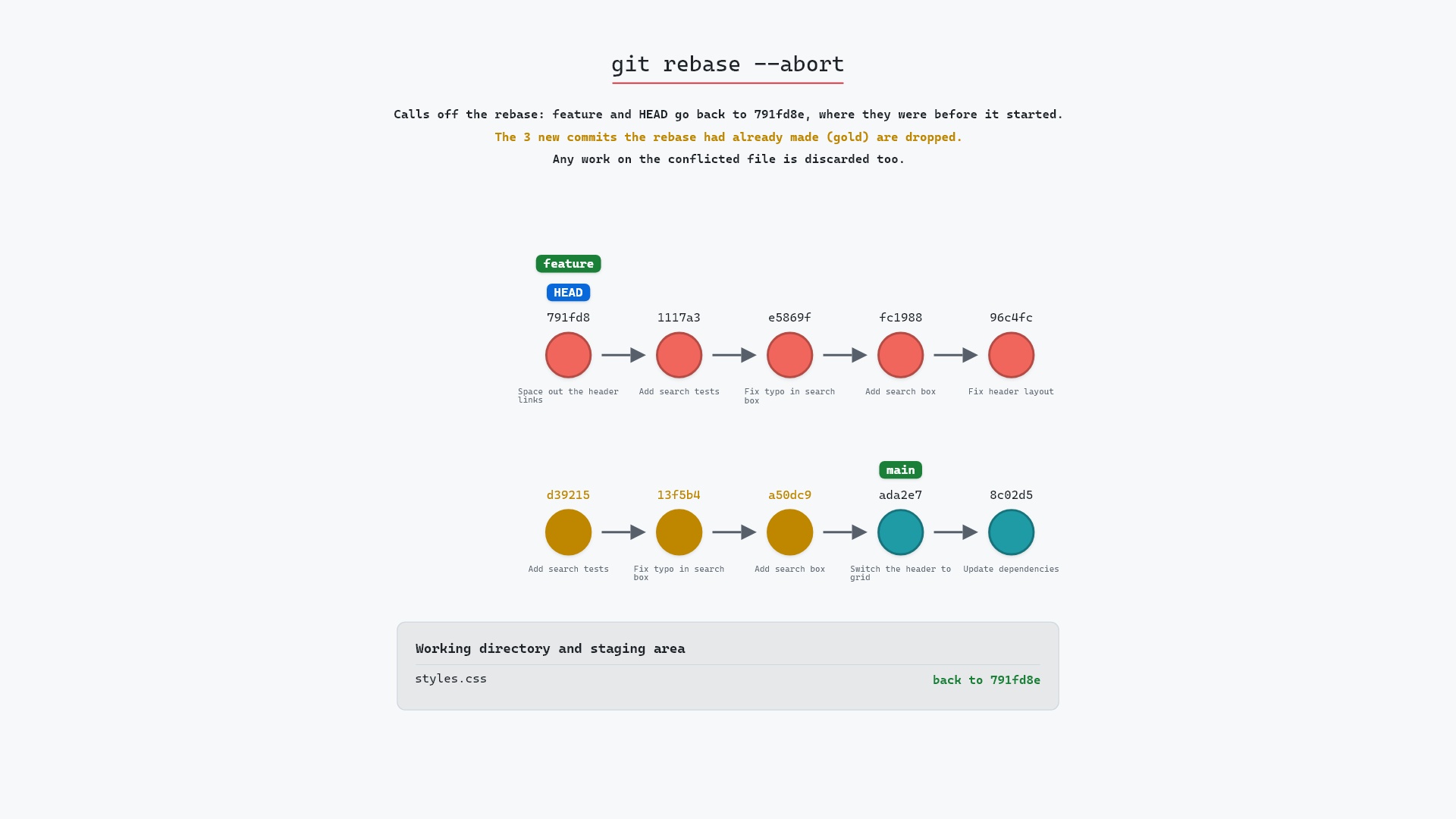
- Fix the file,
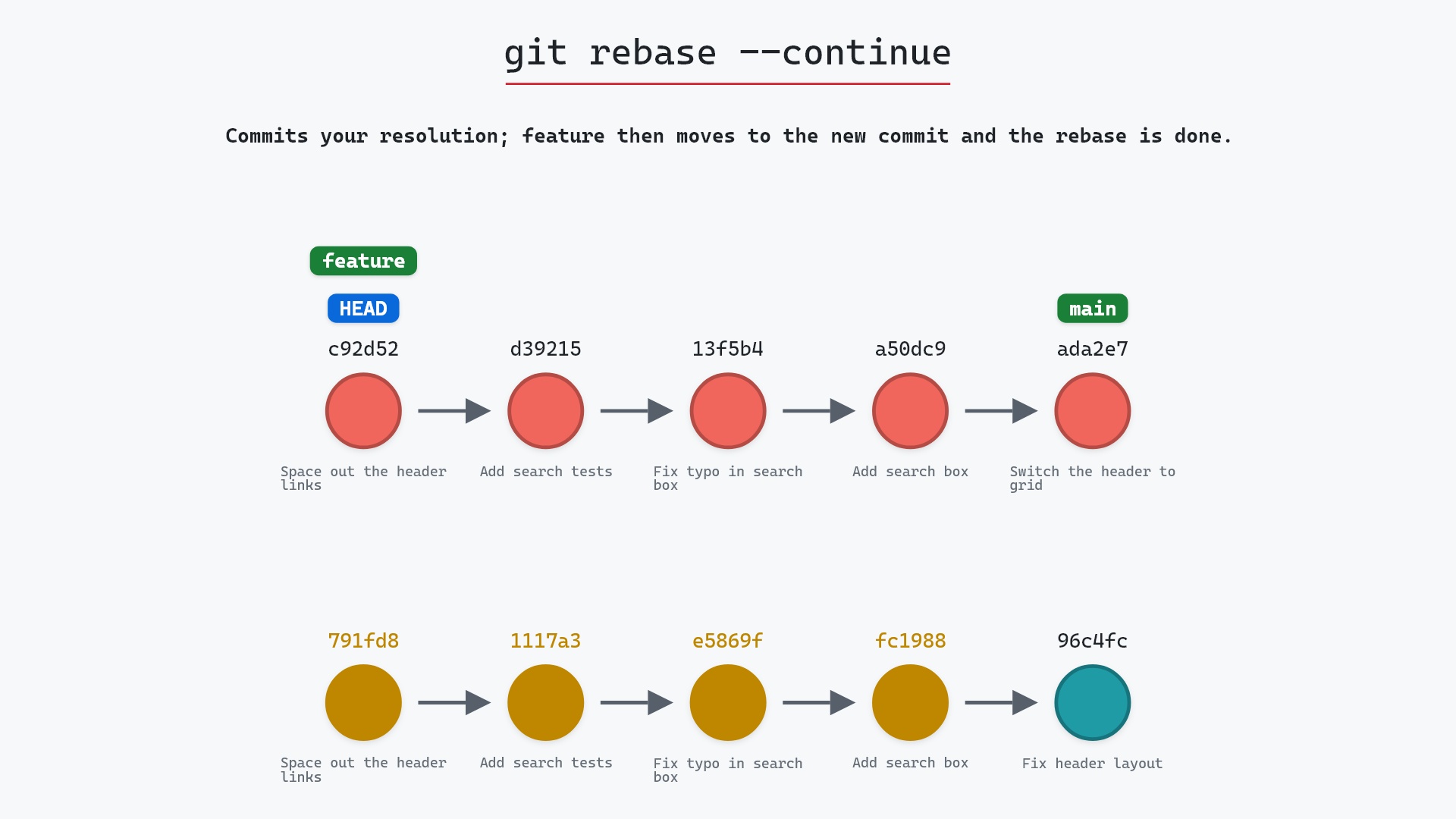
git addit, and run git rebase --continue to finish replaying your commits. - Run git rebase --abort to put your branch back exactly as it was before the pull. The fetch half stays done, so
origin/mainkeeps its new position.
How to undo it
Right after the pull, ORIG_HEAD points at your branch's old tip:
git reset --hard ORIG_HEAD
That puts main back on eb4435d. If you've run other commands since, find the old tip with git reflog (the entry just before "pull --rebase" started) and reset to that hash instead. reset --hard also discards uncommitted edits, so commit or stash those first. Either way, origin/main stays where the fetch put it, which is fine: the teammate's commits are really on the remote.
Useful forms
git config --global pull.rebase truemakes everygit pullrebase. Plaingit pull --no-rebasestill merges when you want it to.git pull --rebase --autostashstashes your uncommitted edits, pulls, and pops them back. Without it, Git refuses to rebase while you have uncommitted changes.git config --global rebase.autoStash truemakes that the default too.git pull --rebase=mergeskeeps any merge commits you made locally instead of flattening them.git pull --ff-onlyis the strict option: it only succeeds if you have no local commits of your own, and then simply moves your branch forward without a rebase or a merge commit.
The --rebase entry in the git pull documentation lists every value it accepts.
Try it on your repository
pip install git-sim
git-sim pull --rebase
git-sim fetches nothing and rewrites nothing. It shows where your commits would land and whether any of them would conflict.
Common questions
What is the difference between git pull and git pull --rebase?
Both fetch first. git pull then merges, which adds a merge commit when both sides have new commits. git pull --rebase replays your local commits on top of the fetched ones instead, so the history stays a straight line and no merge commit is made.
Why did my commit get a new hash after git pull --rebase?
A commit's hash covers its parent. Your commit was replayed on top of the fetched commits, so it has a new parent and therefore a new hash. The change and the message are the same.
How do I make git pull rebase by default?
Run git config --global pull.rebase true. Use git pull --no-rebase for the occasional pull you want merged.
What do I do if git pull --rebase has a conflict?
Resolve the conflicting files, git add them and run git rebase --continue. Or run git rebase --abort to go back to where you were before the pull.
Summary
In this article, we watched git pull --rebase bring in two commits from a teammate and replay our local "Add contact page" commit on top of them with a new hash, leaving the original behind and making no merge commit. We also covered pull.rebase, --autostash and handling a conflict.
Next steps
git pull shows the merging version on the same kind of repository. git rebase goes into how the replay works.
Related commands
- git pull, the default that merges instead
- git rebase, the second half of this command on its own
- git fetch, the first half, which never touches your branch
- git rebase --continue, to finish after fixing a conflict
- git rebase --abort, to back out of a conflicted pull
- git reflog, to find your commit's original hash
Get Git command tips by email, starting with git pull --rebase.