Git commands
How to push tags to a remote in Git, and why git push leaves them behind
git push --tags: sending your tags to the remote
How to use this page
- sliderDrag it to move the graph from before the command to after it.
- ▶ / ❚❚Play or pause the command, start to finish, on a loop.
- Before · AfterJump straight to either end.
- ← → · spaceStep through a multi-step command; space toggles Before / After.
- APlay or pause from the keyboard (the page opens playing). Any manual input takes over.
- hoverA commit shows its message, author, date and parents, with its history highlighted.
- clickCopies the commit sha.
- ctrl + wheelZoom around the cursor (pinch on a trackpad). Double-click resets the view.
- EscStop playback, reset the view, close this menu.
- shareThe Share button copies a link to this graph, copies it as an image, downloads PNG/SVG/page, or posts it. #before, #after or #step=N in the link pins the state.
The Animated Git Cheat SheetFree · Customize it · Download it · Print it
git-sim visually simulates any Git command in your own repos - from your terminal, IDE, or AI.
Table of Contents
- Introduction
- What is git push --tags?
- Watch it happen
- Before and after
- Is it safe?
- How to undo it
- Useful forms
- Tags and GitHub releases
- Try it on your repository
- Common questions
- Summary
- Next steps
- Related commands
Introduction
If you're like me, the first time you tagged a release you pushed, opened GitHub, and found no tag there. That's because a plain git push sends branches, and tags stay on your machine until you push them on purpose. git push --tags is the quickest way to do that.
In this article, we'll:
- Watch
git push --tagssend two tags, one lightweight and one annotated, to origin - See that no branch moves while it happens
- Cover pushing a single tag,
--follow-tags, and taking a tag back off the remote
What is git push --tags?
git push --tags pushes every tag under refs/tags that the remote doesn't already have. A tag is a name for one commit that never moves (the git tag page walks through making one), and like a branch it only exists in the repository where you created it until you push it.
With no other arguments, --tags sends tags only. Your branches aren't pushed, even if main has commits origin hasn't seen. It's still a git push, so the remote can refuse, and it will refuse a tag it already has pointing at a different commit.
Watch it happen
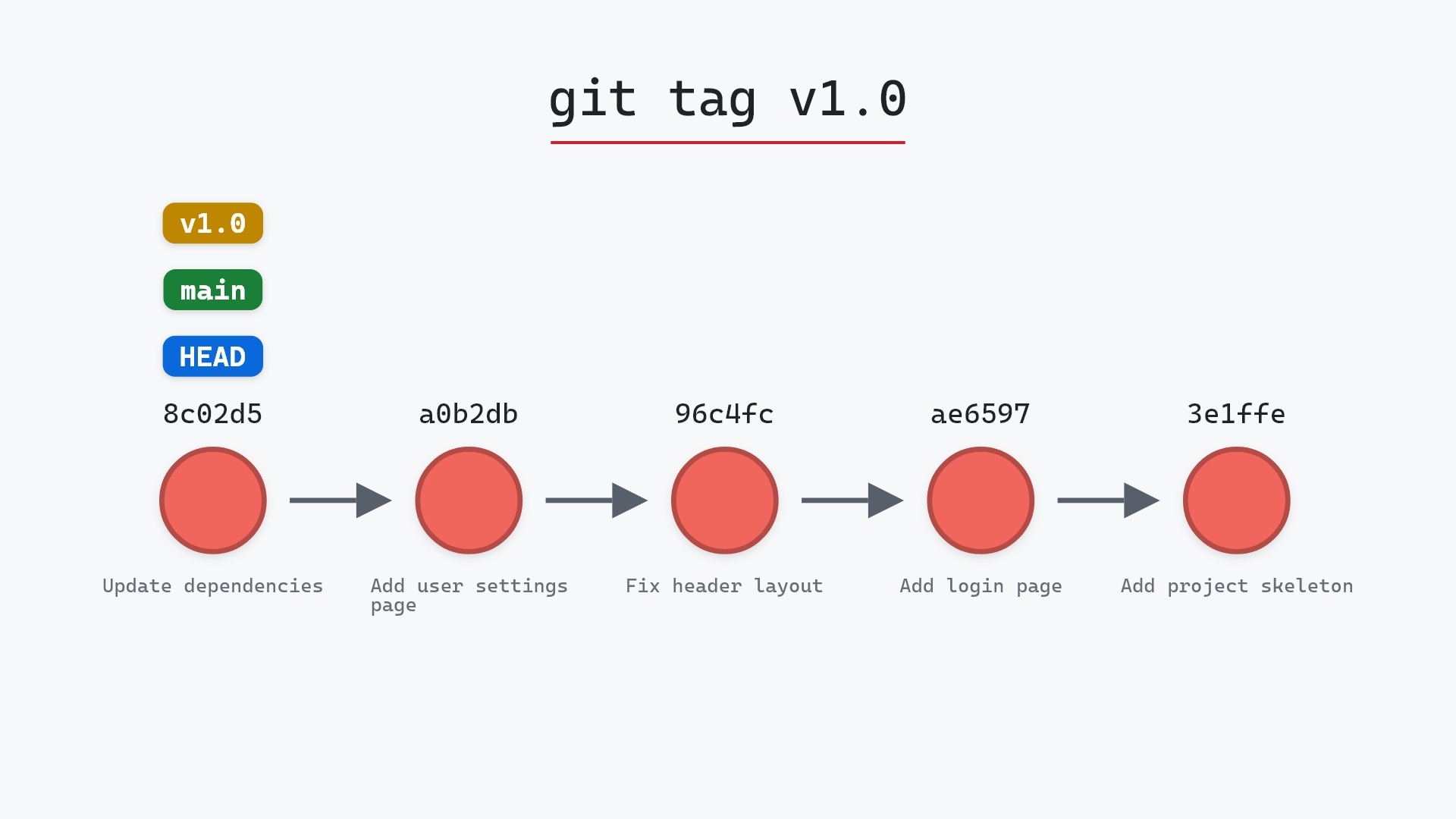
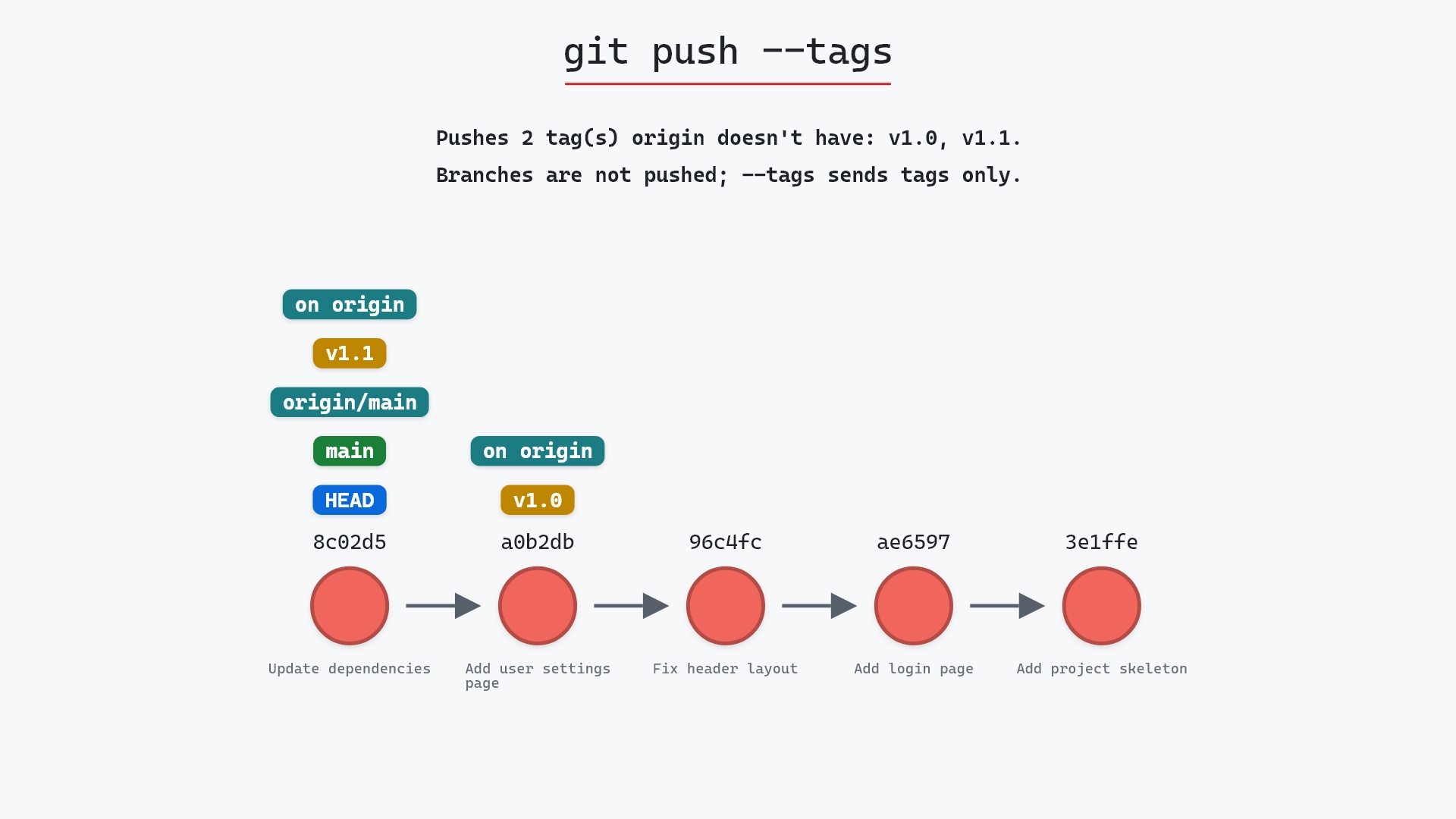
Our sample repo has two tags made locally, v1.0 and an annotated v1.1, that origin has never seen. v1.0 is a lightweight tag on a0b2db3 "Add user settings page", the commit before main's tip. v1.1 is an annotated tag on 8c02d5b "Update dependencies", where main, HEAD and origin/main also point. main is already in sync with origin/main. Here's git push --tags:
- Before:
v1.1,origin/main,mainandHEADall point at8c02d5b, andv1.0points ata0b2db3. Both tags exist only in our repository. - Git pushes
v1.0andv1.1, the two tags origin doesn't have. No branches are pushed, since--tagssends tags only, soorigin/maindoesn't move.
The graph draws both tags the same way. The difference between them is inside Git: v1.1 is a tag object with its own message, author and date, and v1.0 is only a name pointing straight at the commit. --tags pushes both kinds.
Before and after
The two graphs look the same because nothing in your repository changes. Tags don't have remote-tracking copies the way branches do, so there's no origin/v1.0 to appear. The only record on your side is what Git printed:
The raw git output, if you want to read along in text
git log --oneline --graph --all
before
* 1117a34 (origin/feature, feature) Add search tests
* e5869f0 Fix typo in search box
* fc19889 Add search box
| * 8c02d5b (HEAD -> main, tag: v1.1, origin/main, origin/HEAD) Update dependencies
| * a0b2db3 (tag: v1.0) Add user settings page
|/
* 96c4fc2 Fix header layout
* ae65976 Add login page
* 3e1ffe4 Add project skeleton
* 4114b2c Initial commit
after
* 1117a34 (origin/feature, feature) Add search tests
* e5869f0 Fix typo in search box
* fc19889 Add search box
| * 8c02d5b (HEAD -> main, tag: v1.1, origin/main, origin/HEAD) Update dependencies
| * a0b2db3 (tag: v1.0) Add user settings page
|/
* 96c4fc2 Fix header layout
* ae65976 Add login page
* 3e1ffe4 Add project skeleton
* 4114b2c Initial commit
what git printed
To ../your_project.git
 * [new tag]         v1.0 -> v1.0
 * [new tag]         v1.1 -> v1.1
The before and after logs are identical line for line, and the output has one [new tag] line per tag. To check what origin now has, git ls-remote --tags origin lists its tags.
Is it safe?
Safe git-sim pre-flight
Pushes every local tag the remote doesn't have; no branch moves.
Pushing tags doesn't move any branch or change any file, and a tag origin already has at a different commit is rejected rather than overwritten. The thing to think about is that tags are meant to be permanent. Once other people fetch v1.1, their copy stays even if you later change or delete yours, because fetching doesn't overwrite a tag someone already has. So make sure a tag points where you want before you push it.
The other catch is that --tags pushes all of them. If you have scratch tags lying around, like before-refactor or test, they go to origin too.
git push, and then wondered why the GitHub releases page didn't have it. These days I have push.followTags turned on, which covers my annotated release tags without sending along any lightweight ones I made just to mark a spot.
How to undo it
Delete the tag on origin by pushing the deletion:
git push origin --delete v1.1
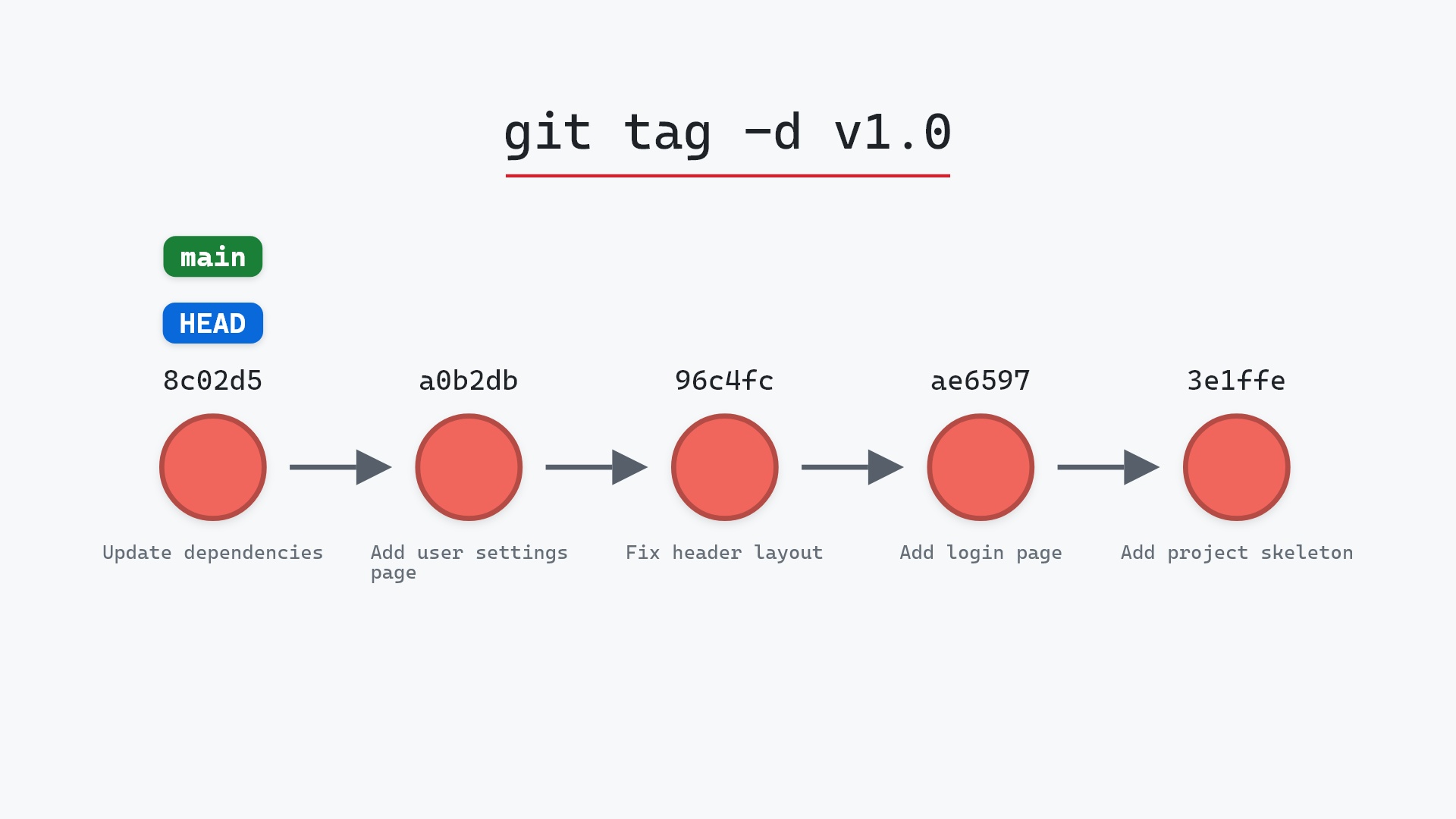
git push origin :refs/tags/v1.1 does the same thing in the older syntax. Your local v1.1 stays, so delete it with git tag -d v1.1 too if you want it gone everywhere. The git tag -d page covers both halves. Keep in mind that anyone who fetched the tag in the meantime still has it, so deleting a published tag works best when you catch it quickly.
Useful forms
git push origin v1.1pushes a single tag, which is usually what you want for a release.git push --follow-tagspushes your branches as normal, plus any annotated tags that point at commits reachable from what you're pushing. Lightweight tags likev1.0are left out. The git push documentation describes the exact rule. In our sample,git push --follow-tagswould send onlyv1.1.git config --global push.followTags truemakes--follow-tagsthe default for every push.git push origin --tags mainsends every tag and themainbranch in one push.
Pro Git's section on sharing tags shows the same commands on a longer example.
Tags and GitHub releases
GitHub releases are built on tags. Each release points at a tag, and if you create a release for a tag that isn't on GitHub yet, GitHub makes the tag for you. GitHub Docs explains the relationship in About releases. If you prefer to tag on your own machine, push the tag first and then pick it from the list when you draft the release.
Try it on your repository
pip install git-sim
git-sim push --tags
git-sim marks each tag origin would receive, so you can spot a stray scratch tag before it goes out, and it doesn't push anything itself.
Common questions
How do I push tags to a remote in Git?
Run git push --tags to push every tag the remote doesn't have, or git push origin <tag> to push one.
Why doesn't git push send my tags?
Plain git push only sends branches. Tags need --tags, --follow-tags, or their name on the command line.
Does git push --tags push branches too?
No. Without other arguments, it pushes tags only. Add a branch name, as in git push origin --tags main, to send both.
What is the difference between --tags and --follow-tags?
--tags pushes every local tag the remote is missing, lightweight or annotated, and nothing else. --follow-tags pushes your branches and only the annotated tags reachable from them.
How do I delete a tag I pushed by mistake?
git push origin --delete <tag> removes it from the remote, and git tag -d <tag> removes your local copy.
Summary
In this article, we watched git push --tags send v1.0 and v1.1 to origin while every branch stayed where it was, and covered pushing one tag, --follow-tags, and removing a tag from the remote.
Next steps
git tag covers making lightweight and annotated tags in the first place. git tag -d is the way back when a tag went out wrong.
Related commands
- git tag, to create the tags you push
- git tag -d, to delete a tag locally and on the remote
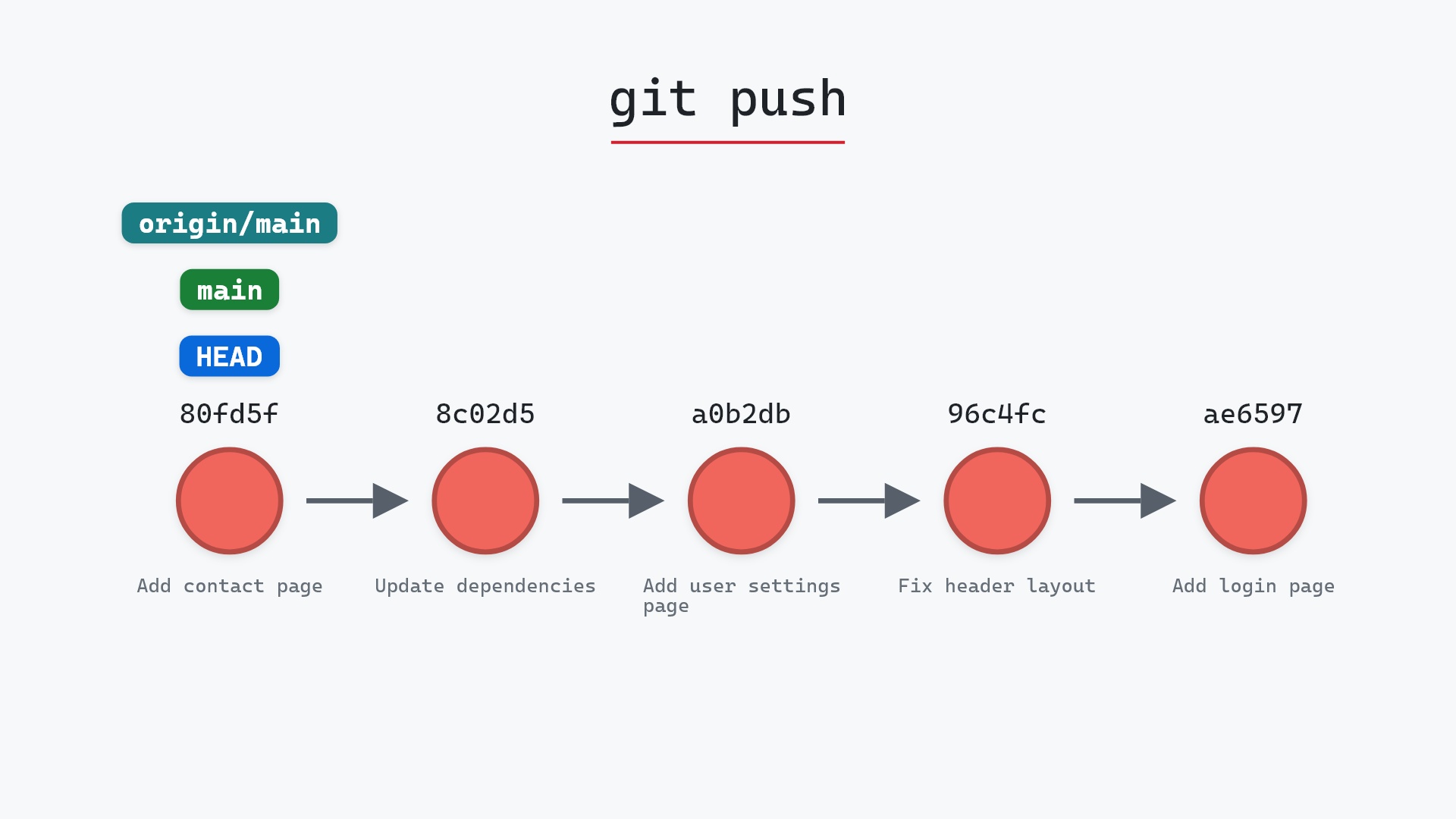
- git push, which sends branches but not tags
- What is an annotated tag in Git?, the kind
--follow-tagspushes - git describe, which names commits after the nearest tag
- git fetch, how teammates receive the tags you pushed
Get Git command tips by email, starting with git push --tags.