Git commands
How to remove remote-tracking branches that no longer exist on the remote
git fetch --prune: clearing out remote branches that are gone
How to use this page
- sliderDrag it to move the graph from before the command to after it.
- ▶ / ❚❚Play or pause the command, start to finish, on a loop.
- Before · AfterJump straight to either end.
- ← → · spaceStep through a multi-step command; space toggles Before / After.
- APlay or pause from the keyboard (the page opens playing). Any manual input takes over.
- hoverA commit shows its message, author, date and parents, with its history highlighted.
- clickCopies the commit sha.
- ctrl + wheelZoom around the cursor (pinch on a trackpad). Double-click resets the view.
- EscStop playback, reset the view, close this menu.
- shareThe Share button copies a link to this graph, copies it as an image, downloads PNG/SVG/page, or posts it. #before, #after or #step=N in the link pins the state.
The Animated Git Cheat SheetFree · Customize it · Download it · Print it
git-sim visually simulates any Git command in your own repos - from your terminal, IDE, or AI.
Table of Contents
- Introduction
- What is git fetch --prune?
- Watch it happen
- Before and after
- Is it safe?
- How to undo it
- Useful forms
- Try it on your repository
- Common questions
- Summary
- Next steps
- Related commands
Introduction
If you're like me, you've run git branch -a on an older clone and scrolled past a long list of origin/... names for branches that were merged and deleted months ago. Those names don't go away on their own. A plain fetch adds and moves remote-tracking branches, but it never removes one, so every branch anybody ever pushed stays in your list until you tell Git to clean up. git fetch --prune is how you tell it.
In this article, we'll:
- Watch
git fetch --pruneremoveorigin/featureafter thefeaturebranch was deleted on origin - See why your own local
featurebranch is left alone - Cover
fetch.prune,git remote pruneand--prune-tags
What is git fetch --prune?
git fetch --prune does a normal fetch, and before it does, it deletes every remote-tracking branch (the origin/... names in your repository) whose branch no longer exists on the remote. It's the same download as git fetch with one extra cleanup step.
Keep in mind what a remote-tracking branch is: your repository's memory of where a branch on origin pointed the last time you talked to it. When someone deletes feature on origin, your memory of it doesn't update until you fetch, and even then only if you ask for pruning.
Watch it happen
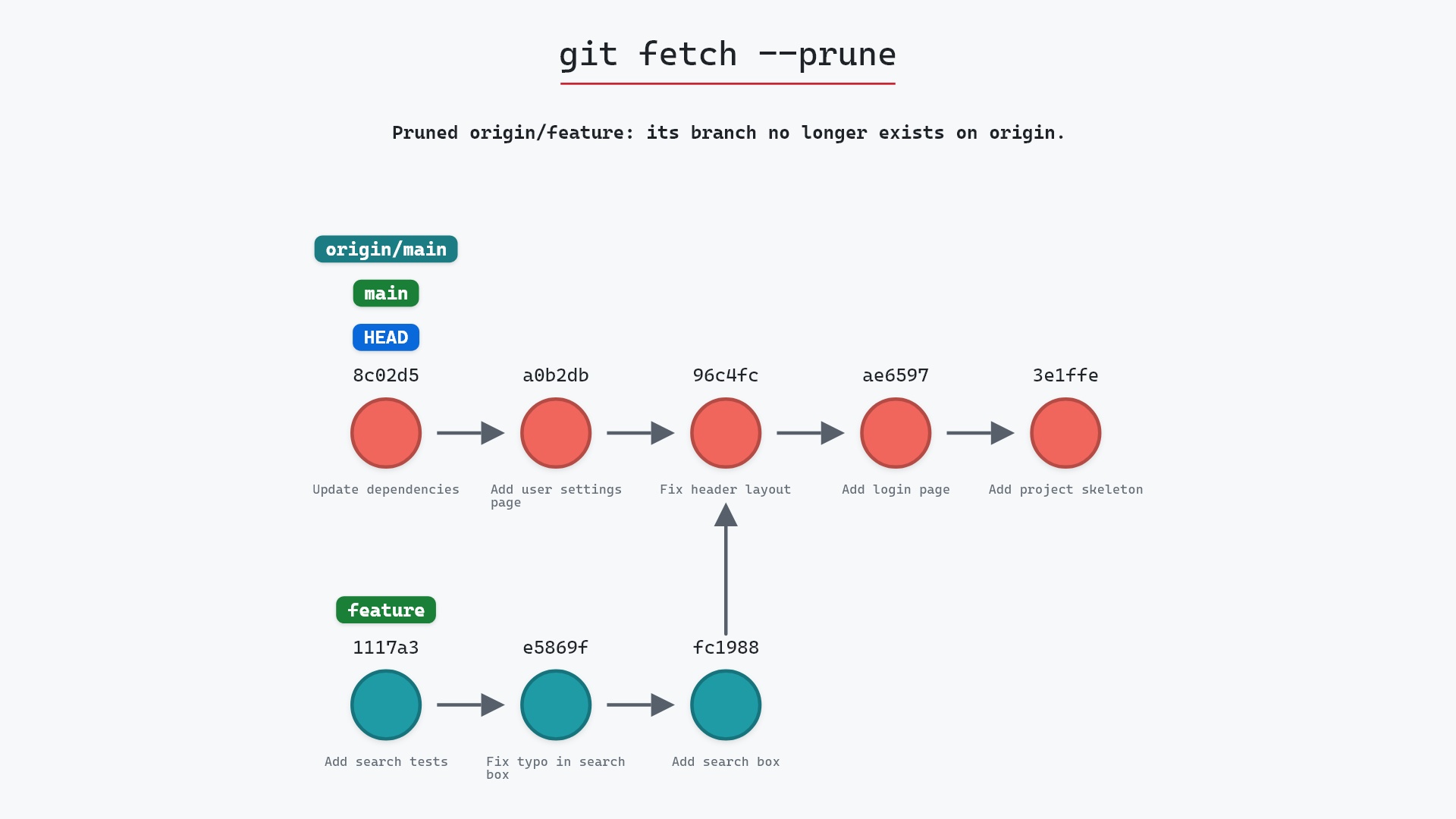
Our sample repo has a feature branch deleted on origin since the last fetch, still showing locally as origin/feature. That label still points at 1117a34 "Add search tests", where the branch was when a teammate deleted it on origin. Here's git fetch --prune with main checked out:
- Before:
main,HEADandorigin/mainpoint at8c02d5b"Update dependencies". The threefeaturecommits, "Add search box", "Fix typo in search box" and "Add search tests", branch off96c4fc2"Fix header layout", andorigin/featurestill points at1117a34. - Git deletes the remote-tracking branch
origin/feature, because its branch no longer exists on origin.origin/mainstays on8c02d5b: origin had nothing new onmain, so the fetch itself brought in nothing.
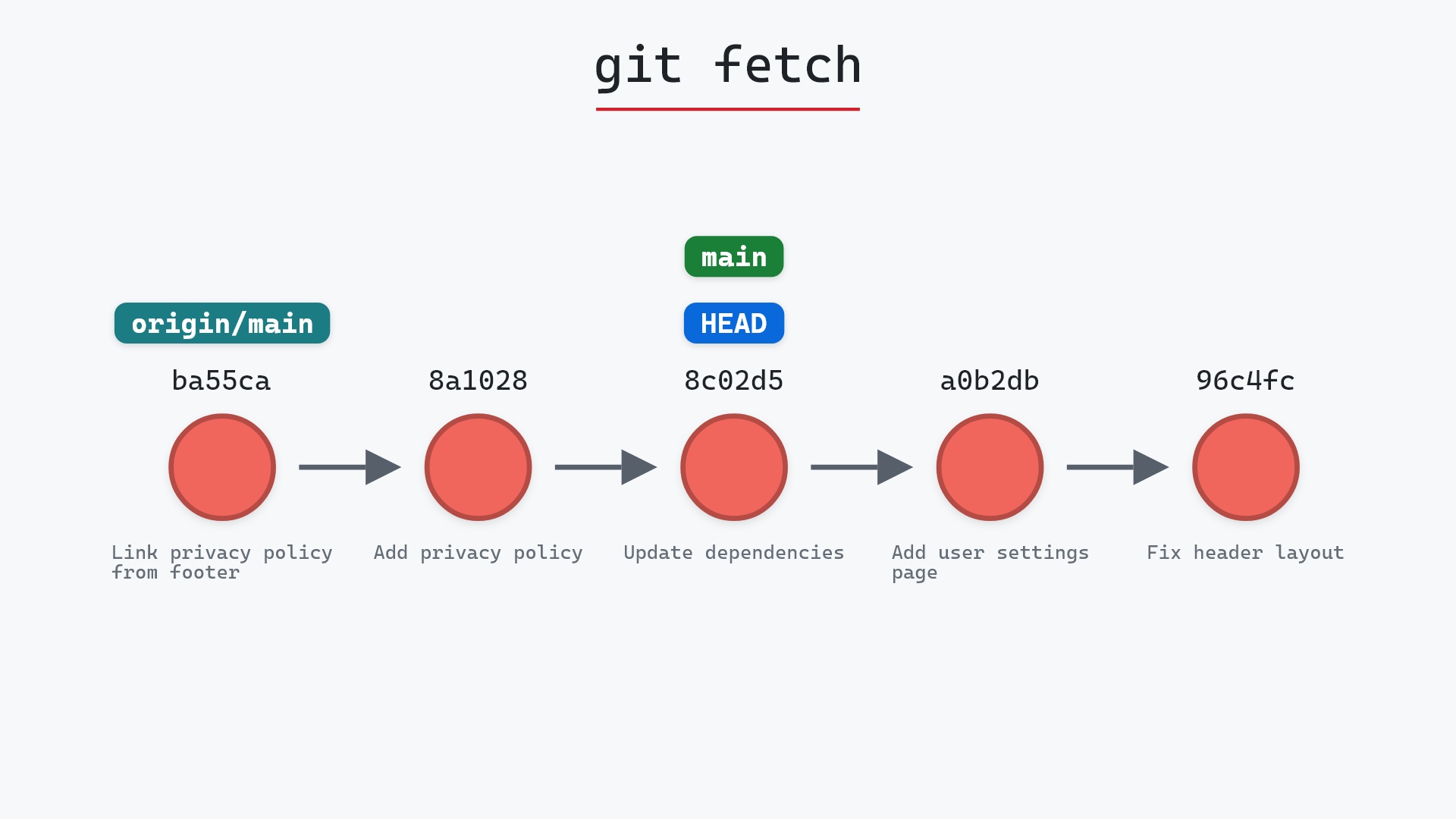
If you run it without --prune, git-sim draws the fetch and adds a note instead, naming the remote-tracking branches that no longer exist on origin and saying git fetch --prune removes them. That's handy on an old clone, where it can be a long list.
Before and after
The commits are the same before and after. Only one label is different, and Git reports it in its output as a deletion:
The raw git output, if you want to read along in text
git log --oneline --graph --all
before
* 1117a34 (origin/feature, feature) Add search tests
* e5869f0 Fix typo in search box
* fc19889 Add search box
| * 8c02d5b (HEAD -> main, origin/main, origin/HEAD) Update dependencies
| * a0b2db3 Add user settings page
|/
* 96c4fc2 Fix header layout
* ae65976 Add login page
* 3e1ffe4 Add project skeleton
* 4114b2c Initial commit
after
* 1117a34 (feature) Add search tests
* e5869f0 Fix typo in search box
* fc19889 Add search box
| * 8c02d5b (HEAD -> main, origin/main, origin/HEAD) Update dependencies
| * a0b2db3 Add user settings page
|/
* 96c4fc2 Fix header layout
* ae65976 Add login page
* 3e1ffe4 Add project skeleton
* 4114b2c Initial commit
what git printed
From ../your_project
 - [deleted]         (none)     -> origin/feature
Look at the first line of each log. Before, 1117a34 carries both origin/feature and feature. After, it carries only feature. The three commits are still there, since your local branch still points at them.
Is it safe?
Safe git-sim pre-flight
'fetch' downloads new commits and moves remote-tracking refs (origin/*); local branches and files are untouched.
Pruning only deletes labels. A remote-tracking branch is just a copy of what origin had, and origin has already deleted the real branch, so there's nothing in origin/feature that you could fetch again anyway.
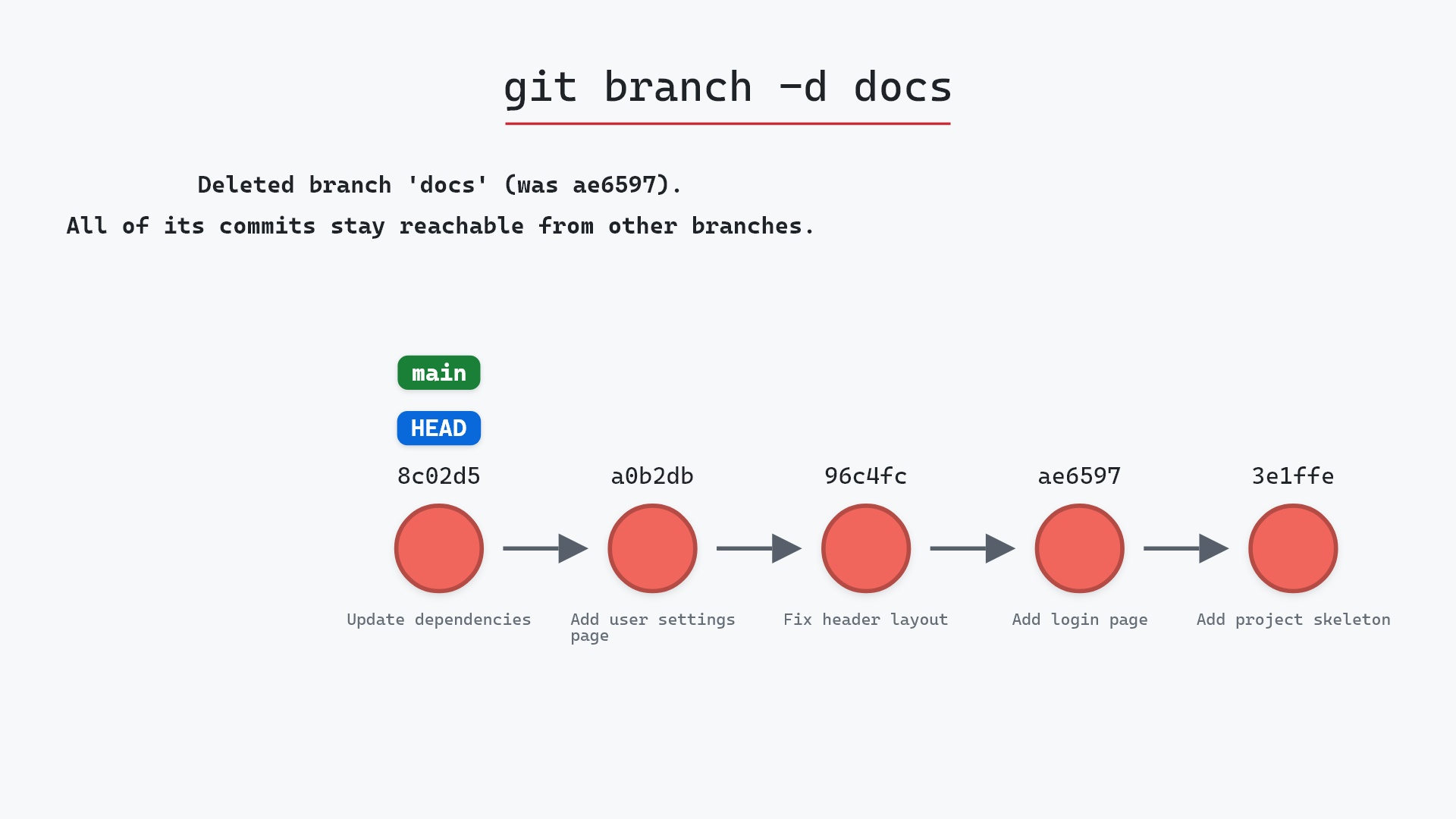
Local branches are never pruned. Your own feature stays exactly where it was, with its three commits. If you're done with it, delete it yourself with git branch -d, which checks that its commits are merged first. If feature was set to track origin/feature, git branch -vv now shows it as [origin/feature: gone], which is a nice way to spot local branches whose remote side has disappeared.
fetch.prune to true in my global config a long time ago and forgot about it, until I sat down at a fresh machine and git branch -a was full of branches I knew had been deleted. The config setting only arrived in Git 1.8.5. Before that, you had to remember the flag on every fetch.
How to undo it
You rarely need to, but if you pruned a label you wanted, the commit it pointed at is still in your repository as long as something else points at it (here, your local feature). You can put the label back by hand:
git update-ref refs/remotes/origin/feature 1117a34
It will simply be pruned again on your next git fetch --prune, because the branch really is gone on origin. If what you want is the branch back on origin, push it from your local copy with git push origin feature. That creates feature on origin again, and origin/feature comes back with it.
Useful forms
git config --global fetch.prune truemakes everygit fetchandgit pullprune, so you never have to type the flag.remote.origin.prunedoes the same for one remote.git remote prune originprunes without fetching anything.git remote prune --dry-run originlists what it would remove, one* [would prune] origin/featureline per branch.git fetch --prune --prune-tagsalso deletes local tags that don't exist on origin. Be careful with this one: a tag you made locally and never pushed doesn't exist on origin either, so it gets deleted too. It needs--prunealongside it, andfetch.pruneTagsmakes it the default. The git tag page covers what a tag is in the first place.git fetch --all --pruneprunes every remote you have, not just origin.
The --prune section of the git fetch documentation spells out how pruning interacts with refspecs and tags.
Try it on your repository
pip install git-sim
git-sim fetch --prune
git-sim fades out each remote-tracking branch that would be pruned, and it's read-only, so running it doesn't prune anything.
Common questions
What does git fetch --prune do?
It fetches from the remote as usual, and deletes any remote-tracking branch, such as origin/feature, whose branch has been deleted on the remote.
Does git fetch --prune delete my local branches?
No. It only deletes origin/... style remote-tracking branches. Your local feature branch is kept, commits and all, and you delete it yourself with git branch -d feature when you're ready.
How do I make Git prune on every fetch?
Run git config --global fetch.prune true. After that, git fetch and git pull behave as if you'd passed --prune.
What is the difference between git fetch --prune and git remote prune?
git remote prune origin only removes the stale remote-tracking branches. git fetch --prune does that and fetches new commits in the same run.
Why does origin/feature still show up after the branch was deleted?
Because a plain git fetch never deletes remote-tracking branches. Your repository keeps the last thing it saw until you fetch with --prune or run git remote prune.
Summary
In this article, we watched git fetch --prune remove origin/feature after its branch was deleted on origin, saw that the commits and the local feature branch stayed put, and covered making pruning the default with fetch.prune.
Next steps
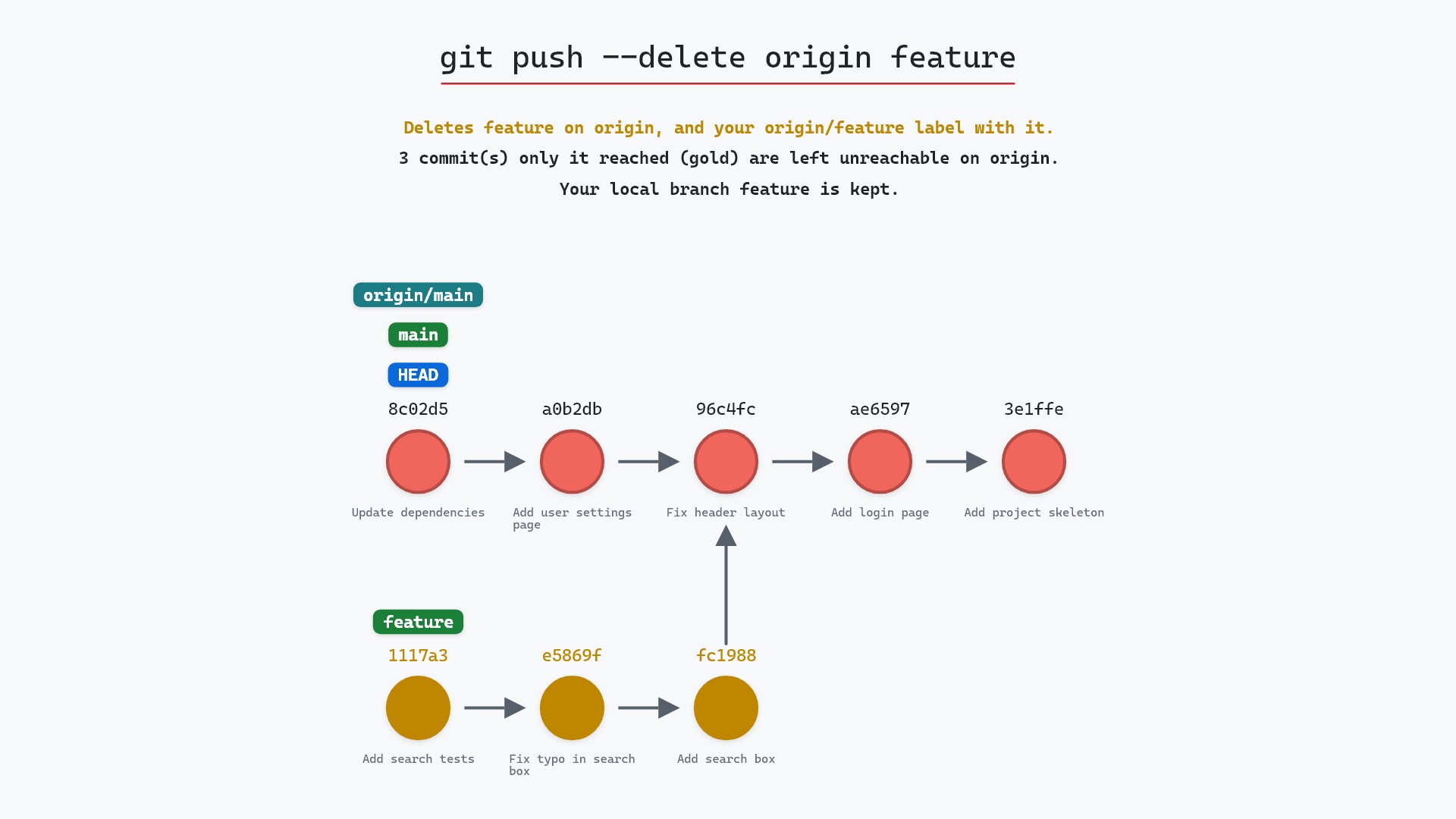
git push --delete is the other side of this page: how a branch gets deleted on origin in the first place. git branch -d cleans up the local branch that pruning leaves behind.
Related commands
- git fetch, the plain fetch this adds cleanup to
- git push --delete, which deletes the branch on origin that you later prune
- git branch -d, to delete your local copy of a pruned branch
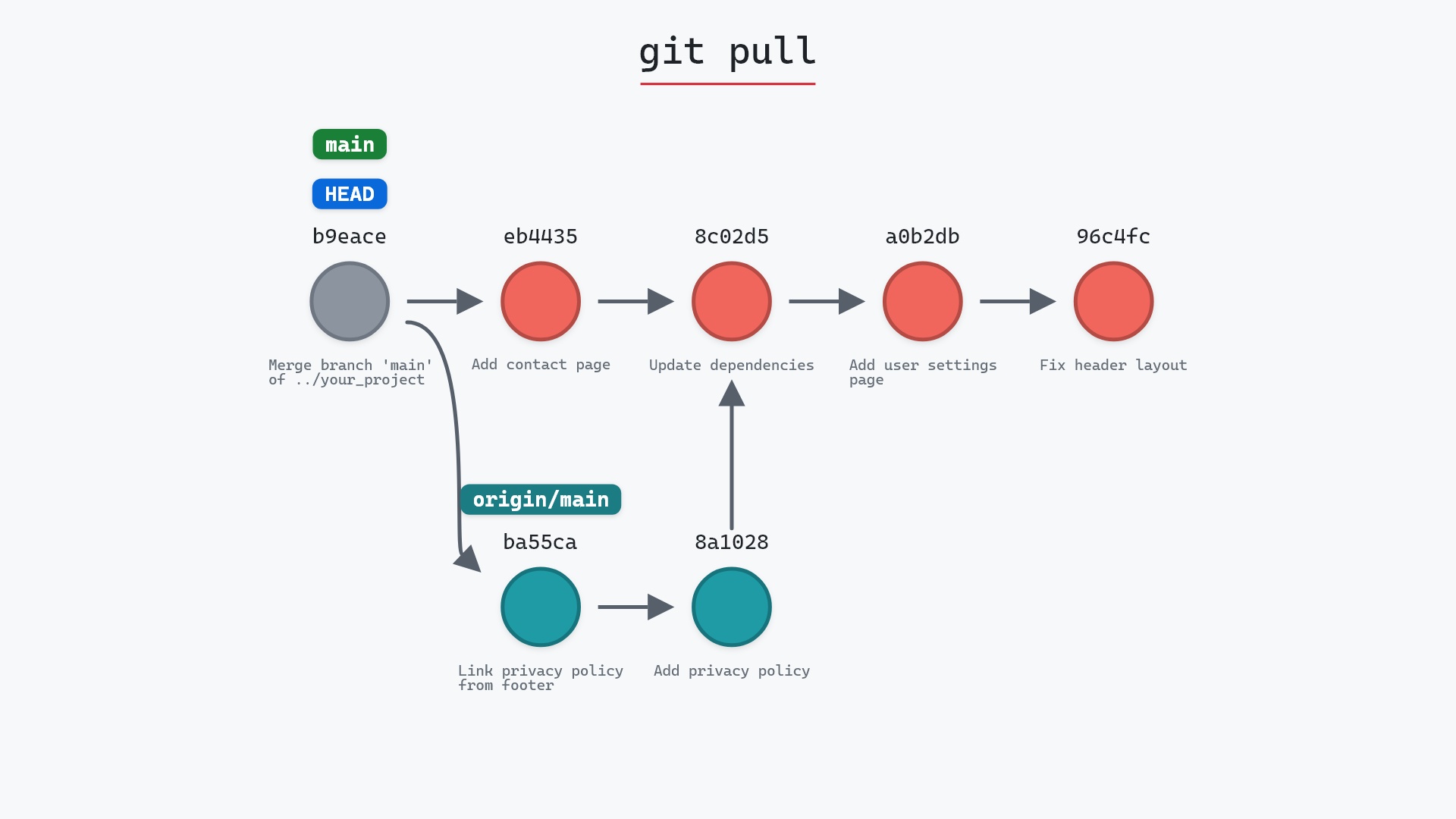
- git pull, which prunes too when
fetch.pruneis set - git remote add, where a remote like origin comes from
- git config, to turn on
fetch.prune
Get Git command tips by email, starting with git fetch --prune.