Git commands
How git push -u links your branch to its remote twin
git push -u: publishing a new branch
How to use this page
- sliderDrag it to move the graph from before the command to after it.
- ▶ / ❚❚Play or pause the command, start to finish, on a loop.
- Before · AfterJump straight to either end.
- ← → · spaceStep through a multi-step command; space toggles Before / After.
- APlay or pause from the keyboard (the page opens playing). Any manual input takes over.
- hoverA commit shows its message, author, date and parents, with its history highlighted.
- clickCopies the commit sha.
- ctrl + wheelZoom around the cursor (pinch on a trackpad). Double-click resets the view.
- EscStop playback, reset the view, close this menu.
- shareThe Share button copies a link to this graph, copies it as an image, downloads PNG/SVG/page, or posts it. #before, #after or #step=N in the link pins the state.
The Animated Git Cheat SheetFree · Customize it · Download it · Print it
git-sim visually simulates any Git command in your own repos - from your terminal, IDE, or AI.
Table of Contents
- Introduction
- What is git push -u?
- Watch it happen
- Before and after
- What "set upstream" writes
- Making it automatic
- Is it safe?
- Useful forms
- How to undo it
- Try it on your repository
- Common questions
- Summary
- Next steps
- Related commands
Introduction
You've made a new branch, committed to it, typed git push, and Git answered with fatal: The current branch hotfix has no upstream branch. That's the moment most of us learn about -u. It does two things at once: publishes the branch to the remote, and records which remote branch yours goes with, so every later push and pull on it needs no arguments.
In this article, we'll:
- Watch
git push -u origin hotfixpublish a one-commit branch - See what "set upstream" writes and what changes in
git status - Cover the setting that makes
-uautomatic, and how to undo it
What is git push -u?
git push -u <remote> <branch> (long form --set-upstream) pushes <branch> to <remote>, creating the branch there if it doesn't exist, and then sets the local branch's upstream: the remote-tracking branch it's compared against and pulls from by default. The upstream is stored as two config values, branch.<name>.remote and branch.<name>.merge.
Watch it happen
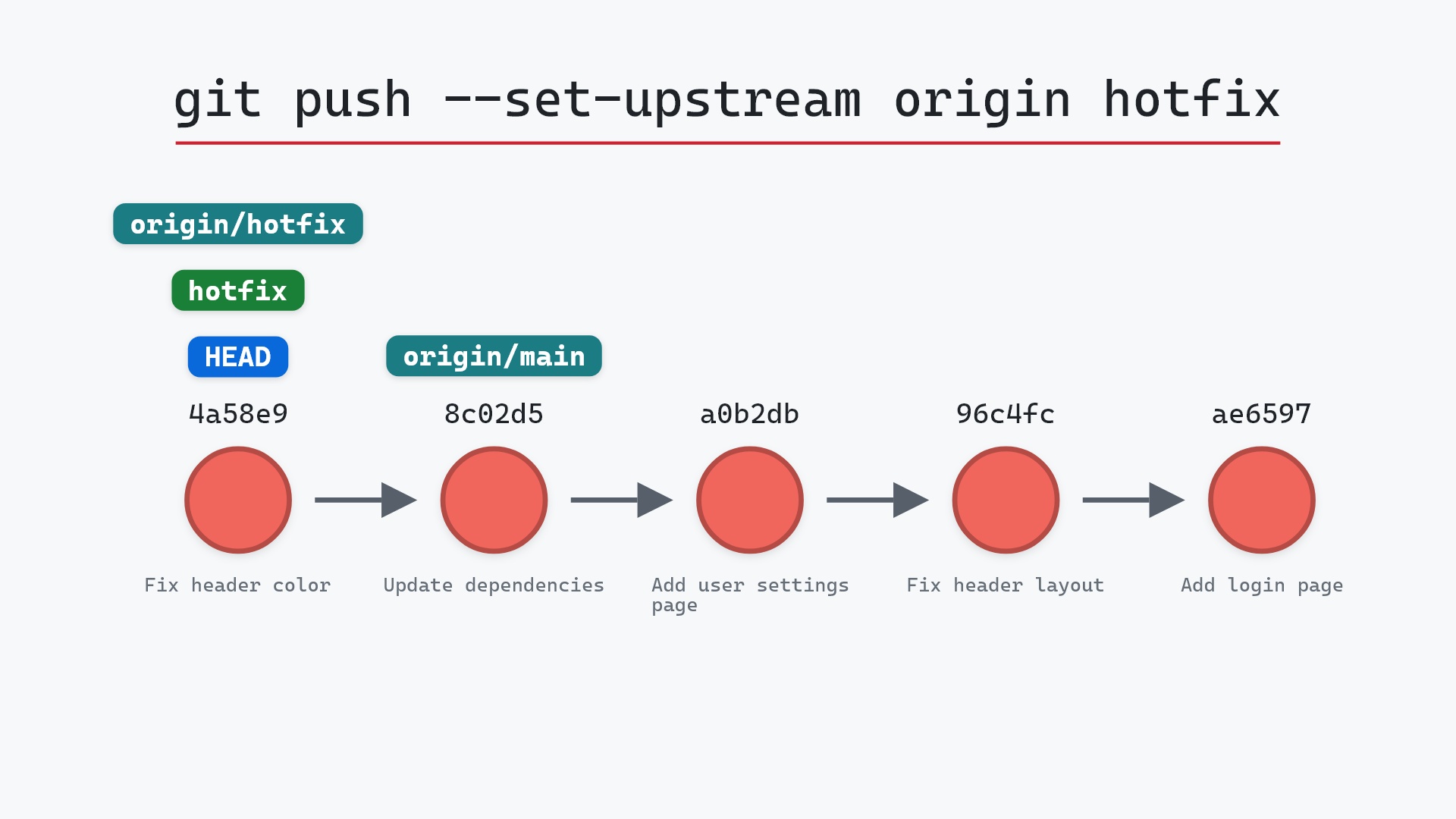
Our sample repo has a new local branch with one commit that origin has never seen. Here's git push -u origin hotfix:
- Before:
HEADis attached tohotfix, which points at4a58e97"Fix header color", one commit on top of8c02d5b"Update dependencies", whereorigin/mainpoints. There is noorigin/hotfix, because the remote has nohotfixbranch. - Git creates a
hotfixbranch on the remote at4a58e97, and a remote-tracking branchorigin/hotfixat the same commit. Because of-u,hotfixnow tracksorigin/hotfix. hotfixandHEADdon't move, and no commits are created. Git sent only4a58e97, the one commit the remote lacked. It already had everything from8c02d5bback.
Before and after
The graph gains one label and nothing else. The bigger difference is in git status. Before, the first line was just ## hotfix: a branch with nothing to compare against. After, it's ## hotfix...origin/hotfix, so from now on status can tell you when you're ahead or behind. Git's own output says what happened, in two parts:
branch 'hotfix' set up to track 'origin/hotfix'.
To ../your_project.git
 * [new branch]      hotfix -> hotfix
The raw git output, if you want to read along in text
git log --oneline --graph --all
before
* 4a58e97 (HEAD -> hotfix) Fix header color
* 8c02d5b (origin/main, origin/HEAD, main) Update dependencies
* a0b2db3 Add user settings page
| * 1117a34 (origin/feature, feature) Add search tests
| * e5869f0 Fix typo in search box
| * fc19889 Add search box
|/
* 96c4fc2 Fix header layout
* ae65976 Add login page
* 3e1ffe4 Add project skeleton
* 4114b2c Initial commit
after
* 4a58e97 (HEAD -> hotfix, origin/hotfix) Fix header color
* 8c02d5b (origin/main, origin/HEAD, main) Update dependencies
* a0b2db3 Add user settings page
| * 1117a34 (origin/feature, feature) Add search tests
| * e5869f0 Fix typo in search box
| * fc19889 Add search box
|/
* 96c4fc2 Fix header layout
* ae65976 Add login page
* 3e1ffe4 Add project skeleton
* 4114b2c Initial commit
what git printed
branch 'hotfix' set up to track 'origin/hotfix'.
To ../your_project.git
 * [new branch]      hotfix -> hotfix
What "set upstream" writes
The tracking part is two lines in .git/config:
[branch "hotfix"]
    remote = origin
    merge = refs/heads/hotfix
remote says which remote to talk to and merge says which branch on it. With those set, plain git push on hotfix knows to push to origin's hotfix, git pull knows what to fetch and merge, and git status and git branch -vv can count commits ahead and behind. You only need -u once per branch. Pushing with -u again just rewrites the same two lines.
To set or change the upstream without pushing, use git branch -u origin/hotfix (long form --set-upstream-to). To remove it, git branch --unset-upstream.
git push, the "no upstream branch" error, then copying the command Git suggested. Setting push.autoSetupRemote once in my global config got rid of that little ritual, and I haven't typed -u much since.
Making it automatic
Since Git 2.37 there's a setting for exactly this:
git config --global push.autoSetupRemote true
With it, a plain git push on a branch that has no upstream behaves like git push -u origin <branch>, creating the remote branch and setting up tracking in one go. (It pushes to your default remote, normally origin.) Without it, the error message itself mentions the setting, alongside the git push --set-upstream origin hotfix command to copy.
Is it safe?
Safe git-sim pre-flight
No upstream tracking ref found; cannot compare with remote.
The pre-flight report can't compare with the remote because hotfix has no upstream yet, which is the very thing this command sets. Pushing a brand new branch can't overwrite anything on the remote, since there was nothing there by that name. If the remote does already have a hotfix with different commits, the push is rejected like any other non-fast-forward push.
Useful forms
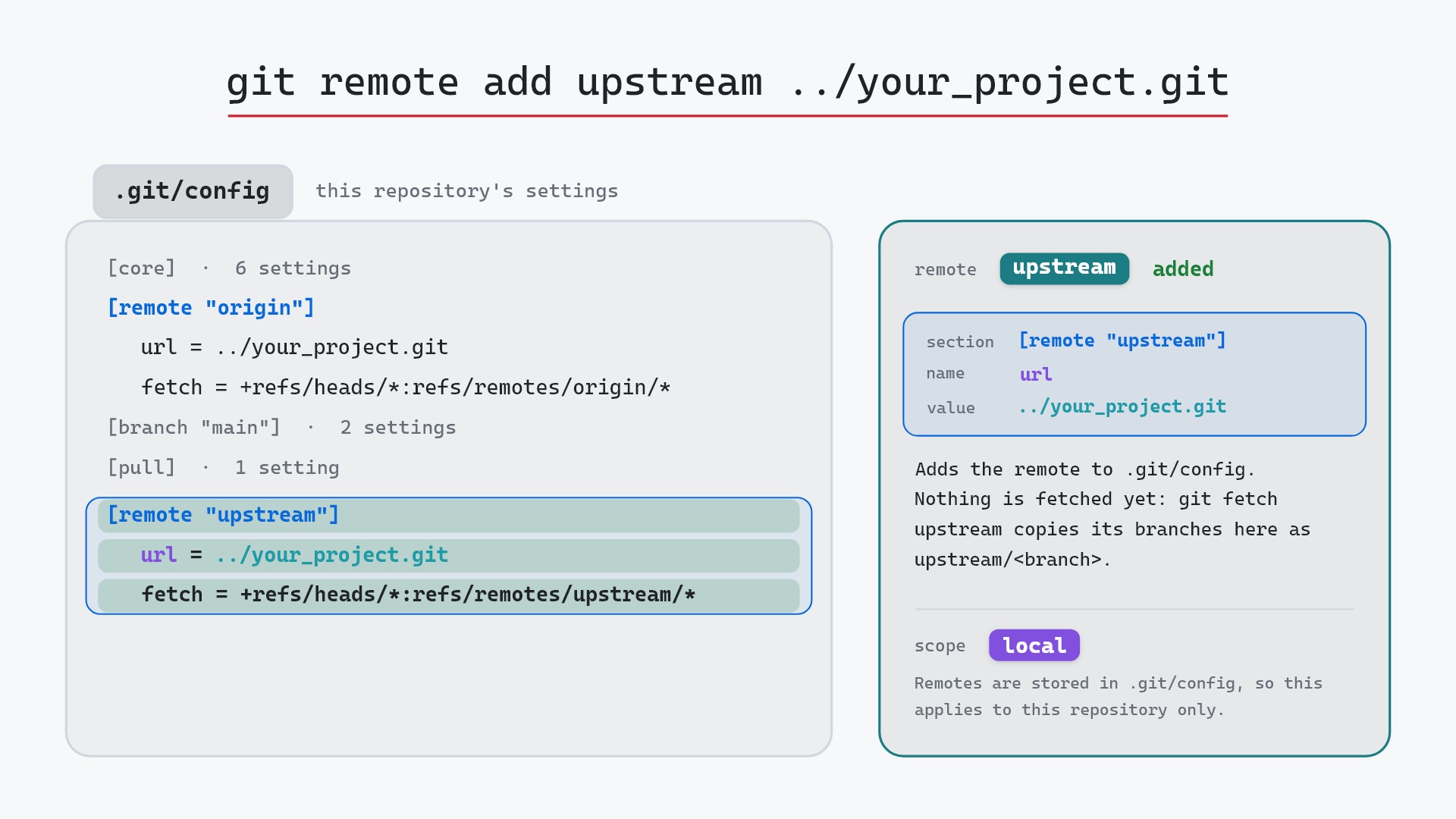
git push -u origin HEADpushes the current branch under the same name, so you don't have to type it.git push -u origin hotfix:fix/headerpublishes localhotfixasfix/headeron the remote and tracks that.git push -u upstream hotfixpublishes to a different remote, such as one added with git remote add.git branch -vvlists each local branch with its upstream and how far ahead or behind it is.
How to undo it
To take the branch off the remote:
git push origin --delete hotfix
That deletes the remote hotfix and your origin/hotfix label. Your local hotfix and its commit stay. The branch.hotfix tracking lines are left in config, pointing at a branch that's gone, so git status says the upstream is gone. git branch --unset-upstream clears them. If someone may already have fetched the branch, deleting it won't remove it from their copy.
Try it on your repository
pip install git-sim
git-sim push -u origin hotfix
git-sim draws which commits would be sent and where the new remote-tracking label would land, without contacting the remote.
Common questions
What does git push -u do?
It pushes the branch to the remote and sets it as the local branch's upstream, by writing branch.<name>.remote and branch.<name>.merge to .git/config. After that, plain git push and git pull work on the branch.
What is the difference between git push -u and git push --set-upstream?
None. -u is the short form of --set-upstream, and the git push documentation lists it with the rest of push's options.
Do I need -u every time I push?
No, only the first time for each branch. Once the upstream is set, git push is enough. With push.autoSetupRemote set to true, you never need it.
How do I see a branch's upstream?
git branch -vv shows it in brackets next to each branch, and git status names it on the second line, as in "Your branch is up to date with 'origin/hotfix'".
Summary
In this article, we watched git push -u origin hotfix send 4a58e97 "Fix header color" to the remote and put origin/hotfix on it, saw the two config lines that make it the branch's upstream, and covered push.autoSetupRemote and how to take a published branch back down.
Next steps
git push covers what happens on later pushes, including rejections. git remote add covers publishing to a remote other than origin.
Related commands
- git push, for every push after the first
- git remote add, to push to another remote
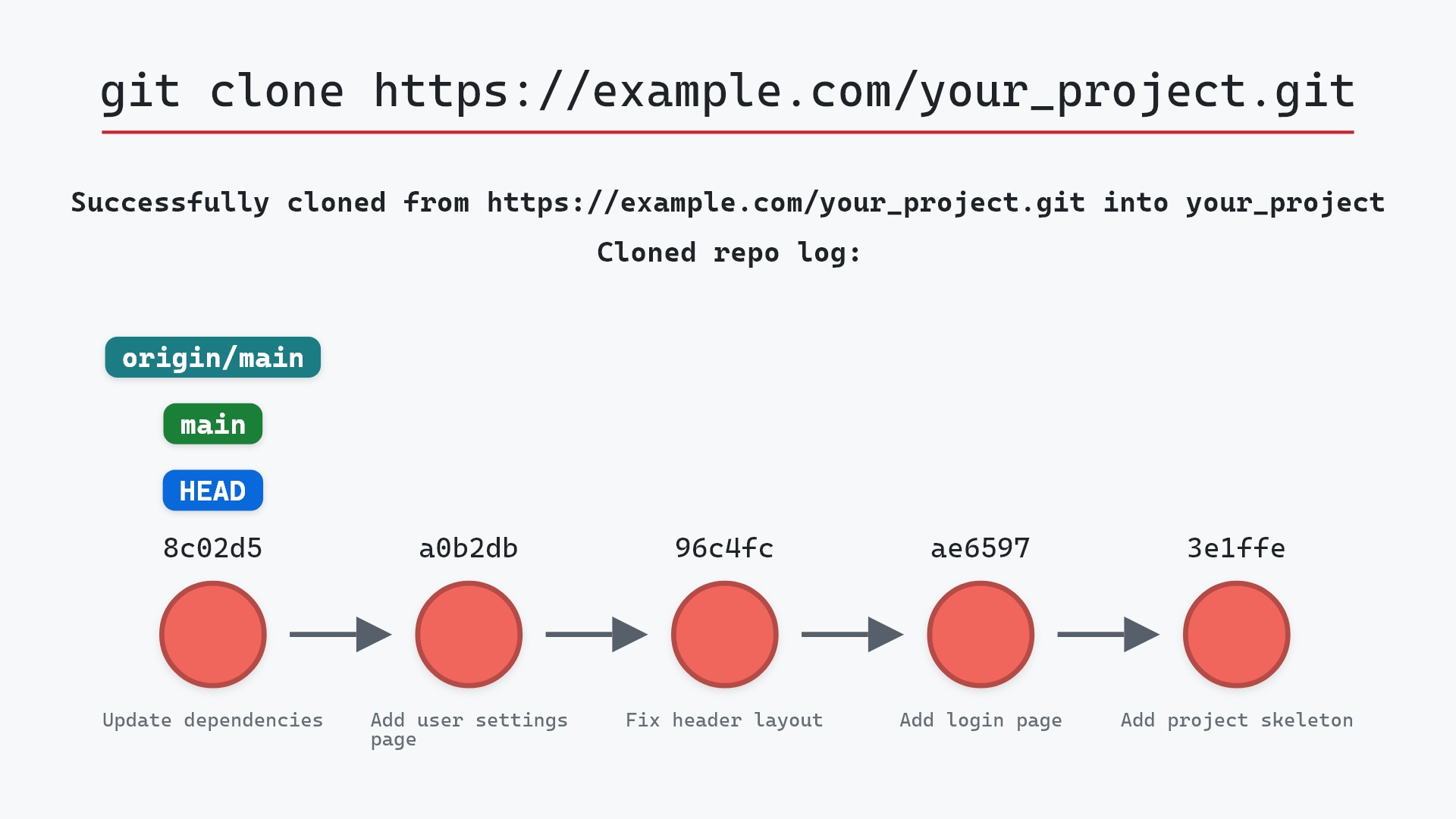
- git clone, which sets up the upstream of the default branch for you
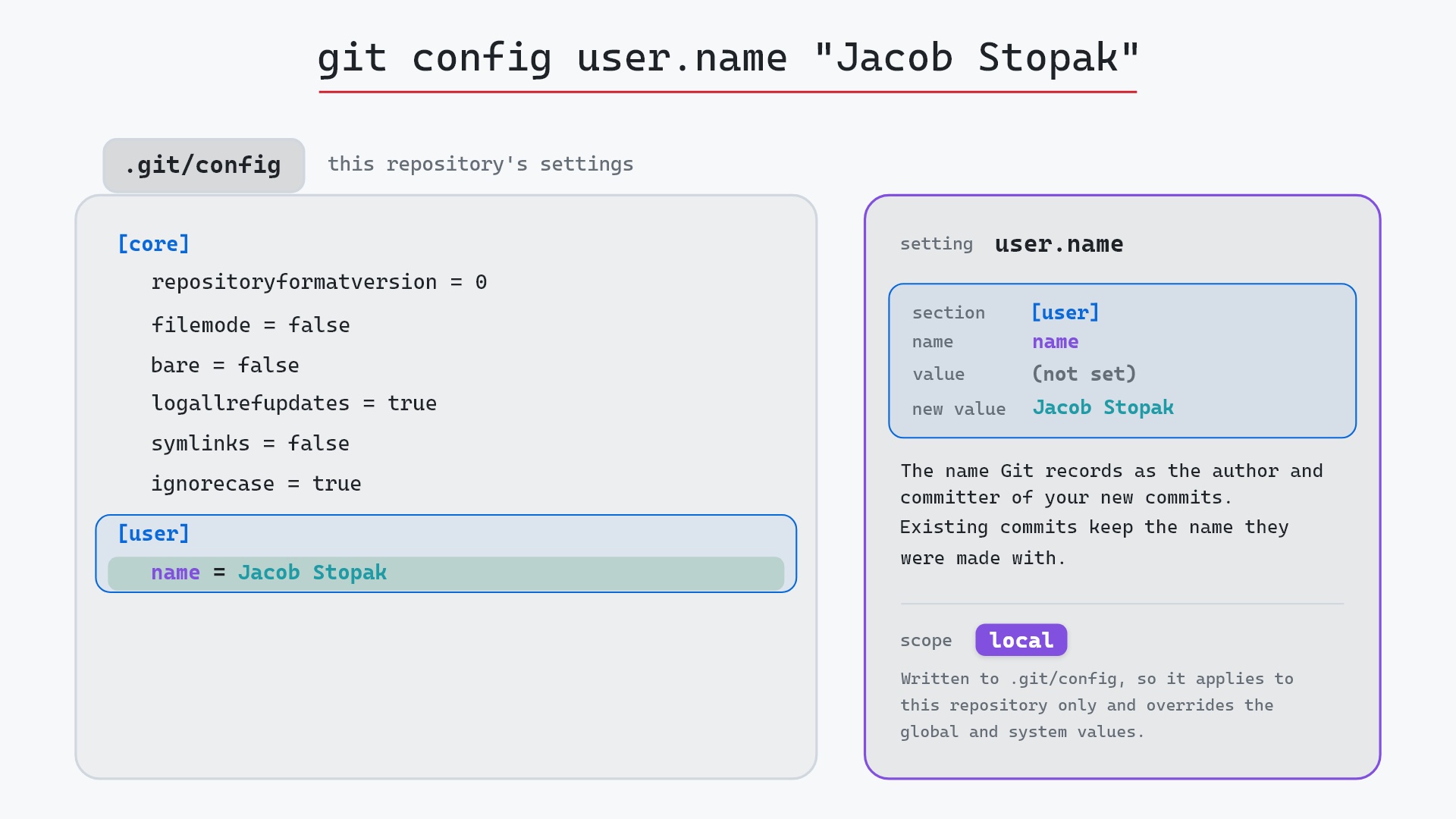
- git config, where the upstream is stored
- git fetch, to update
origin/hotfixfrom the remote - git pull, which uses the upstream to know what to merge
Get Git command tips by email, starting with git push -u.