Git commands
What git commit -a stages for you, and the files it leaves out
git commit -a: skipping the git add step
How to use this page
- sliderDrag it to move the graph from before the command to after it.
- ▶ / ❚❚Play or pause the command, start to finish, on a loop.
- Before · AfterJump straight to either end.
- ← → · spaceStep through a multi-step command; space toggles Before / After.
- APlay or pause from the keyboard (the page opens playing). Any manual input takes over.
- hoverA commit shows its message, author, date and parents, with its history highlighted.
- clickCopies the commit sha.
- ctrl + wheelZoom around the cursor (pinch on a trackpad). Double-click resets the view.
- EscStop playback, reset the view, close this menu.
- shareThe Share button copies a link to this graph, copies it as an image, downloads PNG/SVG/page, or posts it. #before, #after or #step=N in the link pins the state.
The Animated Git Cheat SheetFree · Customize it · Download it · Print it
git-sim visually simulates any Git command in your own repos - from your terminal, IDE, or AI.
Table of Contents
- Introduction
- What is git commit -a?
- Watch it happen
- Before and after
- What -a leaves out
- Is it safe?
- Useful forms
- How to undo it
- Try it on your repository
- Common questions
- Summary
- Next steps
- Related commands
Introduction
If you've used Git for a while, you've probably typed git add followed by git commit so many times that the first step feels like a formality. When you've edited a few files and want all of those edits in the commit, git commit -a does both in one go. It's handy, as long as you know exactly which files it picks up, because it's easy to sweep in an edit you forgot about.
In this article, we'll:
- Watch
git commit -acommit two edited files that were never staged - See which kinds of changes
-aincludes, and the one kind it skips - Cover how to undo it and when plain
git addis the better choice
What is git commit -a?
git commit -a (long form --all) stages every change to files Git already tracks, modifications and deletions alike, and then commits the staging area as usual. It's close to running git add -u followed by git commit (Pro Git calls this skipping the staging area). Untracked files, ones that have never been committed or staged, are not included. -a combines with -m, so git commit -am "message" is the common spelling.
Watch it happen
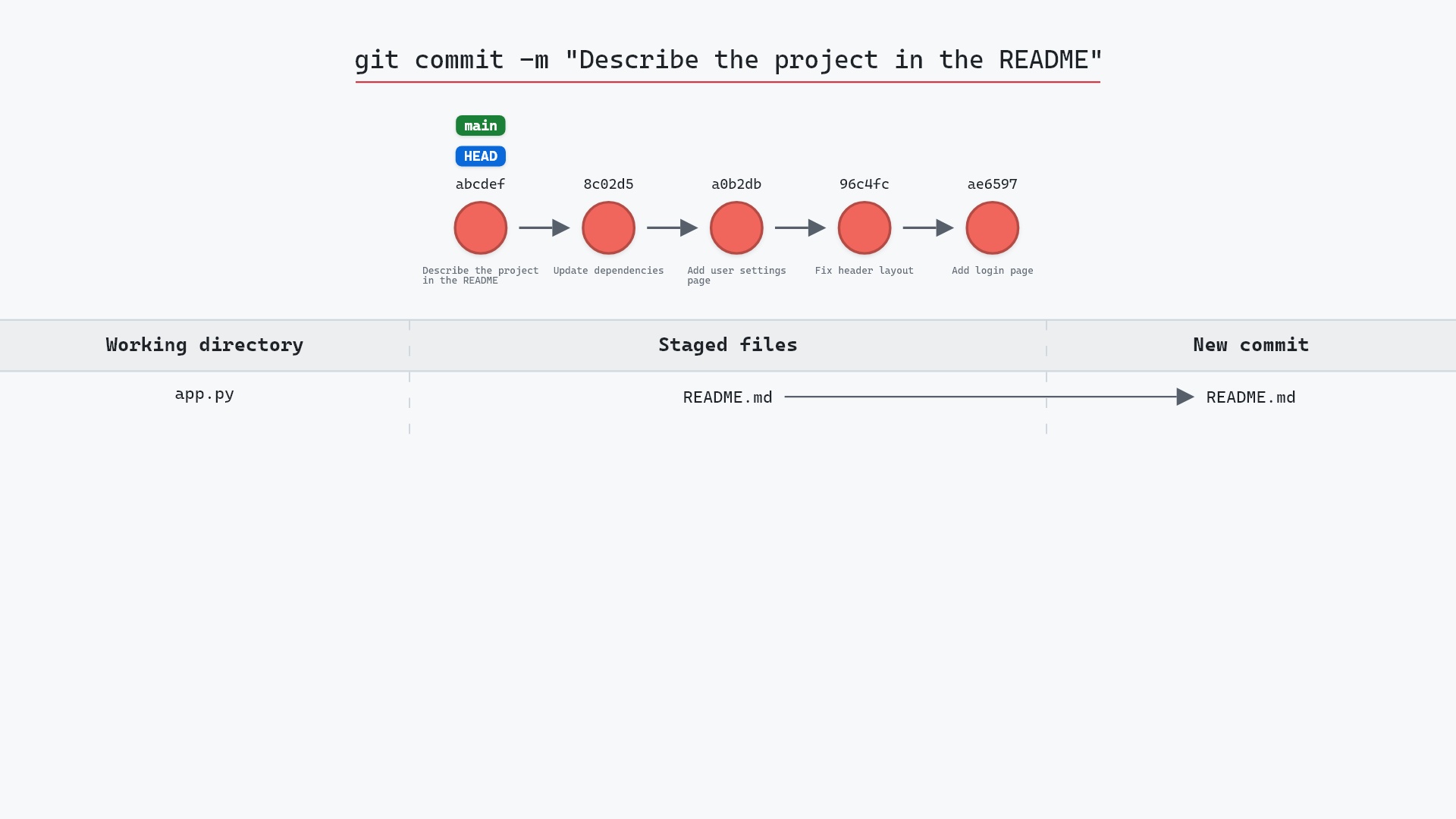
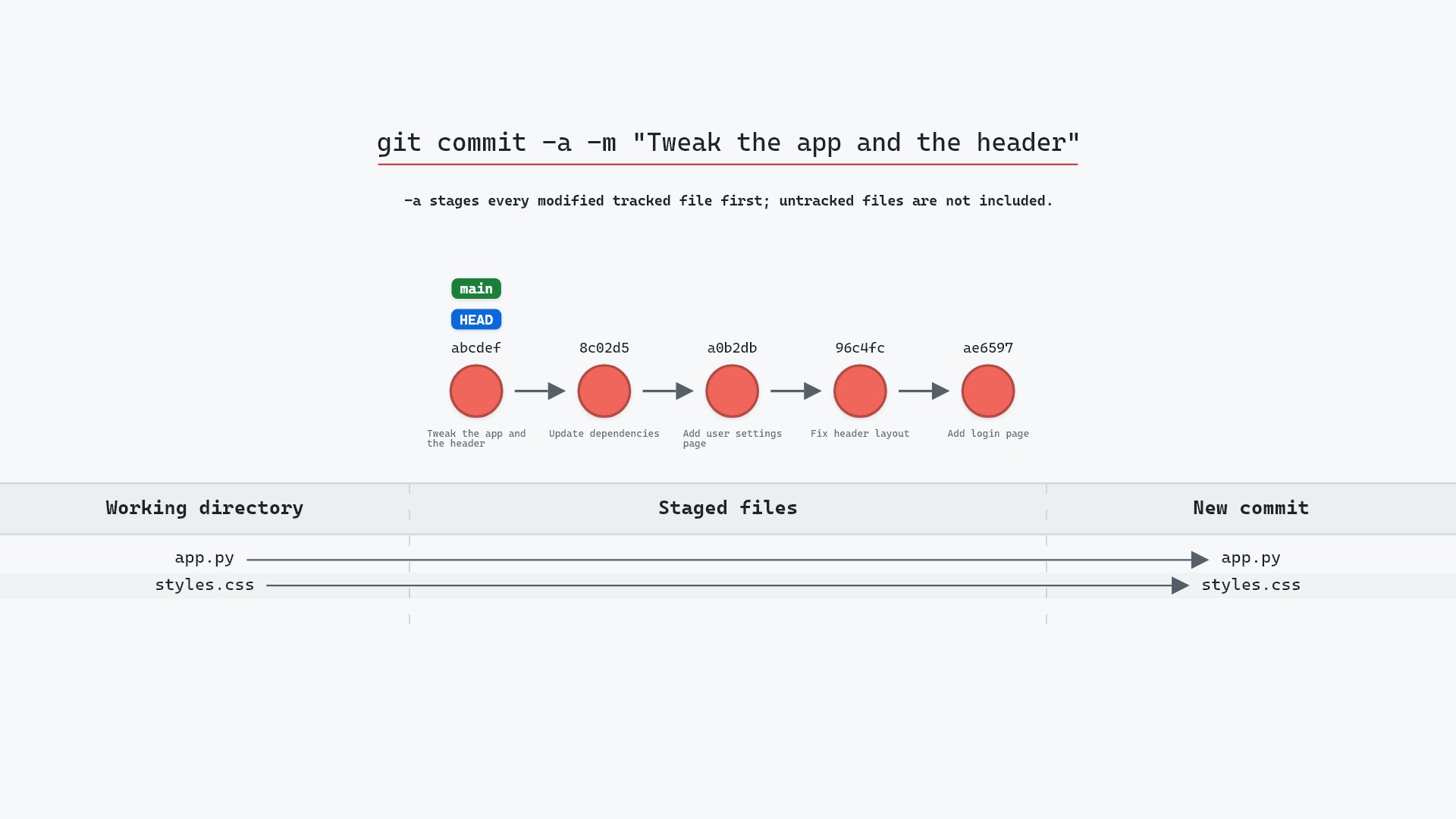
Our sample repo has two modified tracked files, nothing staged. Here's git commit -a -m "Tweak the app and the header":
- Before:
mainandHEADpoint at8c02d5b"Update dependencies".app.pyandstyles.cssare modified in the working directory, and nothing is staged. - Git stages both files in the staging area and creates a new commit from it, "Tweak the app and the header", with
8c02d5bas its parent. That's theaddstep that-adid for us. mainmoves to the new commit, andHEADmoves with it.-astages every modified tracked file first, but untracked files are not included.
git-sim labels the new commit abcdef because it draws the result before the commit exists, and a commit's hash depends on its exact contents and timestamp. When the real command ran, Git printed the real one:
[main ac8de6a] Tweak the app and the header
 2 files changed, 3 insertions(+), 3 deletions(-)
Before and after
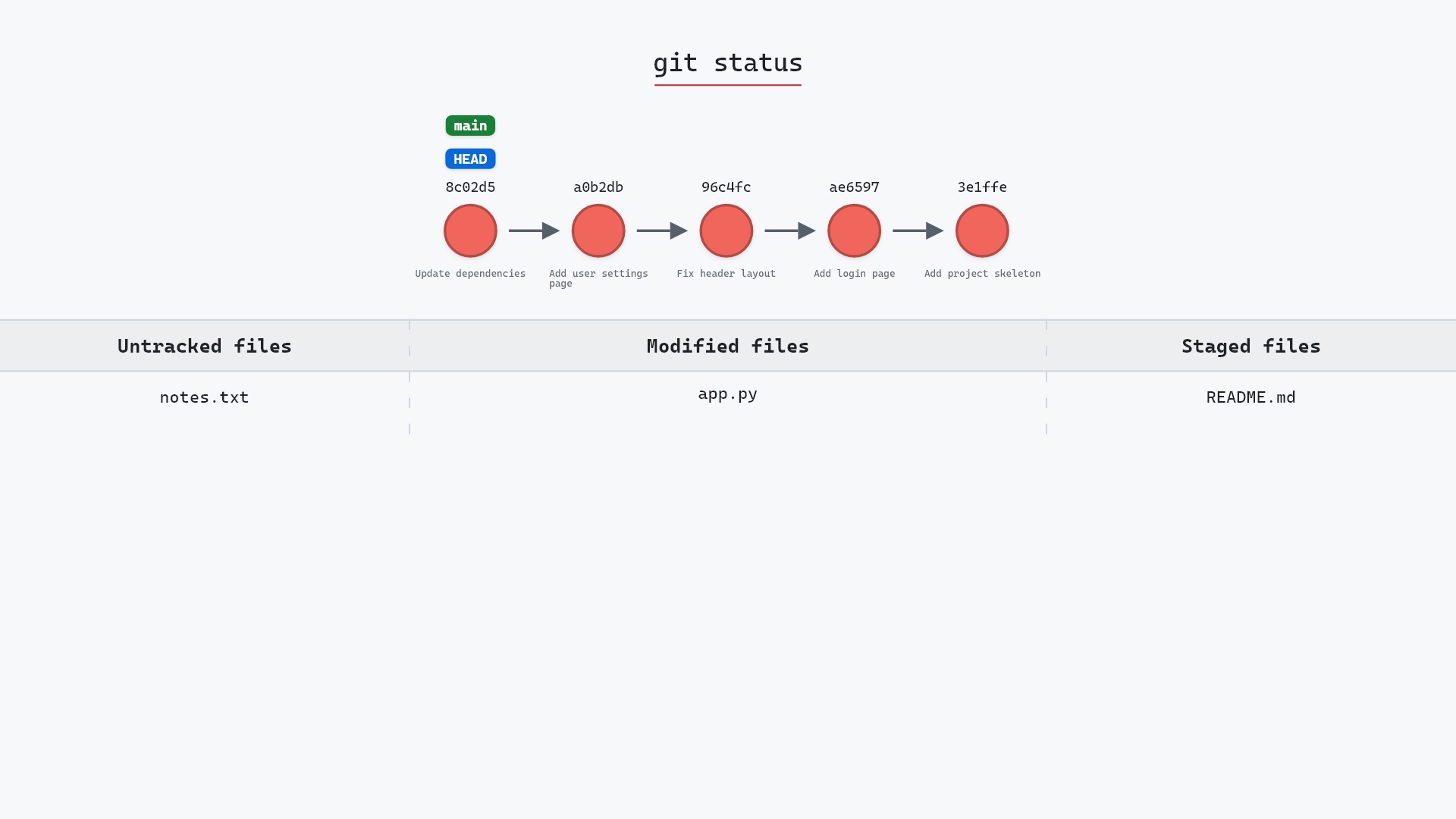
Before, git status --short listed two unstaged modifications:
 M app.py
 M styles.css
After, it lists nothing at all. Both edits are in ac8de6a, which sits on top of 8c02d5b with main and HEAD on it. The feature branch, still on 1117a34 "Add search tests", didn't move.
The raw git output, if you want to read along in text
git log --oneline --graph --all
before
* 1117a34 (feature) Add search tests
* e5869f0 Fix typo in search box
* fc19889 Add search box
| * 8c02d5b (HEAD -> main) Update dependencies
| * a0b2db3 Add user settings page
|/
* 96c4fc2 Fix header layout
* ae65976 Add login page
* 3e1ffe4 Add project skeleton
* 4114b2c Initial commit
after
* ac8de6a (HEAD -> main) Tweak the app and the header
* 8c02d5b Update dependencies
* a0b2db3 Add user settings page
| * 1117a34 (feature) Add search tests
| * e5869f0 Fix typo in search box
| * fc19889 Add search box
|/
* 96c4fc2 Fix header layout
* ae65976 Add login page
* 3e1ffe4 Add project skeleton
* 4114b2c Initial commit
what git printed
[main ac8de6a] Tweak the app and the header
 2 files changed, 3 insertions(+), 3 deletions(-)
What -a leaves out
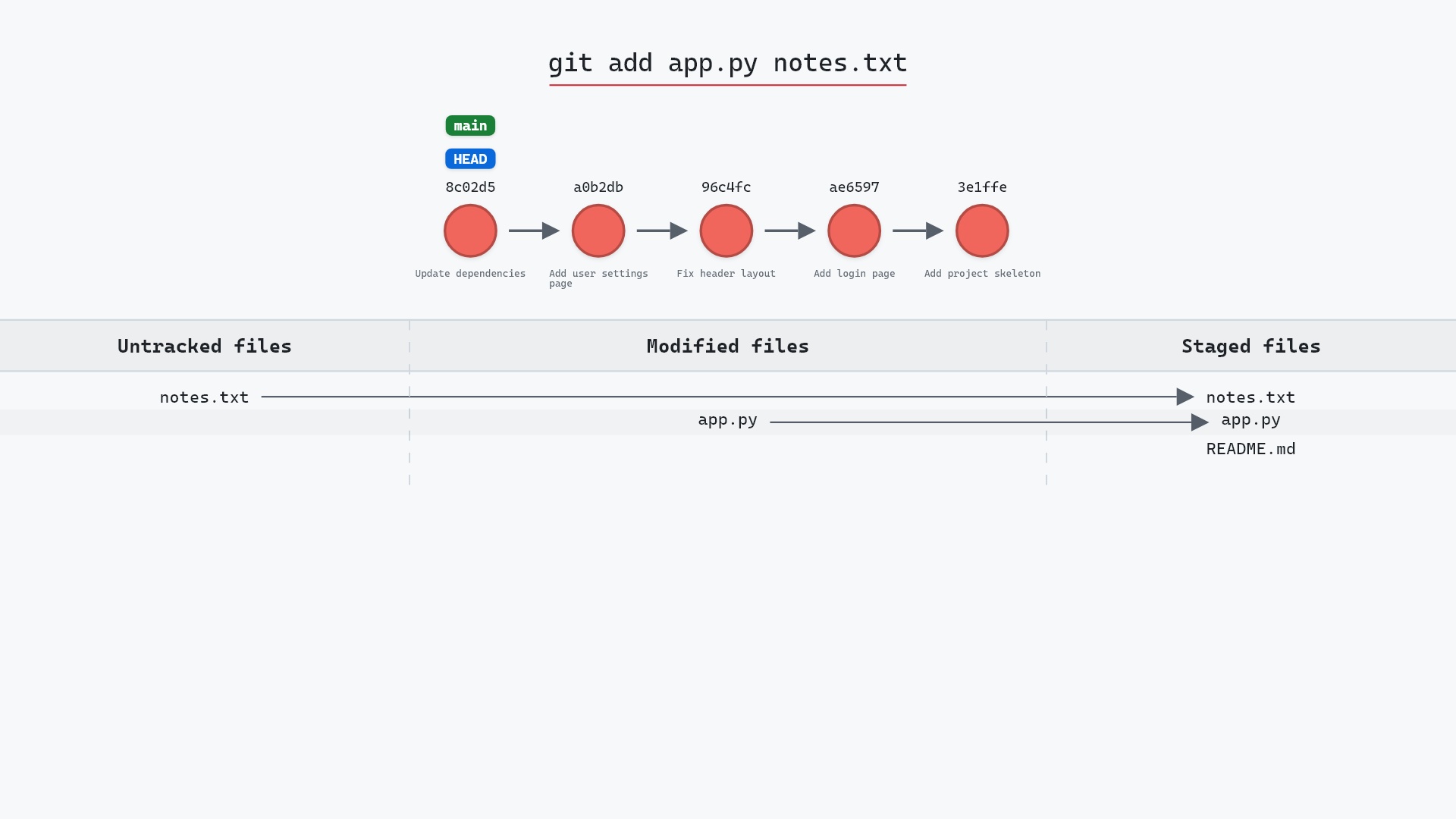
Our sample had no untracked files, so everything that was changed made it in. Suppose there had also been a new notes.txt that had never been added. After the same command, git status would still show:
?? notes.txt
-a only stages changes to paths Git already knows about. A brand new file needs an explicit git add notes.txt first, and then git commit -a (or plain git commit) takes it along with the rest. Files matched by .gitignore are never picked up either.
The flip side is that -a takes every tracked change, including ones you didn't mean to commit: a debugging line in a third file, or a file you deleted by accident. It also can't take part of a file. If you only want some of your edits in the commit, stage them with git add <file> or git add -p and commit without -a.
git commit -am mostly for small, self-contained fixes on git-sim, like a typo in a help string. More than once it has also picked up a stray print() I'd left in another file while debugging, so these days I glance at git status before I run it.
Is it safe?
Safe git-sim pre-flight
Creates a new commit; nothing at risk.
Like any commit, -a adds a commit and moves the current branch forward by one. The working directory isn't changed, and nothing is thrown away. The risk is only in what gets included, which git status or git diff shows beforehand.
Useful forms
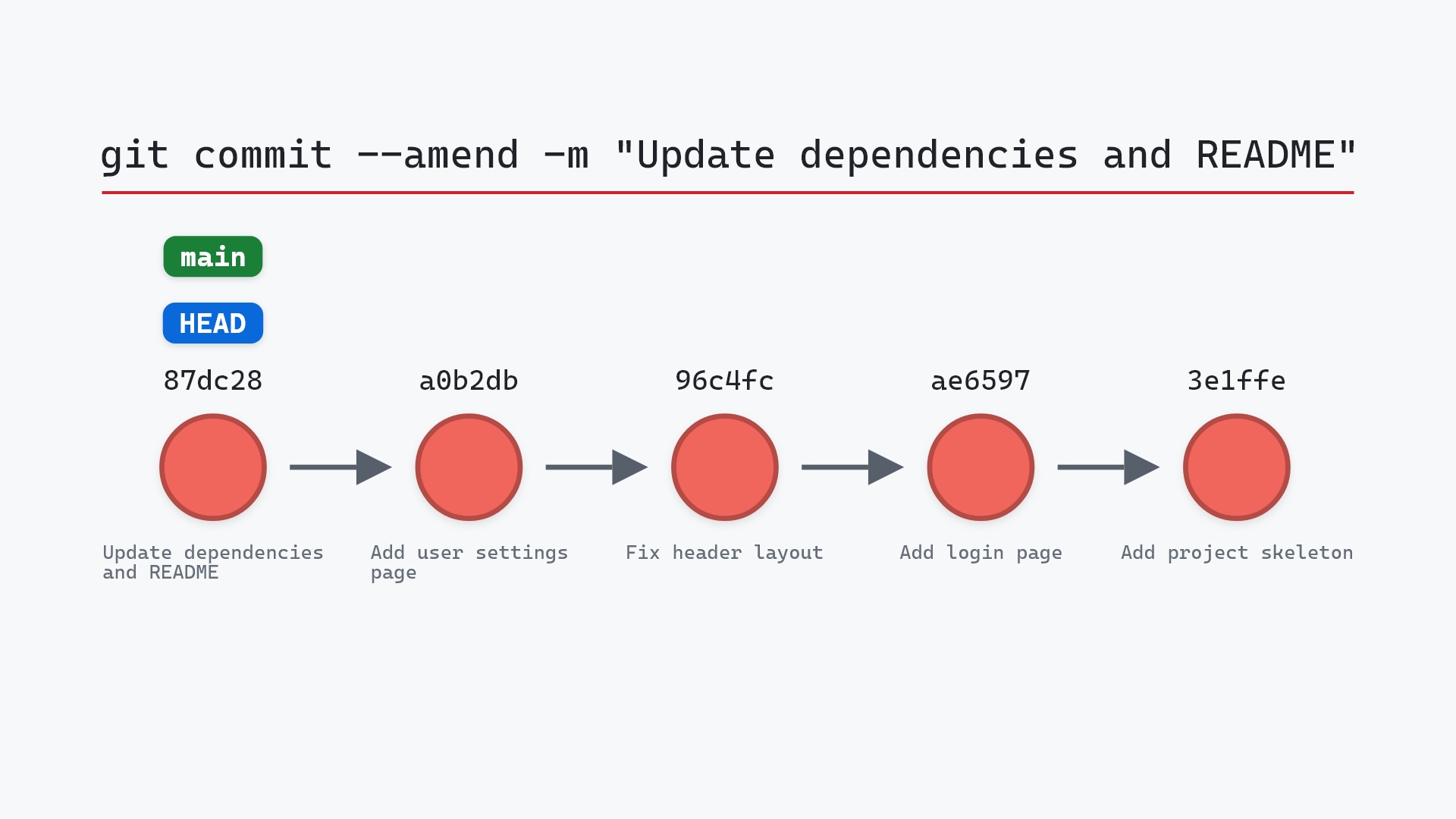
git commit -am "message"stages tracked changes and gives the message inline.git commit -a -vopens the editor with the full diff of what's about to be committed, a quick way to review what-aswept up.git commit <file>...commits only the named files' current contents (tracked files only), leaving other staged and unstaged changes alone. Combining paths with-ais an error (the git commit documentation covers-iand-o, the flags that do take paths):fatal: paths '...' with -a does not make sense.git commit -a --amendfolds all current tracked changes into the previous commit instead of making a new one. See git commit --amend.
How to undo it
To take the commit back and return to exactly where we started, with both edits unstaged:
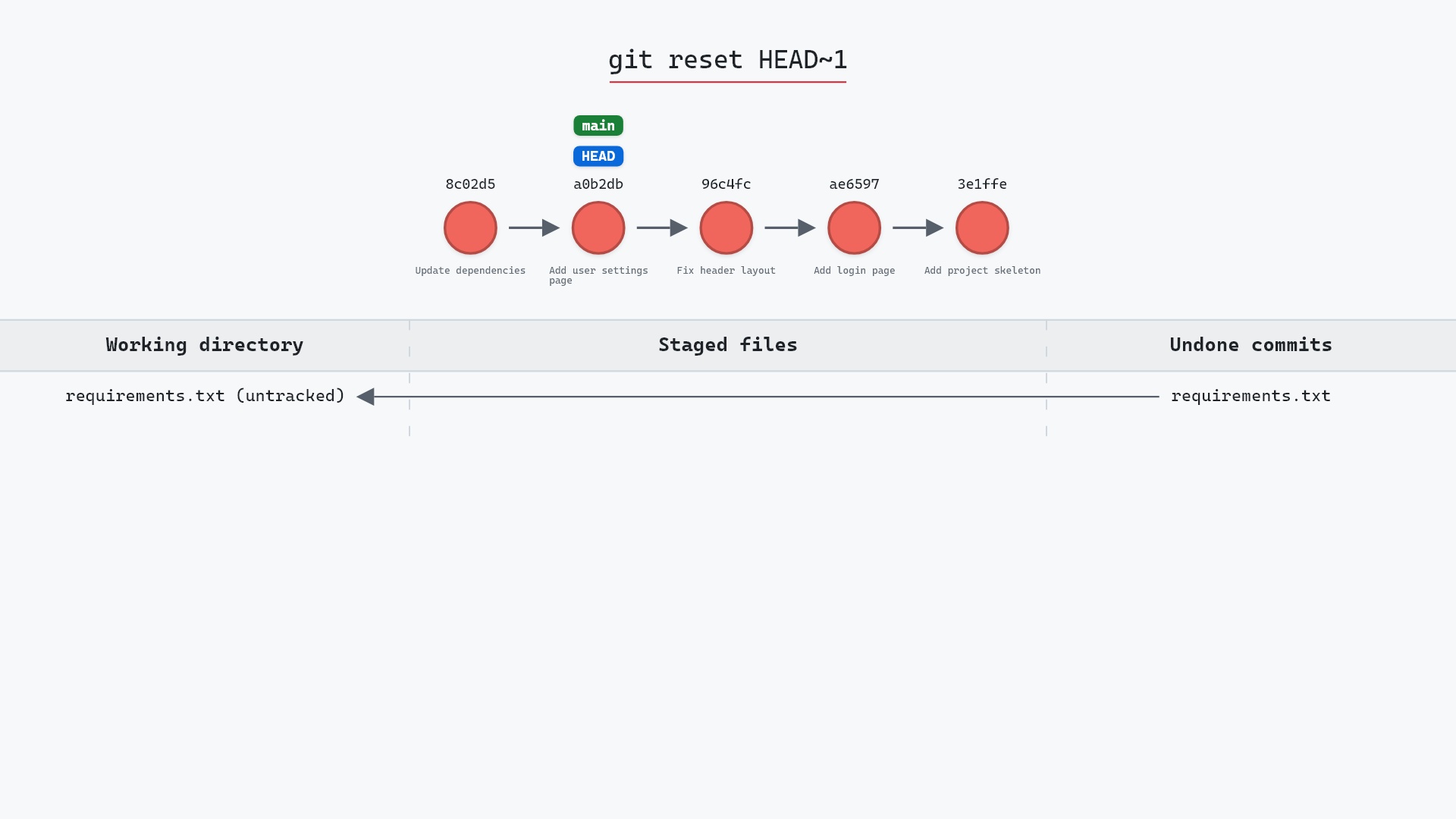
git reset HEAD~1
main moves back to 8c02d5b, and app.py and styles.css are modified in the working directory again. Use git reset --soft HEAD~1 instead if you'd rather keep the changes staged. If the commit has already been pushed, git revert it rather than resetting.
Try it on your repository
pip install git-sim
git-sim commit -a -m "Tweak the app and the header"
git-sim shows which of your tracked, modified files would go into the commit and where it would land, without committing anything.
Common questions
What does git commit -a do?
It stages all modifications and deletions of tracked files, then commits. It's a shortcut for running git add -u before git commit.
Does git commit -a add new files?
No. Untracked files are left out. Add them once with git add <file>, and from then on -a picks up their changes too.
What is the difference between git commit -a and git add . followed by git commit?
git add . also stages new, untracked files in the current directory and below, while -a only takes changes to tracked files, across the whole working tree.
Can I use git commit -a with a message?
Yes. git commit -am "message" combines -a and -m. The order matters: -ma would treat a as the message.
Summary
In this article, we watched git commit -a -m "Tweak the app and the header" take two unstaged edits straight into commit ac8de6a on top of 8c02d5b, saw that new files are left out, and covered undoing it with git reset HEAD~1.
Next steps
git commit covers what a commit records, and git add covers staging files selectively when -a would take too much.
Related commands
- git commit, the command
-amodifies - git add, for staging new files or only part of your changes
- git status, to see what
-awould pick up - git commit --amend, to fix the commit you just made
- git reset, to take the commit back
- git push -u, to publish the branch afterward
Get Git command tips by email, starting with git commit -a.